Skip to content

Coffee Shop Homepage Template

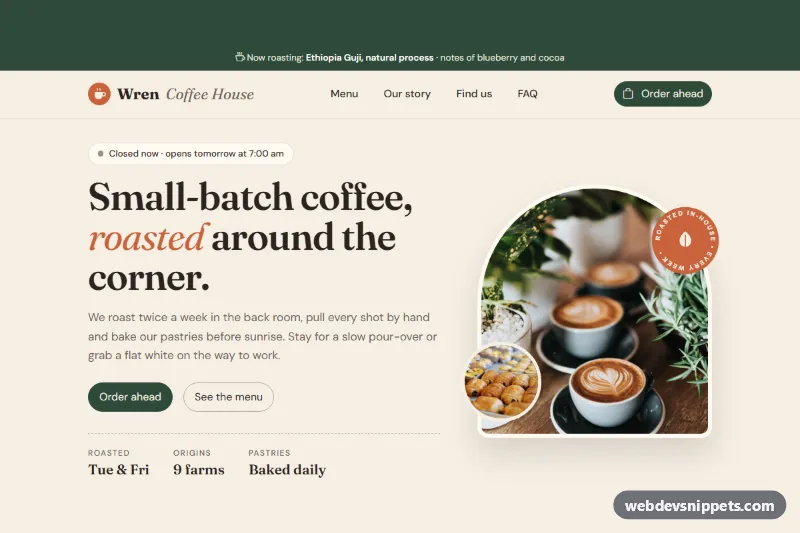
Warm, light Bootstrap 6 coffee shop homepage with an arched photo hero, filterable menu chips, roasting stepper, reviews, location map, FAQ and an order-ahead dialog.

Also known as: coffee shop website, cafe landing page, coffee roaster homepage, cafe website

Coffee Shop Homepage Template live demo

Open in new tab

Bootstrap 6 code (HTML, CSS, JS)

A warm, light Bootstrap 6 coffee shop homepage for a fictional roaster, Wren Coffee House, with a filterable menu, story, reviews, location and an order-ahead dialog using the new Combobox.

How it works

The page lives in .wr-page, which pins data-bs-theme="light" and re-maps the Bootstrap 6 primary role (--bs-primary-bg, --bs-primary-contrast and friends) to forest green, so buttons, chips and the stepper follow the brand.

  • Strip and navbar: .wr-strip names the current roast. The navbar lg:navbar-expand uses a <dialog class="drawer drawer-start"> on small screens.
  • Hero: a serif headline, two calls to action, a .wr-facts list and .wr-hero-art, an arched Unsplash photo with a round pastry photo and an SVG "roasted in-house" sticker. The .wr-status badge is computed from WR_HOURS: "Open now", "Opens today at…" or "Closed now".
  • Menu: Bootstrap 6 chip theme-primary buttons with data-wr-filter hide or show .wr-item rows by their data-wr-cat, update aria-pressed and announce the count.
  • Story: text, a photo and a four-step stepper md:stepper-horizontal inside .contains-inline (vertical on phones, horizontal from 768px).
  • Reviews, location and FAQ: quote cards, a CSS-drawn map, hours where today's row gets .wr-today, and an exclusive <details name="wr-faq"> accordion.
  • Club signup: an input-group form; an invalid email gets .is-invalid, a valid one shows a spinner and a simulated request, then #wr-toast.
  • Order ahead: #wr-order is a <dialog class="dialog"> with a searchable Combobox (data-bs-name="drink" creates a hidden input), a btn-check size group, a pickup select and a name field. On submit the script reads FormData, closes the dialog and shows the pickup time in the toast.

Customization

  • Change --wr-forest and --wr-terracotta in .wr-page (style.css) and the matching --bs-primary-* overrides to rebrand.
  • Edit WR_HOURS in script.js and the data-wr-days rows of .wr-hours to set your opening times.
  • Add menu rows with a new data-wr-cat value and a matching chip with data-wr-filter.
  • Add drinks to the order dialog as menu-item buttons with data-bs-value.
  • Replace the simulated handlers in script.js with fetch() calls to your ordering system and newsletter provider.
  • Swap the photos; they come from Unsplash and should be replaced with your own café and drinks.
  • Remove .wr-strip or .wr-faq-section for a shorter page.

Use cases

  • Cafes and roasters: an arched photo hero introduces a warm, local brand
  • Menu pages: filterable menu chips help visitors find drinks and food
  • Order ahead: a dialog with a combobox lets customers prepare a pickup order
  • Local visits: a location map, FAQ and reviews help people find and trust the shop

Accessibility

A skip link jumps to #wr-main. Filter chips use aria-pressed, the map is one labelled role="img", the toast uses role="status", and the drawer, dialog and accordion are native <dialog> and <details> elements with keyboard support. Focus outlines are visible and smooth scrolling is disabled under prefers-reduced-motion.

Bootstrap 6 notes

Built on Bootstrap 6.0.0-alpha.1 (alpha APIs can still change). Compared with Bootstrap 5: Offcanvas is now Drawer, Modal is Dialog, btn-solid theme-primary replaces btn-primary, toggle buttons put the input inside a label.btn-check, the accordion is native <details>, and Chips, Stepper and Combobox are new built-in components. The Combobox has no public reset method, so the chosen drink stays selected after an order. The script imports Dialog, Drawer and Toast from the bundle as an ES module.
Coffee Shop Homepage Template at a glance

Framework
Bootstrap 6
Code
HTML, CSS, JavaScript
JavaScript
Vanilla JavaScript, no jQuery
Dependencies
Bootstrap 6, Bootstrap Icons, fonts.googleapis.com
Layout
Responsive, works on mobile
Category
Home Pages
License
Free for personal and commercial use

Questions about this template

Can I use the Coffee Shop Homepage Template code for free?

Yes. You can copy or download the code and use it in personal and commercial projects, including client work. No sign-up is needed. Reselling it as part of a component library or template collection is not allowed; see the license.

How do I add it to my website?

Load Bootstrap 6 and Bootstrap Icons and fonts.googleapis.com from a CDN (the links are under Requirements). Paste the HTML where the component should appear, add the CSS to your stylesheet and load the JavaScript before the closing </body> tag. Download HTML gives you a complete page with everything already linked.

Does it need jQuery or a JavaScript framework?

No. The script is plain vanilla JavaScript, so it works without jQuery, React or Vue. You can still use the markup inside those frameworks.

Does it work on mobile?

Yes. The layout adapts to small screens. Use the Mobile and Tablet buttons above the live demo to check it at phone and tablet width.

Requirements

Add these to your page (already included in the download):

  • <link rel="stylesheet" href="https://cdn.jsdelivr.net/npm/bootstrap@6.0.0-alpha.1/dist/css/bootstrap.min.css">
  • <script type="module" src="https://cdn.jsdelivr.net/npm/bootstrap@6.0.0-alpha.1/dist/js/bootstrap.bundle.min.js"></script>
  • <link rel="stylesheet" href="https://cdn.jsdelivr.net/npm/bootstrap-icons@1.11.3/font/bootstrap-icons.min.css">
  • <link rel="stylesheet" href="https://fonts.googleapis.com/css2?family=Fraunces:ital,opsz,wght@0,9..144,400;0,9..144,600;0,9..144,700;1,9..144,400&family=DM+Sans:wght@400;500;600;700&display=swap">

Built for Bootstrap 6.0.0-alpha.1. Bootstrap 6 ships as an ES module, so its script and this component's JavaScript load with type="module". Alpha releases can still change before the stable version.

Coffee Shop Homepage Template – Bootstrap 6 home pages component screenshot
Coffee Shop Homepage Template · Bootstrap 6 Home Pages

More Home Pages

Restaurant Homepage Template – Bootstrap 6 home pages preview

Restaurant Homepage Template

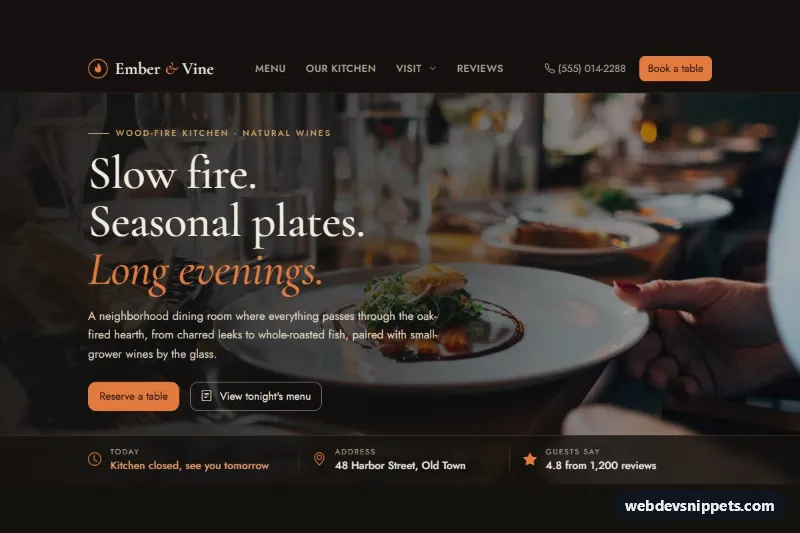
Dark Bootstrap 6 restaurant homepage with a photo hero, live opening status, tabbed menu highlights, chef story, reviews, a datepicker reservation form and footer.

Music Band Homepage Template – Bootstrap 6 home pages preview

Music Band Homepage Template

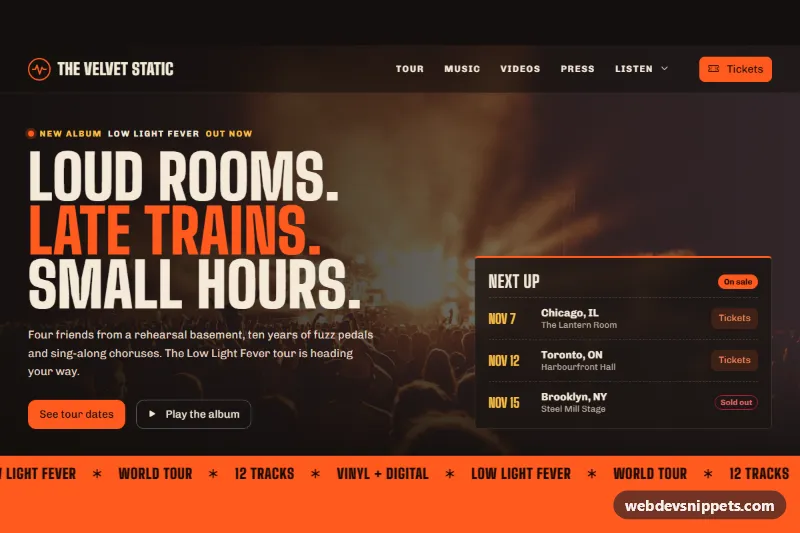
Dark Bootstrap 6 music band homepage with a photo hero, relative tour dates with a region filter, album tracklists, video dialog, press quotes and a mailing list form.

Event Conference Homepage Template – Bootstrap 6 home pages preview

Event Conference Homepage Template

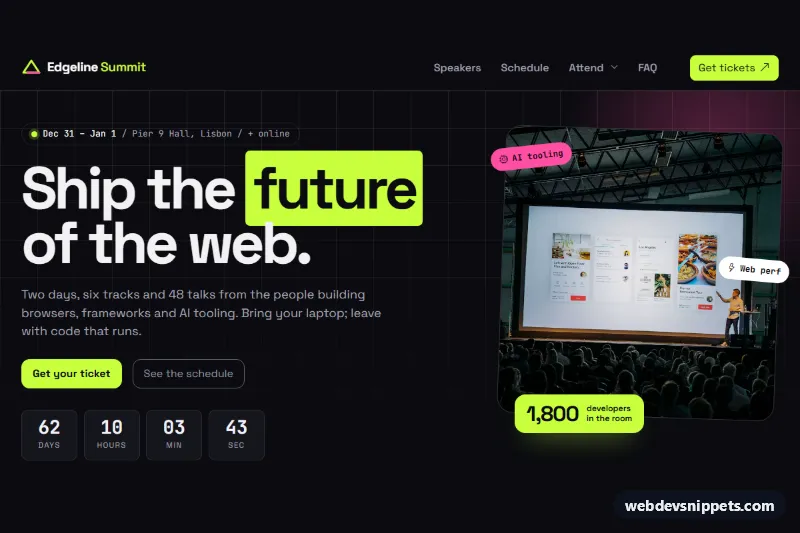
Dark Bootstrap 6 tech conference homepage template with a live countdown hero, speaker dialogs, two-day schedule tabs with track filters, ticket tiers with a team Range slider and FAQ.

Fitness Gym Homepage Template – Bootstrap 6 home pages preview

Fitness Gym Homepage Template

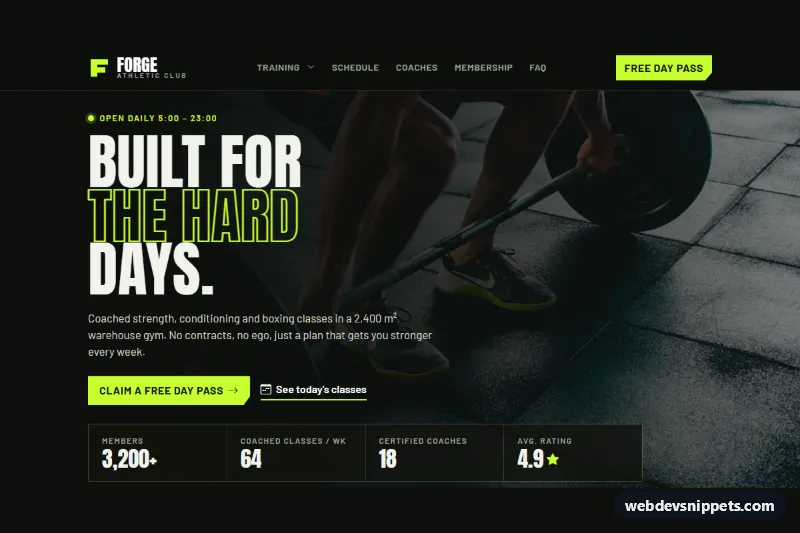
Dark Bootstrap 6 gym homepage with drawer navbar, photo hero, programs, a weekly class timetable, membership plans with a range-based recommender, coaches and a free-pass form.

Barbershop Homepage Template – Bootstrap 6 home pages preview

Barbershop Homepage Template

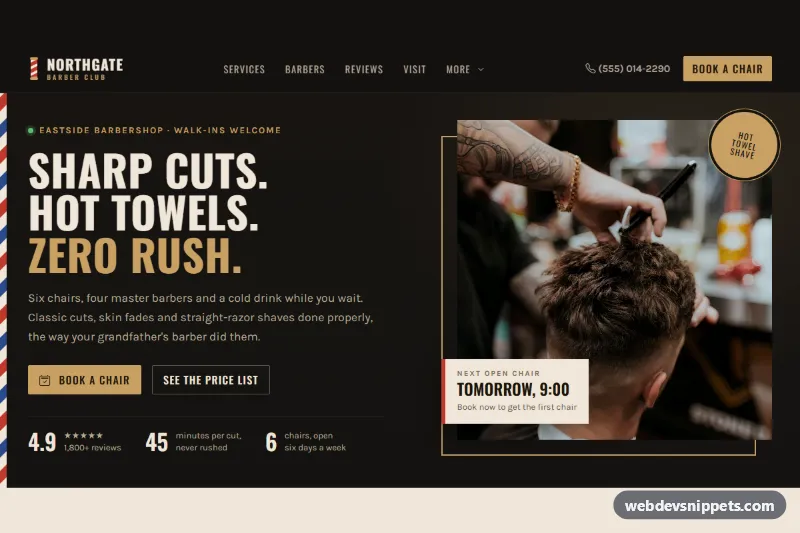
Dark Bootstrap 6 barbershop homepage with a drawer navbar, price-list tabs, barber cards, a booking form with Combobox and Datepicker, reviews, live opening hours and a footer.

Interior Design Homepage Template – Bootstrap 6 home pages preview

Interior Design Homepage Template

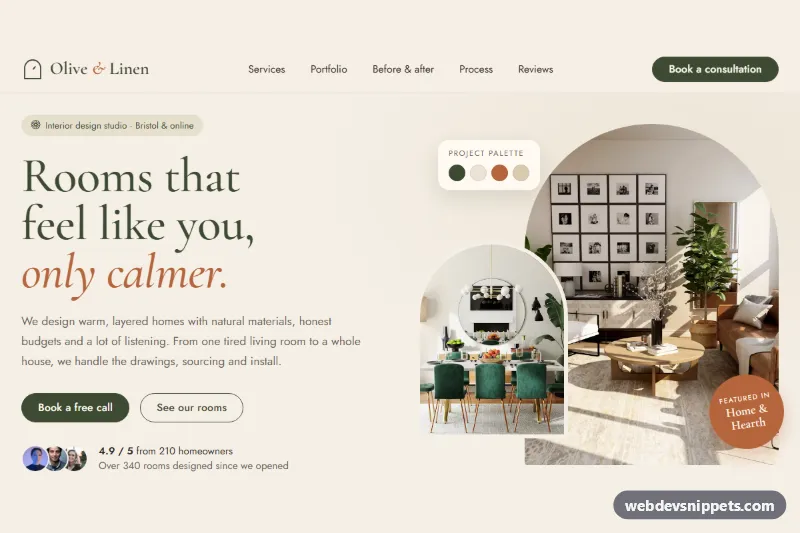
Warm Bootstrap 6 interior design homepage with arched photo hero, services, tabbed portfolio, before/after range slider, process accordion, reviews and a consultation form with datepicker.