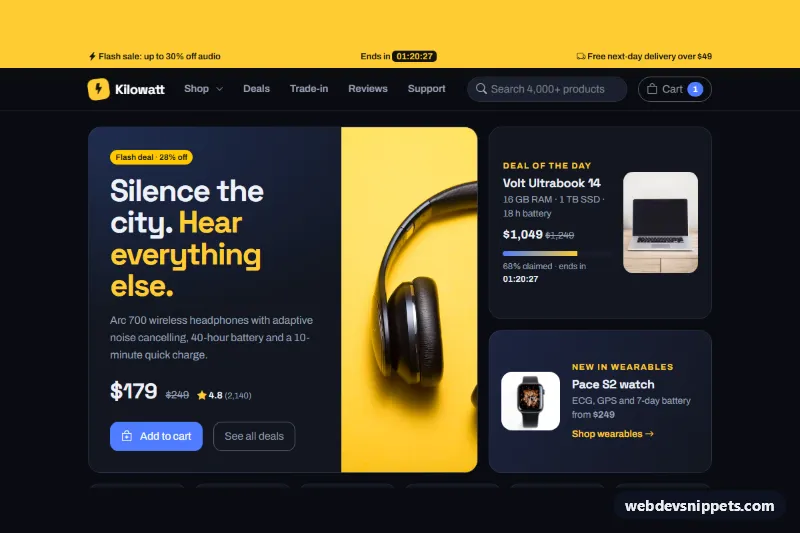
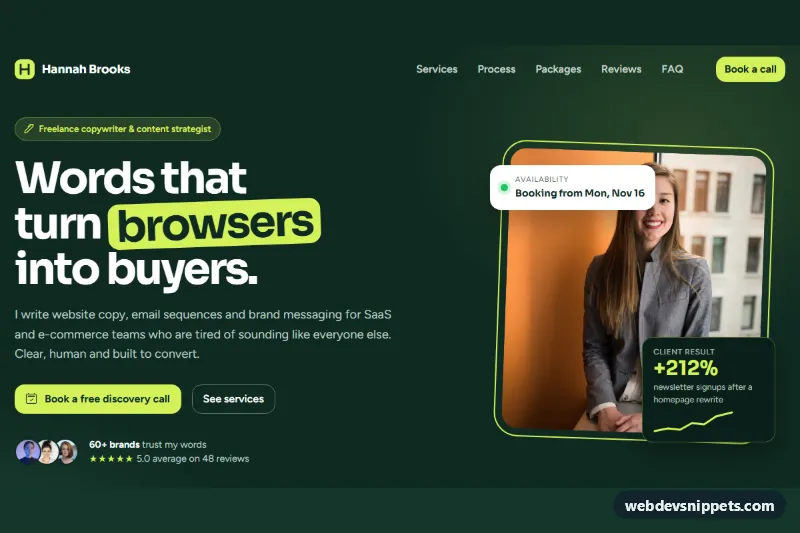
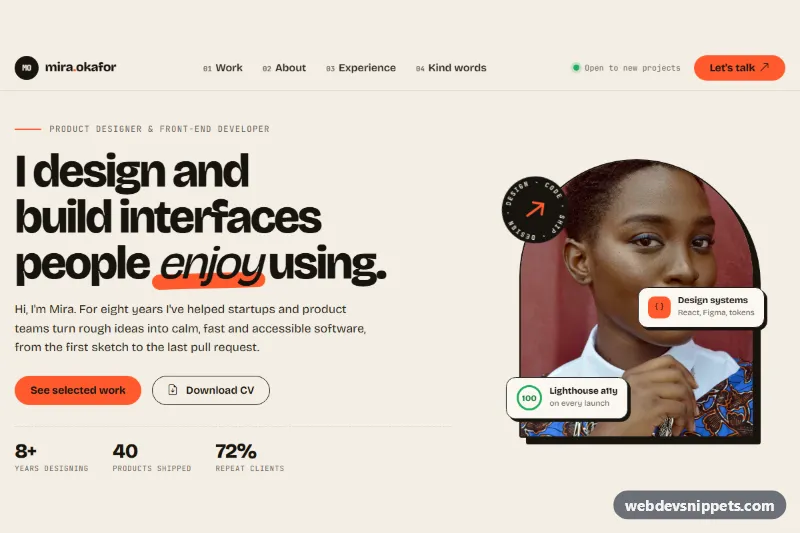
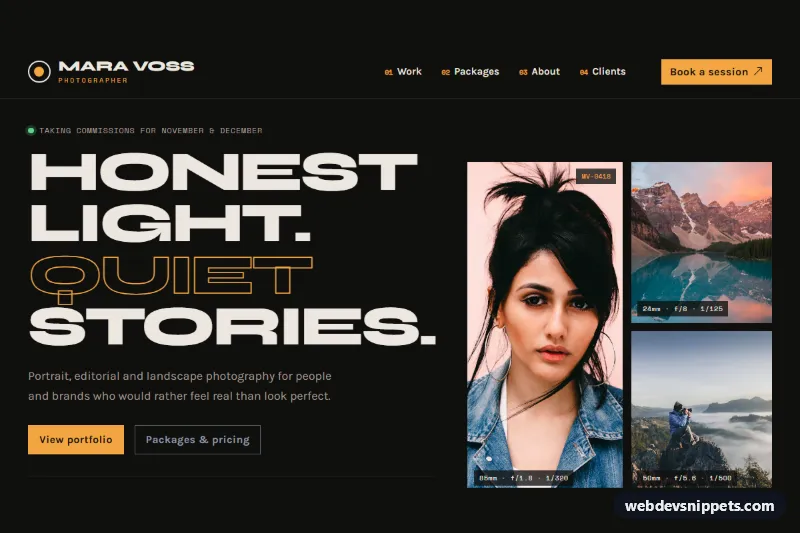
A dark electronics store homepage built with Bootstrap 6 for a fictional retailer called Kilowatt. It has a bento deals hero, a filterable product grid with a cart drawer, a trade-in estimator, reviews and a newsletter signup.
How it works
Everything sits inside .kw-page, which carries data-bs-theme="dark" and maps the Bootstrap 6 primary role (--bs-primary-bg and related tokens) to an electric blue.
- Promo bar and navbar: the yellow
.kw-promobar shows a flash-sale timer. It counts down to the next local midnight, so it never goes stale. Thenavbar lg:navbar-expandcollapses into a<dialog class="drawer">. "Shop" opens a.menu, and search usesform-adornwith aform-ghostinput. - Hero:
.kw-bentois a CSS grid with three tiles..kw-tile-mainholds the headline product,.kw-tile-deala deal of the day with aprogressbar, and.kw-tile-watcha small promo. The.kw-catslinks below jump to the grid and apply a filter. - Products: each
.kw-cardhas adata-kw-catvalue. Bootstrap 6.chipbuttons withdata-kw-filterhide cards that don't match and announce the result count. - Cart: any button with
data-kw-add,data-kw-nameanddata-kw-priceadds a line to an in-memory cart. The#kw-cartDrawer lists the lines and subtotal, andToast.getOrCreateInstance()confirms each addition. - Trade-in: a
select.form-control, abtn-checkradio group and the Bootstrap 6 Range component (.form-rangewrapping.form-range-input) feed a live estimate in an<output>. - Reviews and signup: a rating summary with progress bars and three quote cards. The newsletter form uses
data-bs-validateand a.switch, and a simulated submit shows the toast.
Customization
- To rebrand, change
--kw-blueand--kw-yellowon.kw-pageinstyle.css. The--bs-primary-*overrides read from--kw-blue. - To change the trade-in values, edit the
valueof each<option>in[data-kw-device](base credit in dollars) or the radio values inname="kw-cond"(condition multiplier). - To add a product, copy a
.kw-cardand setdata-kw-cattoaudio,computing,mobileorplay, plusdata-kw-nameanddata-kw-priceon its add button. - To use your own cart, replace the
cartMap inscript.jswith calls to your cart API. - To send signups somewhere, replace the
setTimeoutin the newsletter submit handler withfetch()to your endpoint. - The product photos come from Unsplash; replace them with your own.
Accessibility
A skip link jumps to #kw-main. Icon-only add buttons have an aria-label that names the product, and filter chips expose aria-pressed. The filter count, trade-in estimate and toast are announced through live regions. The script syncs aria-expanded on the navbar toggler, and focus outlines use the yellow accent. Motion is off under prefers-reduced-motion.
Bootstrap 6 notes
This page is built on Bootstrap 6.0.0-alpha.1, so alpha APIs can still change. btn-solid theme-primary replaces btn btn-primary. The navbar collapses into a Drawer instead of navbar-collapse, and the cart is a Drawer where Bootstrap 5 used Offcanvas. Menu replaces Dropdown, .chip and .form-range are new components, and form-control now styles the <select>. The script imports Drawer and Toast from the bundle as an ES module.