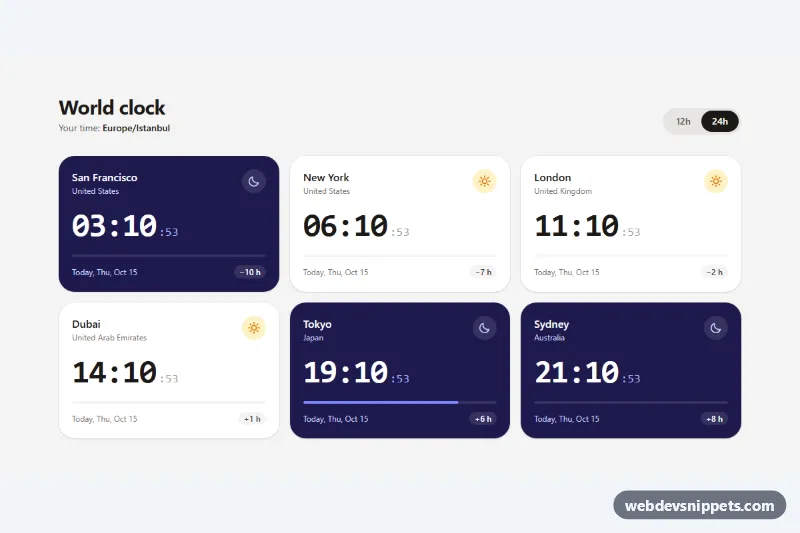
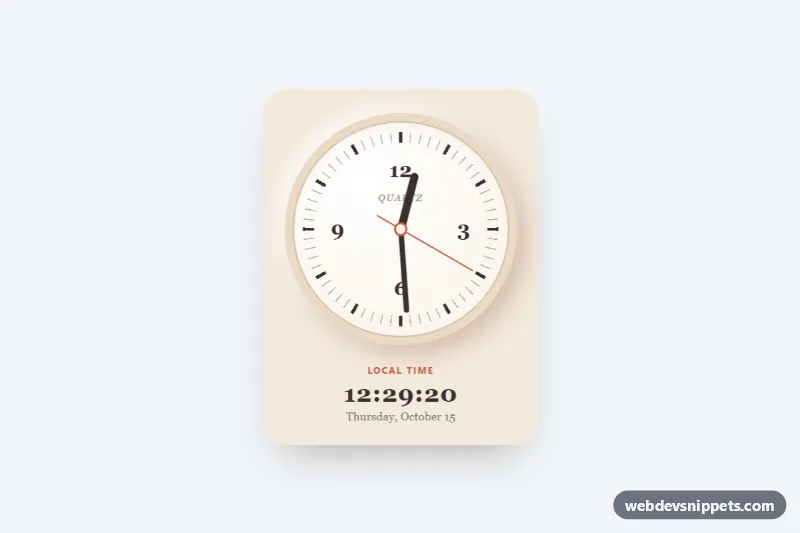
A world clock widget built with Tailwind CSS and the browser's Intl API. It shows live digital clocks for six cities, with the date, the time difference to the visitor's own zone, a day-progress bar and cards that switch between a light day style and a dark night style. It suits team dashboards, remote-work pages, support contact pages and travel apps.
How it works
The root is .twc-clock. Each city is an article.twc-card inside a responsive grid (one column, two from sm, three from lg) and carries an IANA zone name in data-twc-tz, for example Asia/Tokyo. Inside the card the script fills data-twc-time (a time element with a datetime value), data-twc-sec, data-twc-ampm, data-twc-date, data-twc-offset and the data-twc-bar progress line.
On DOMContentLoaded the script reads the visitor's time zone with Intl.DateTimeFormat().resolvedOptions() and writes it into data-twc-local. A loop aligned to the start of every second uses formatToParts to get the wall-clock time in each zone, calculates its UTC offset, and labels the date as Today, Tomorrow or Yesterday compared with the visitor. It also sets data-twc-period to day or night; Tailwind's data-[twc-period=night]: and group-data-[twc-period=night]: variants then swap the card to indigo and replace the sun icon with a moon. The .twc-bar in style.css is scaled with transform: scaleX() to the share of the day that has passed. Without JavaScript the cards still show city names with --:-- placeholders.
Customization
data-twc-tzon each.twc-card: change the city by entering any IANA time zone (e.g.America/Sao_Paulo) and update the heading and country text.DAY_STARTandNIGHT_STARTat the top ofscript.js: set the hours when cards switch between day and night styles.aria-pressed="true"on thedata-twc-format="12"button: make the 12-hour format the default.data-[twc-period=night]:bg-indigo-950on.twc-card: pick another night color, such asslate-900;bg-amber-400on the bar sets the day accent.sm:grid-cols-2 lg:grid-cols-3on theul: show four cards per row withlg:grid-cols-4.text-4xl sm:text-5xlondata-twc-time: enlarge or shrink the digits.
Accessibility
Each card is an article named by its city heading through aria-labelledby. Times use the time element with a machine-readable datetime. The ticking seconds are aria-hidden and nothing is placed in a live region, so screen readers are not interrupted every second. The 12h/24h control is a role="group" of buttons with aria-pressed, keyboard operable and with a visible amber focus ring. Sun and moon icons are decorative and hidden. The bar transition is disabled under prefers-reduced-motion.
Usage notes
The chosen format is remembered with localStorage inside a try/catch, so the widget also works where storage is blocked. Several .twc-clock blocks can share a page if their heading id values are unique.