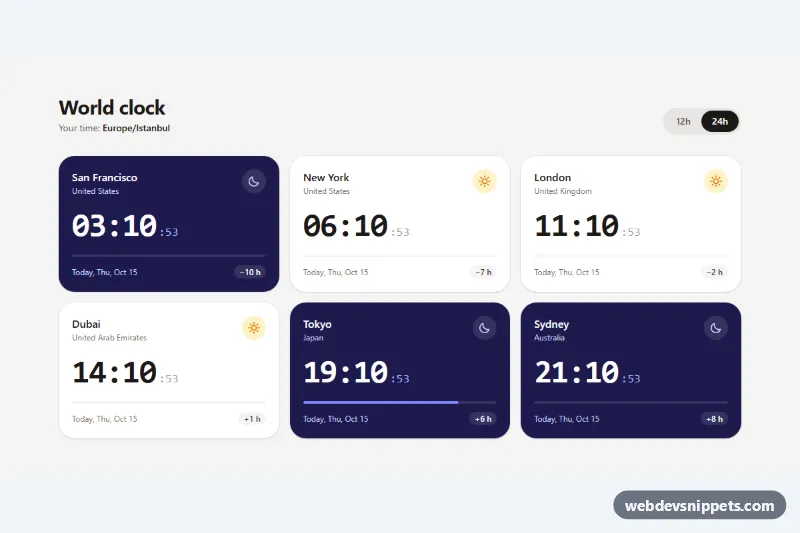
World Clock Widget
Tailwind CSS world clock with live digital times for six cities, day and night cards, time differences, a 12h/24h switch and the Intl API.
Analog and digital clocks.
2 component(s)
Tailwind CSS world clock with live digital times for six cities, day and night cards, time differences, a 12h/24h switch and the Intl API.
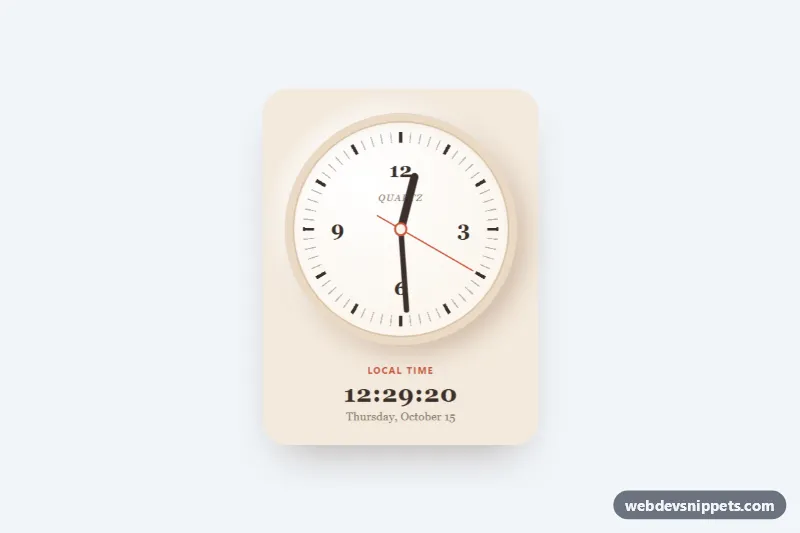
Live analog clock with CSS-rotated hands, conic-gradient ticks, a digital readout and optional time zone support, in pure CSS and vanilla JS.
A clock widget displays the current time on a web page, either as an analog clock face with hour, minute and second hands or as a digital readout. Clocks are used on dashboards, world-time panels, kiosk screens, personal start pages and as decorative elements in portfolios and CSS showcases.
Use a digital clock when people need to read the exact time quickly, for example in admin dashboards or time-zone lists. Use an analog clock when the look matters, such as decorative headers, creative portfolios or learning tools. Many examples here are also a good way to study CSS transforms and JavaScript timing.
Best practices for a CSS and JavaScript clock:
Date on every tick rather than adding one second to a stored value; this keeps the clock in sync.Intl.DateTimeFormat to display local formats and other time zones correctly.transform: rotate() and a transform-origin at the pivot point.requestAnimationFrame or a one-second interval and stop updates when the element is not visible if performance matters.<time> element or an aria-label, and avoid live announcements every second.prefers-reduced-motion for sweeping second hands.Every clock comes with a live preview and code tabs for HTML, CSS and JS. Bootstrap 6 versions use the new alpha ES module build and theme-* colour roles so the face adapts to light and dark modes. Bootstrap 5 and Tailwind CSS versions wrap the clock in familiar cards and utilities, and pure CSS versions show what plain CSS and a few lines of vanilla JavaScript can do. Filter by framework, copy or download the code and adjust size, colours and time zone.