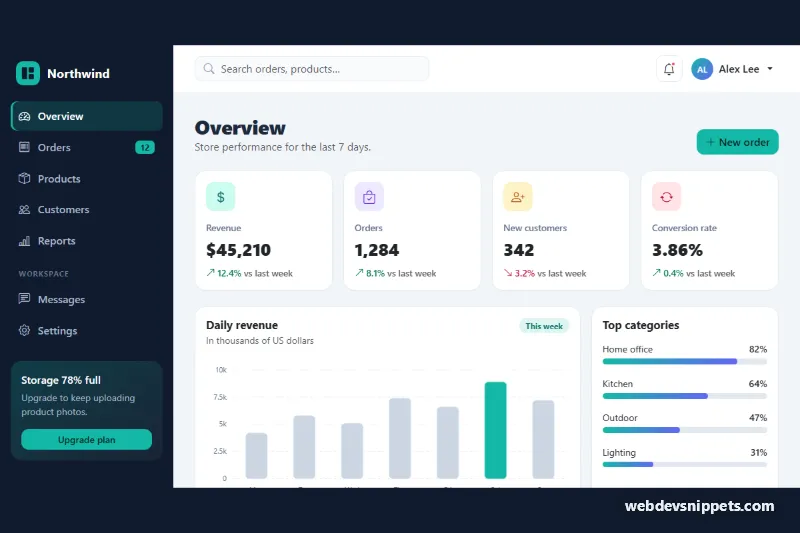
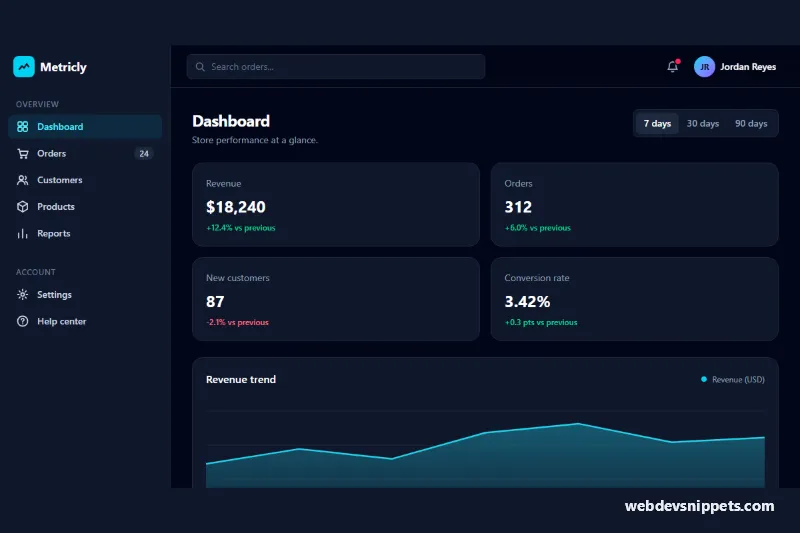
A complete Bootstrap 5 admin dashboard layout with a dark sidebar, a sticky top bar, four KPI cards, a daily revenue bar chart, category progress meters and a filterable recent orders table. Use it as the starting shell for an e-commerce back office, a SaaS admin panel or an internal reporting tool.
How it works
The root .dsh-app is a flex container. The navigation lives in aside.dsh-sidebar, which uses Bootstrap's responsive offcanvas-lg class: below 992px it is a slide-in offcanvas opened by the hamburger button in .dsh-topbar (data-bs-toggle="offcanvas"), and from the lg breakpoint up it becomes a sticky, full-height column whose width comes from --dsh-sidebar-w. The active link uses aria-current="page" and gets an accent bar through an inset shadow.
The .dsh-main column holds the sticky top bar (search, notification button and a Bootstrap dropdown for the user menu) and the .dsh-content area. KPI cards use row-cols-1 row-cols-sm-2 row-cols-xl-4, so they stack on phones and sit in one row on wide screens. The revenue chart is a plain inline SVG with rect.dsh-chart__bar elements that grow in with a CSS scaleY animation; no chart library is needed.
The script runs on DOMContentLoaded for every .dsh-app. It reads data-value from each .dsh-meter__fill and sets the bar width, and it wires the [data-dsh-filter] buttons in .dsh-orders: clicking one hides table rows whose data-status does not match, updates aria-pressed and rewrites the .dsh-count text.
Customization
--dsh-accentand--dsh-accent-rgbon.dsh-appinstyle.css: change the teal accent used by the active link, buttons, peak bar, meters and focus rings.--dsh-sidebar-bgand--dsh-sidebar-text: recolor the sidebar background and its link text.--dsh-sidebar-w: makes the desktop sidebar wider or narrower.data-valueon.dsh-meter__fill: sets each category bar (0 to 100); also updatearia-valuenowon the parent.dsh-meter.- The
yandheightattributes of eachrect.dsh-chart__bar: plot your own values (18 units per thousand in this chart); movedsh-chart__bar--peakto highlight a different day. data-statuson each order row plus a matchingdata-dsh-filterbutton: add statuses such asshipped; style the badge with a new.dsh-status--shippedrule.row-cols-xl-4on the KPI row: switch torow-cols-xl-3if you show three metrics.
Accessibility
The sidebar is an offcanvas with aria-labelledby, a labelled close button and Bootstrap's focus trapping on small screens. Navigation sits in a labelled nav. Each KPI card is a section named by its heading. The chart has role="img" with a title and a desc that lists every value, and each meter is a role="progressbar" with aria-valuenow. The filter group has role="group", the buttons expose aria-pressed, and .dsh-count is a polite live region that announces how many orders are shown. All controls have visible focus rings, and the bar and meter animations are disabled under prefers-reduced-motion.
Usage notes
Requires Bootstrap 5.3 with its JS bundle and Bootstrap Icons. The layout uses fixed ids (dsh-sidebar, dsh-search-input), so place one dashboard per page. Replace the table rows with server-rendered data; the filter works on whatever rows exist.