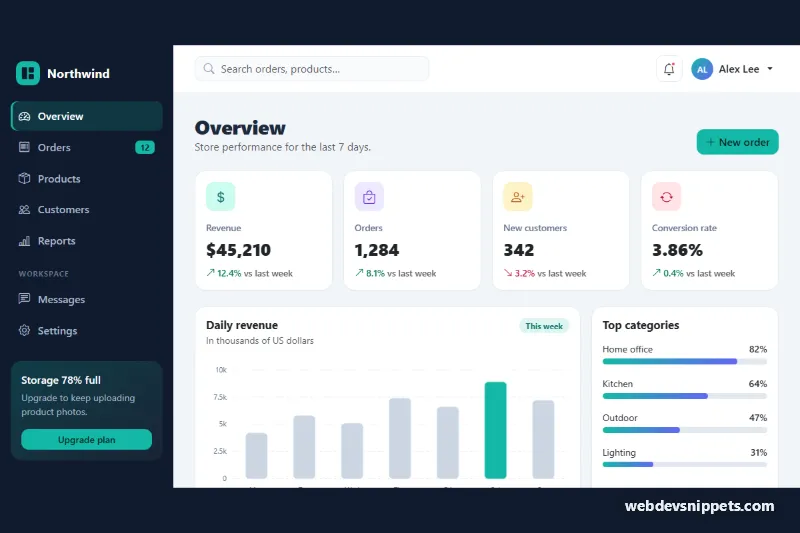
Bootstrap Admin Dashboard Layout
Bootstrap 5 admin dashboard with a responsive offcanvas sidebar, KPI cards, an SVG revenue chart, category meters and a filterable recent orders table.
Admin and analytics dashboard layouts.
2 component(s)
Bootstrap 5 admin dashboard with a responsive offcanvas sidebar, KPI cards, an SVG revenue chart, category meters and a filterable recent orders table.
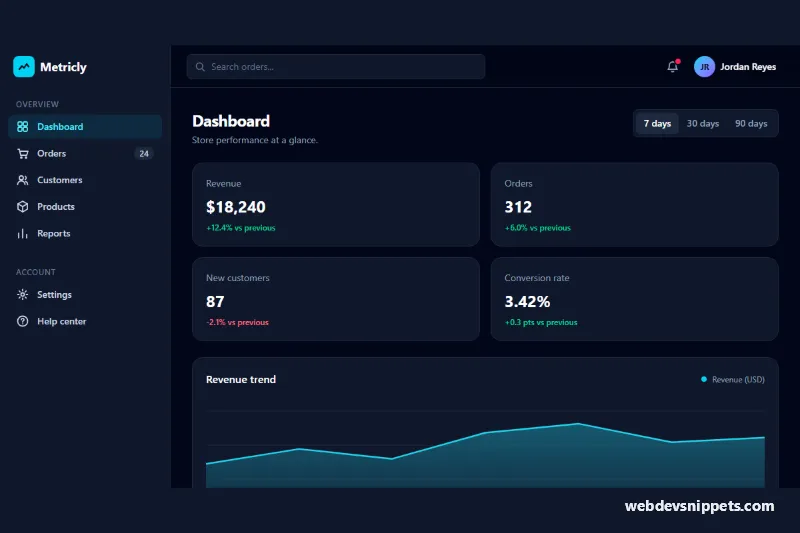
Dark Tailwind CSS admin dashboard with off-canvas sidebar, topbar search, KPI cards, SVG revenue chart with date ranges and an orders table.
A dashboard template is a full admin or analytics layout that brings together navigation, KPIs, charts, tables and activity feeds on one screen. It typically includes a sidebar or top navbar, a header with search and user menu, a grid of stat cards and a main area with charts and data tables. Developers use admin dashboard templates as the starting point for back offices, SaaS apps, CRMs, analytics tools and internal tools.
Use landmark elements such as nav, header and main, and provide a skip link to the main content. Charts need a text summary or an accessible data table, and colour should never be the only way to distinguish series. Sidebar toggles and dropdowns must work with the keyboard and expose aria-expanded. Check contrast in both light and dark themes.
Each dashboard template comes with a live preview, code tabs, a copy button and a download. Bootstrap 6 versions are built on the new alpha with its ES module build, <dialog>-based components and theme-* colour roles; Bootstrap 5 versions use the familiar grid, offcanvas and tables; Tailwind CSS and pure CSS versions give you a lighter base. Use the framework filter, copy the layout and replace the sample numbers and charts with data from your own API.