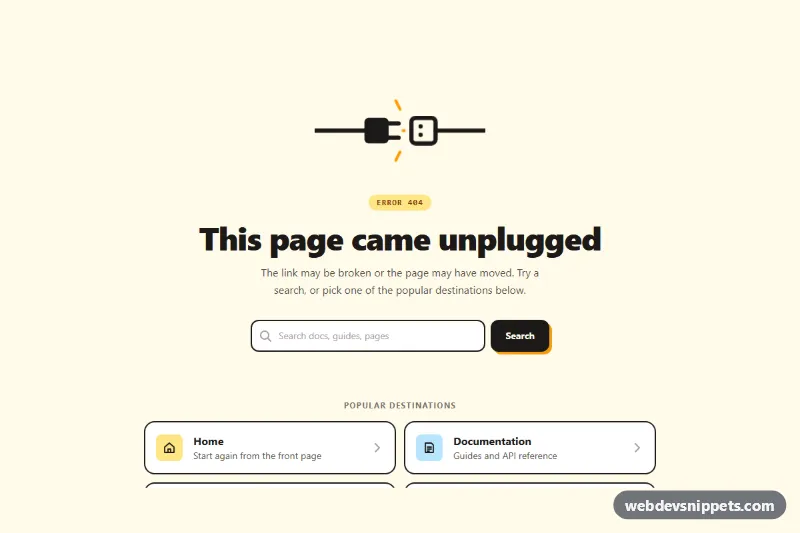
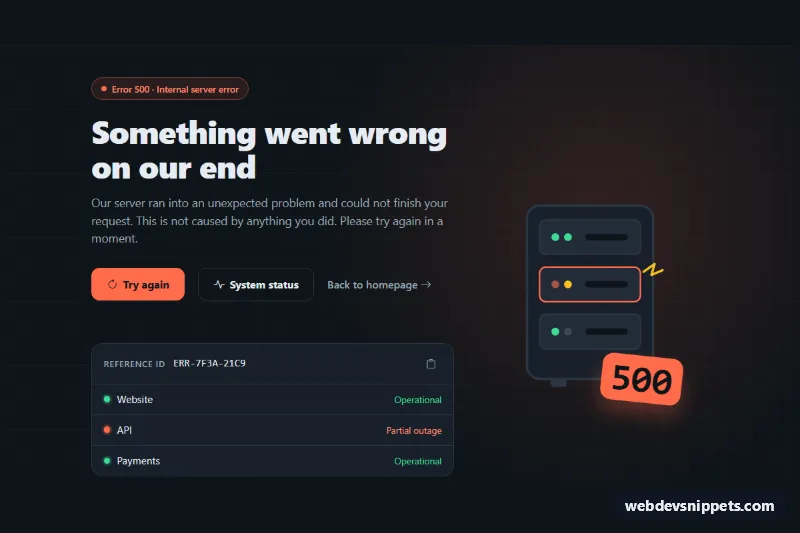
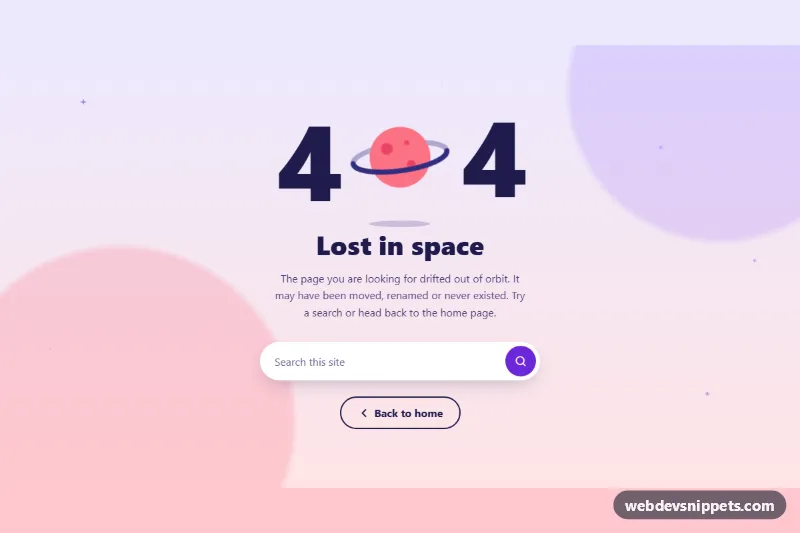
A friendly 404 error page built with Tailwind CSS and a small vanilla JavaScript helper. A bold "unplugged cable" illustration, a search box and four large destination cards help lost visitors recover instead of leaving the site.
How it works
The root element is main.tnf-page, a full-height flex container that centers the content on a warm amber background. At the top, the .tnf-art inline SVG draws a plug and socket pulled apart; style.css gives it a gentle sway and makes the .tnf-spark lines flicker. Below the heading sits a role="search" form marked data-tnf-search, followed by a role="status" message (data-tnf-status). The "Popular destinations" navigation is a two-column grid of outlined cards that lift and gain a hard offset shadow on hover.
The script runs on DOMContentLoaded for every .tnf-page. It writes window.location.pathname into the [data-tnf-path] code element so visitors see which address failed. The [data-tnf-back] button calls history.back() when there is a referrer and otherwise sends the visitor to the URL in data-tnf-home. Submitting the search form is simulated with a short timeout: an empty query marks the input with aria-invalid and asks for a word; a filled one shows a status message. Without JavaScript the links still work; only the search and the back button do nothing.
Customization
bg-amber-50,bg-amber-200and the#f59e0bvalue inshadow-[4px_4px_0_0_#f59e0b]: swap for another hue to match your brand.data-tnf-homeon the back button: point it at your home page or a sitemap.- The search
submithandler inscript.js: replace thesetTimeoutwith a redirect to your search page (the line is already in a comment above the handler). - The four destination cards: change the
href, title, hint text and the icon tile color (bg-sky-200,bg-lime-200,bg-rose-200), or add more cards to thesm:grid-cols-2grid. tnf-flickerandtnf-swaykeyframes instyle.css: tune or remove the illustration motion.- The
h1text "This page came unplugged": adjust the tone, but keep the "ERROR 404" badge so the status stays obvious.
Accessibility
The page is a single main landmark labelled by the h1. The search input has a visually hidden label, the destination list is a labelled nav, and arrow and icon SVGs are aria-hidden. Search feedback is announced through the role="status" region. All interactive elements show a thick amber focus ring, and both animations stop under prefers-reduced-motion: reduce.
Usage notes
Remember to return a real HTTP 404 status from your server for this page; the markup alone does not set it.