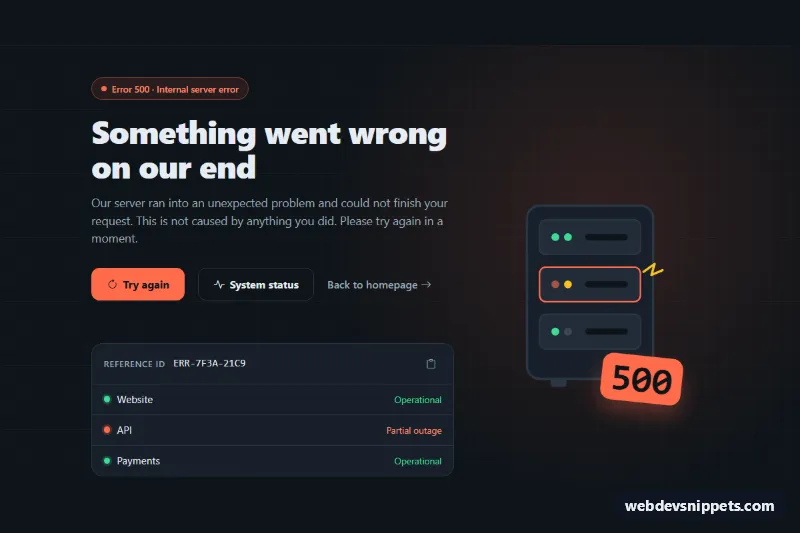
500 Server Error Page
Dark Bootstrap 5 500 error page with a server rack illustration, retry button, status page link, copyable reference ID and service status list.
404, 500 and other error pages.
3 component(s)
Dark Bootstrap 5 500 error page with a server rack illustration, retry button, status page link, copyable reference ID and service status list.
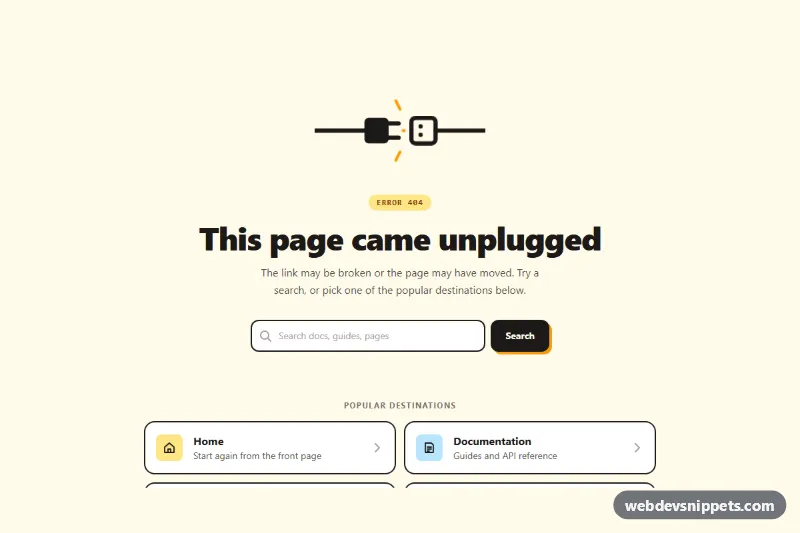
Clean Tailwind CSS 404 error page with an animated unplugged-cable illustration, site search, helpful link cards and a go-back button.
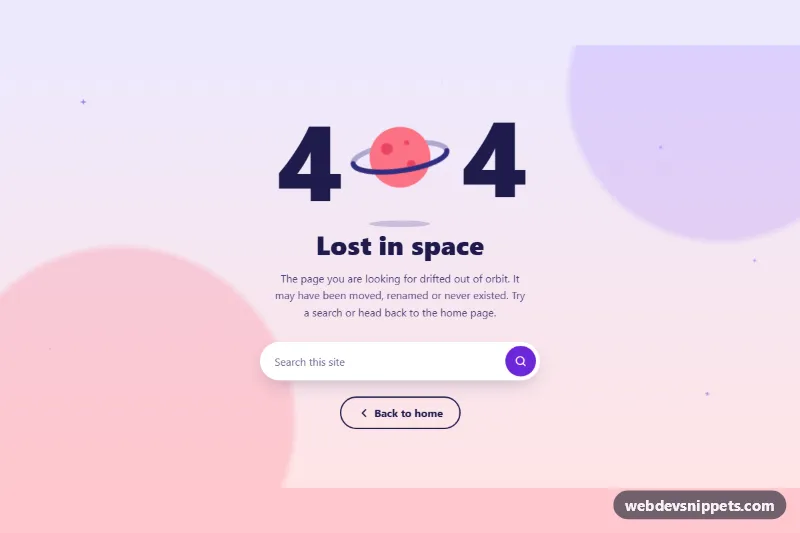
Playful full-page 404 error template with a floating planet, short message, site search field and home link in pure CSS.
An error page is shown when a request cannot be fulfilled, most often a 404 "Page not found" or a 500 "Server error". Other common cases are 403 "Forbidden", 401 "Unauthorized" and 503 "Service unavailable". A well-designed custom 404 page in HTML and CSS keeps visitors on your site by explaining what happened and offering a way forward instead of a dead end.
Use a single h1 that describes the error, readable contrast and real links rather than script-driven buttons. Large decorative numbers or animations should not hide the actual message from screen readers; mark purely decorative graphics with aria-hidden="true" and respect prefers-reduced-motion.
Every error page template comes with a live preview, code tabs, a copy button and a download. Bootstrap 6 versions use the new alpha with theme-* colour roles, Bootstrap 5 versions use its grid and utilities, and Tailwind CSS and pure CSS versions are easy to inline for a static fallback page. Filter by framework, copy the HTML and CSS, and configure your web server or framework to serve the file for the matching status code.