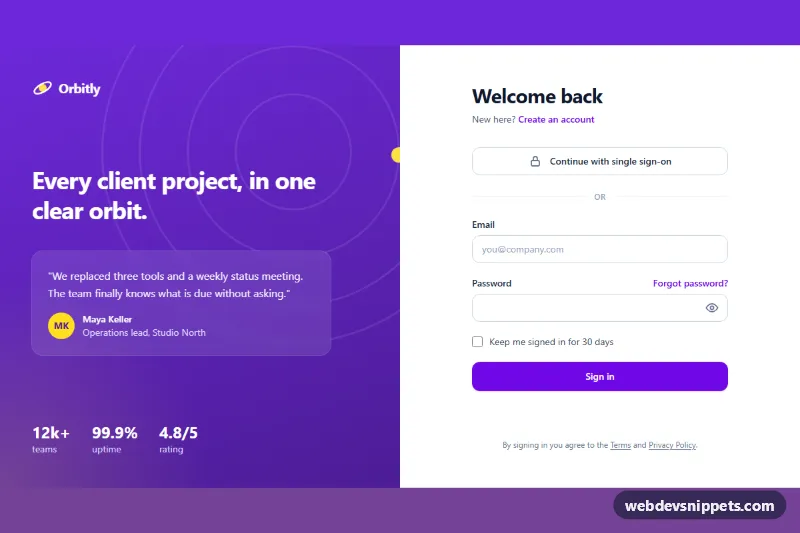
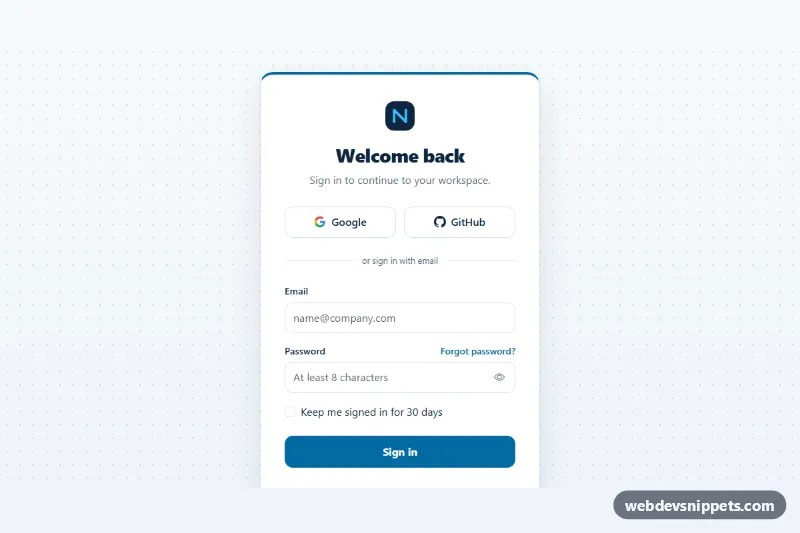
A split-screen login page built with Tailwind CSS: a violet brand panel with a testimonial and key numbers on the left, and a focused sign-in form on the right. It includes inline validation, a show/hide password toggle and a simulated loading state, all in vanilla JavaScript.
How it works
The root .tls-page is a two-column grid from the lg breakpoint. The left column is an aside.tls-brand with a ring illustration (.tls-rings, whose yellow .tls-orbit-dot circles slowly), a headline, a figure testimonial and three stats. Below lg the brand panel is hidden and a compact logo appears above the form instead.
The form is marked data-tls-form and uses novalidate, so the script controls the messages. On blur it checks the email format and the password minlength; once a field is invalid it re-checks on every input event. Errors are written into the [data-tls-error] paragraph referenced by the field's aria-describedby, and aria-invalid="true" turns the border red through the aria-invalid: variant. The data-tls-reveal button switches the password type between password and text and swaps the .tls-eye and .tls-eye-off icons. On submit, an invalid form gets the tls-shake class and focus moves to the first invalid field; a valid form disables [data-tls-submit], shows the .tls-spinner and, after a short timeout, writes a success message into [data-tls-status].
Customization
violet-700utilities and thelinear-gradientin.tls-brand: change both to rebrand the page, for example toteal-700and matching hex values.minlength="8"on#tls-password: the script reads this value, so the error message updates automatically.- The
window.setTimeoutin the submit handler ofscript.js: replace it with afetch()call to your auth endpoint (an example is in the comment). lg:grid-cols-2on.tls-page: uselg:grid-cols-[1fr_32rem]to give the form a fixed-width column.animation: tls-orbit 18sinstyle.css: speed up, slow down or remove the orbit.- Remove the single sign-on button and the "or" divider if you only offer email login.
Accessibility
Every input has a visible label, correct autocomplete values and aria-describedby pointing to its error text. The password toggle uses aria-pressed, aria-controls and a label that changes between "Show password" and "Hide password". The status line is a polite live region, focus outlines are always visible, and the orbit and shake animations are turned off under prefers-reduced-motion: reduce.
Usage notes
Ids such as tls-email and tls-password must stay unique on the page. Always validate credentials on the server as well; client checks only improve the experience.