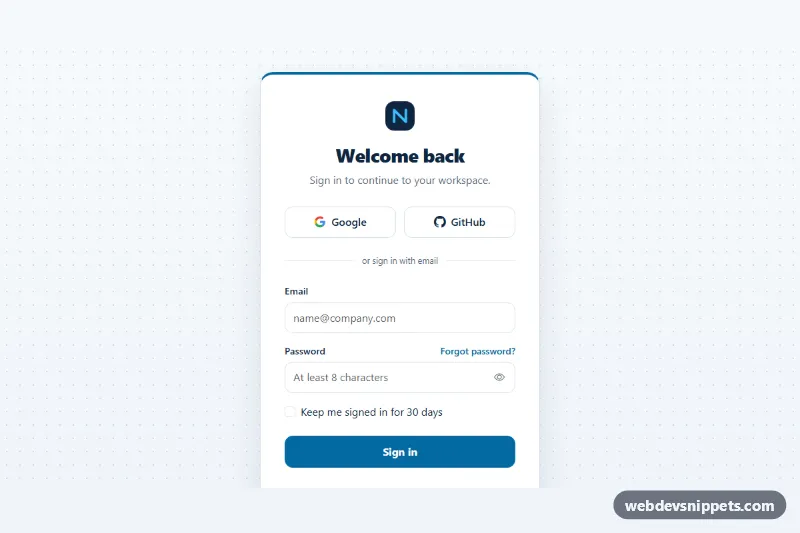
Centered Login Page
Full-page Bootstrap 5 sign-in with a centered card, Google and GitHub buttons, validated email and password fields, a show password toggle and a Caps Lock warning.
Full-page authentication layouts.
2 component(s)
Full-page Bootstrap 5 sign-in with a centered card, Google and GitHub buttons, validated email and password fields, a show password toggle and a Caps Lock warning.
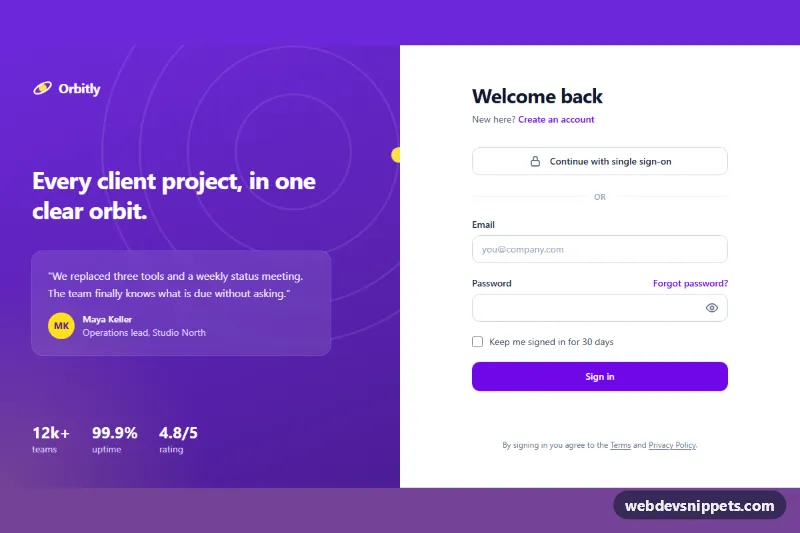
Split-screen Tailwind CSS login page with a violet brand panel, inline validation, show/hide password toggle and a loading state.
A login page template is a complete full-page layout for signing in, often with matching pages for registration, password reset and two-factor verification. Compared with a simple login form component, a full login page also handles the surrounding layout: a centred card, a split screen with an image or brand panel, a background pattern or a minimal page with just a logo and form. They are used for SaaS apps, admin panels, member areas and customer portals.
type="email" and the right autocomplete values such as username, current-password and new-password so password managers work.Every input needs a visible label; placeholders are not labels. The show-password control should be a button with an accessible name and pressed state. Make focus outlines clearly visible, keep the tab order natural and announce errors with aria-describedby and aria-invalid. Check contrast on split-screen layouts where text may sit on photos.
Each login page template includes a live preview, code tabs, a copy button and a download. Bootstrap 6 versions use the new alpha with theme-* colour roles and its form styles, Bootstrap 5 versions use cards and floating labels, and Tailwind CSS and pure CSS versions keep the markup lightweight. These are front-end layouts only: copy the HTML and CSS, then connect the form to your own authentication backend.