View Transitions API Page Transition
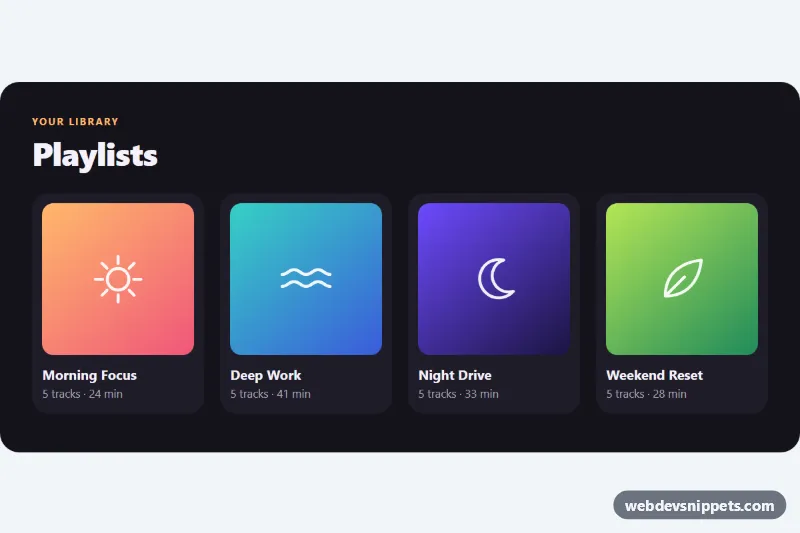
Playlist grid and detail views that cross-fade with the native View Transitions API, morphing the cover art between views, with an instant fallback.
Transitions between views and states.
1 component
Playlist grid and detail views that cross-fade with the native View Transitions API, morphing the cover art between views, with an instant fallback.
Page transitions are animations that play when the user moves between views or states: a fade or slide between pages, a shared element morphing from a card into a detail view, tab panels sliding in, loading overlays and wipe effects. They help users understand where they came from and where they are going, in single-page apps as well as classic multi-page sites.
Use a transition when it clarifies a change in context, such as opening a detail view from a list or stepping through a wizard. Keep them short so they never slow down navigation. If a transition only adds delay, leave it out.
Best practices for smooth page transitions:
document.startViewTransition() and, for multi-page sites, the @view-transition rule) where supported, with a plain instant change as the fallback.transform and opacity to stay on the GPU and avoid layout thrashing.prefers-reduced-motion with a simple crossfade or no animation at all.Each page transition comes with a live preview and code tabs for HTML, CSS and JS. Bootstrap 6 versions use the new alpha ES module build and theme-* colour roles, Bootstrap 5 versions animate standard layout pieces, Tailwind CSS versions use transition and animation utilities, and pure CSS versions rely on keyframes and the View Transitions API. Use the framework filter, copy or download the code and connect it to your router or links.