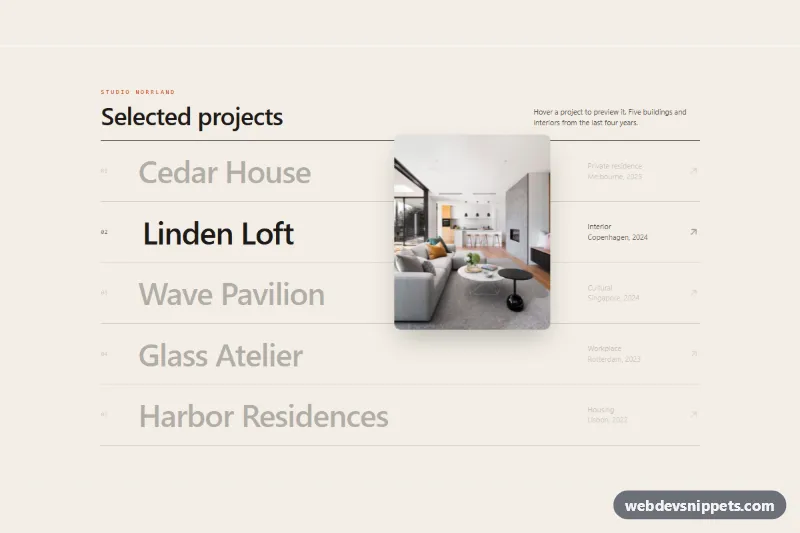
Image Reveal Cursor on Hover
Tailwind CSS project list where hovering a row reveals a photo that follows the cursor with smooth easing and tilt, plus keyboard and touch fallbacks.
Visual effects and motion.
13 component(s)
Tailwind CSS project list where hovering a row reveals a photo that follows the cursor with smooth easing and tilt, plus keyboard and touch fallbacks.
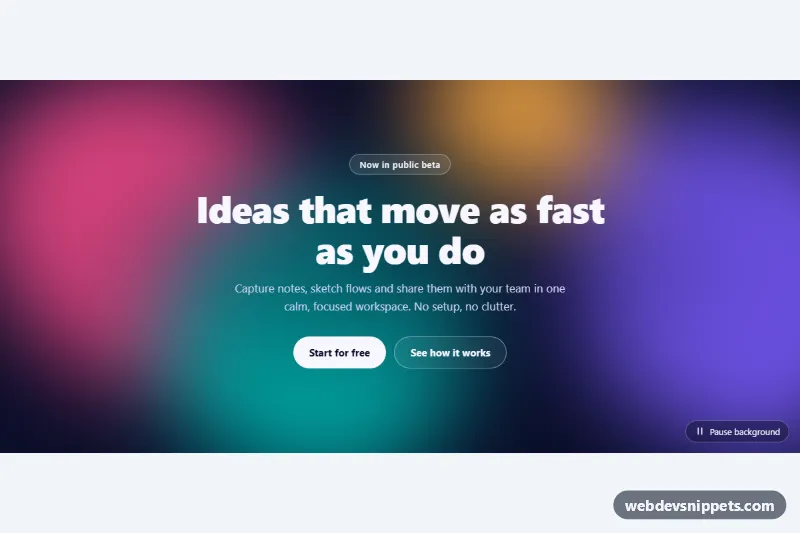
Pure CSS animated background with blurred, morphing color blobs drifting behind a hero headline, with a pause button and reduced-motion support.
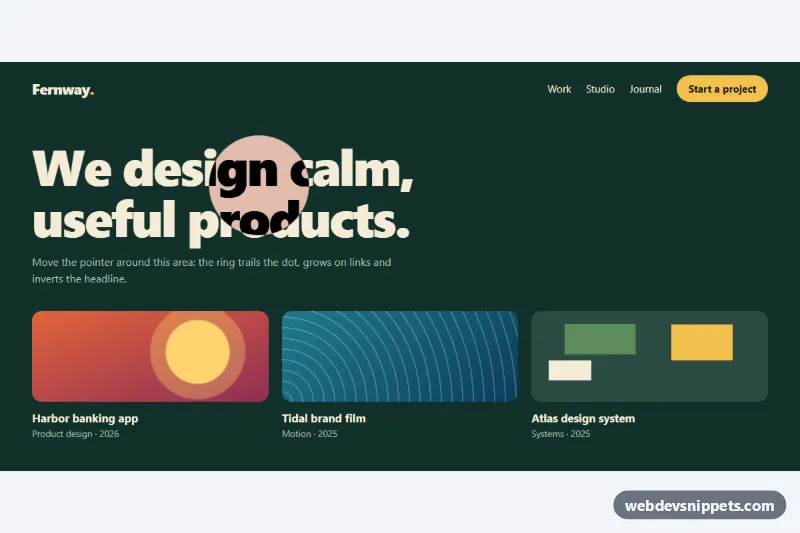
Smooth custom cursor with a dot and an eased ring that grows on links, shows a label over cards and inverts the headline, in CSS and vanilla JS.
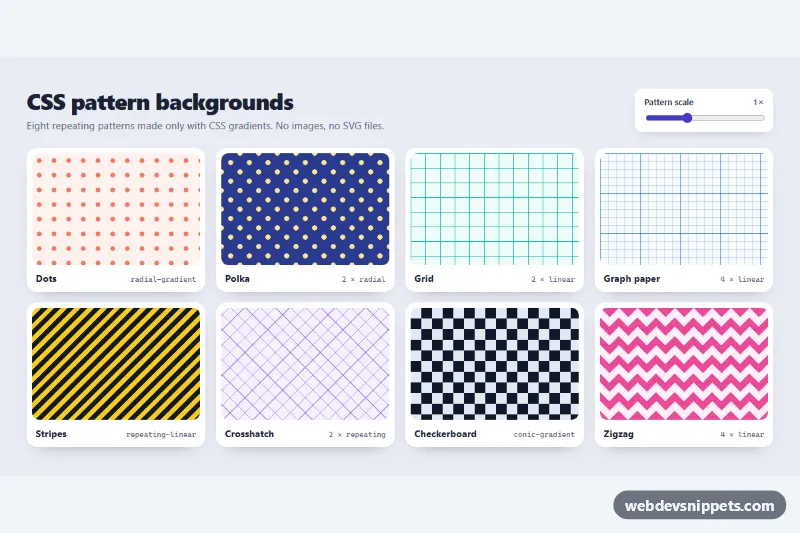
Eight pure CSS gradient background patterns (dots, polka, grid, graph paper, stripes, crosshatch, checkerboard, zigzag) with a live scale slider.
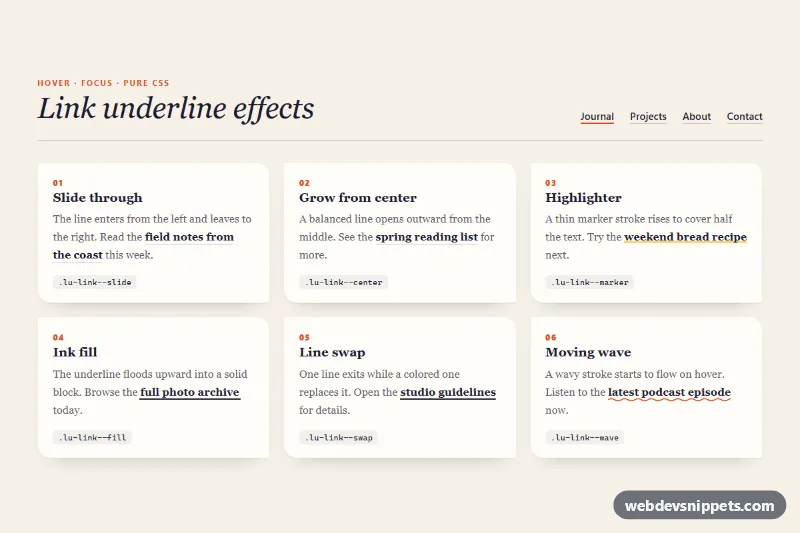
Six animated link underline styles in pure CSS (slide, center, highlighter, ink fill, line swap and wave) that also work on links that wrap.
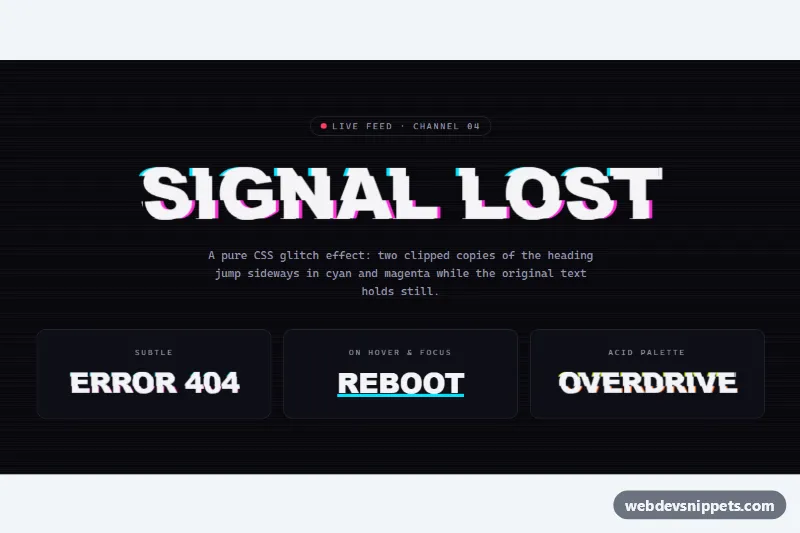
Pure CSS glitch heading with sliced cyan and magenta copies, CRT scanlines, and subtle, hover-only and acid palette variants.
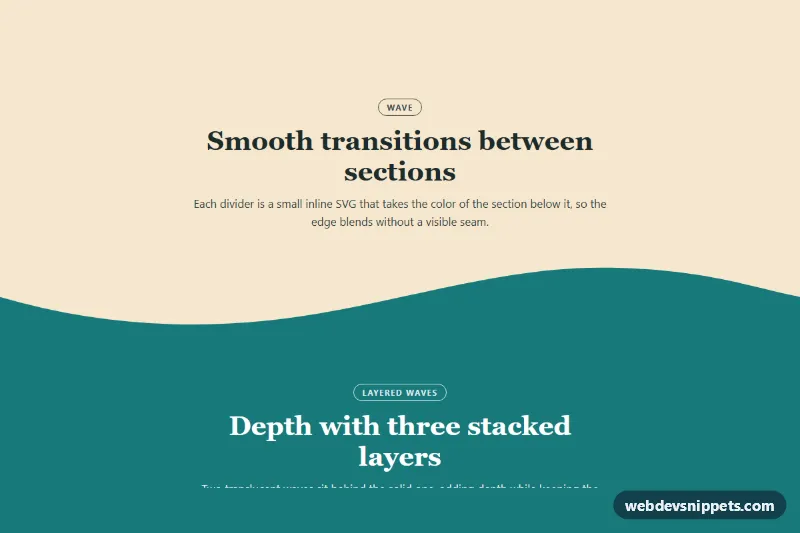
Pure CSS and inline SVG section dividers with wave, layered wave, curve and tilt shapes that inherit the next section's color and stretch to any width.

Elements fade, slide, zoom or flip into view on scroll using IntersectionObserver and data-sr attributes, with stagger delays and reduced-motion support.
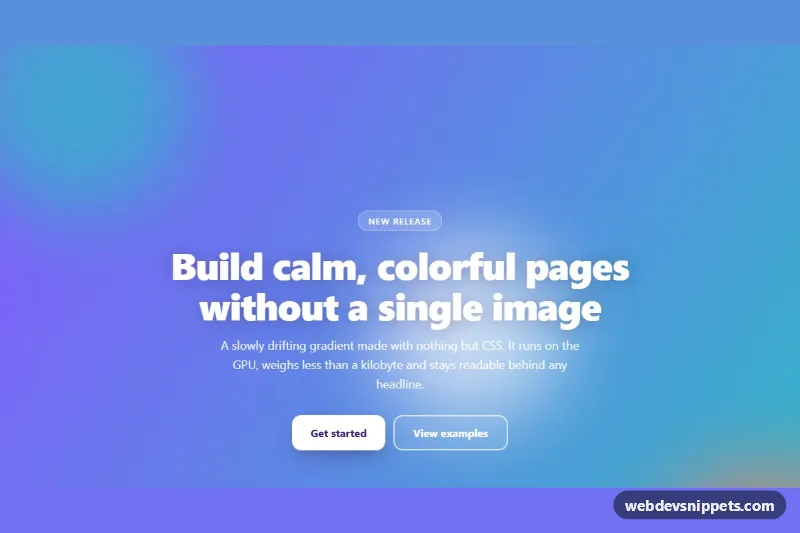
Pure CSS hero section with a slowly shifting multi-color gradient, drifting blurred blobs and a grain overlay, customizable through CSS variables.
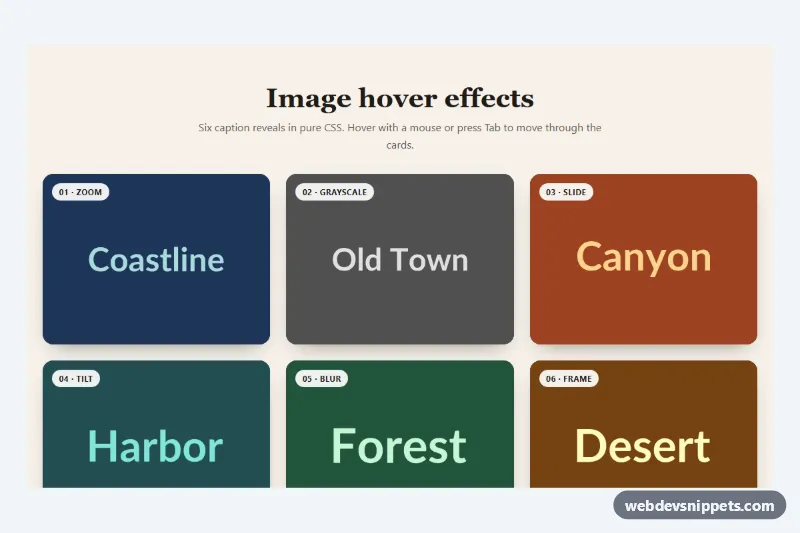
Six pure CSS image hover effects with captions: zoom, grayscale to color, sliding panel, tilt, blur and frame, also revealed by keyboard focus.
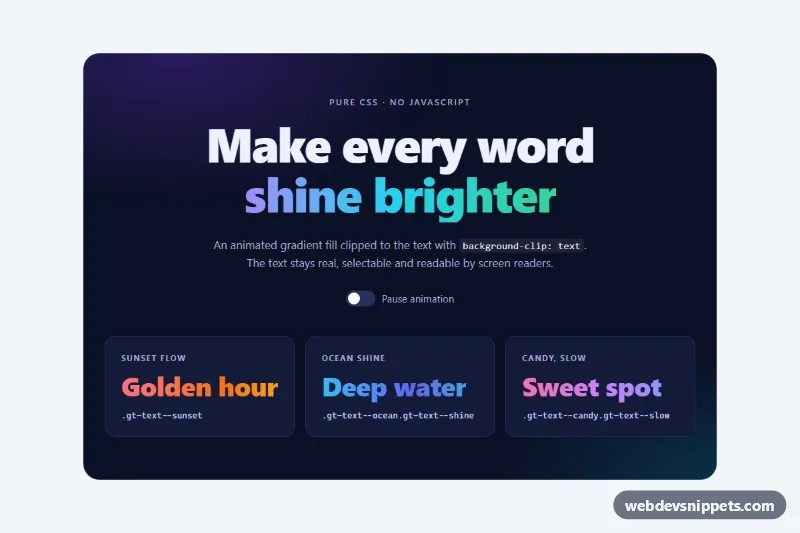
Pure CSS animated gradient text for headings using background-clip, with four palettes, a shine sweep variant, a CSS-only pause switch and a fallback color.
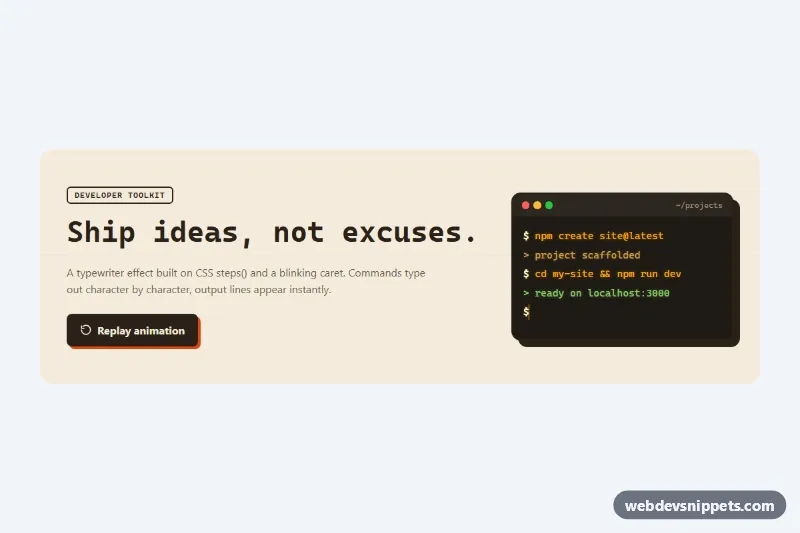
Pure CSS typewriter effect with a blinking caret, using steps() and ch units on a monospace headline and a retro terminal window with replay.
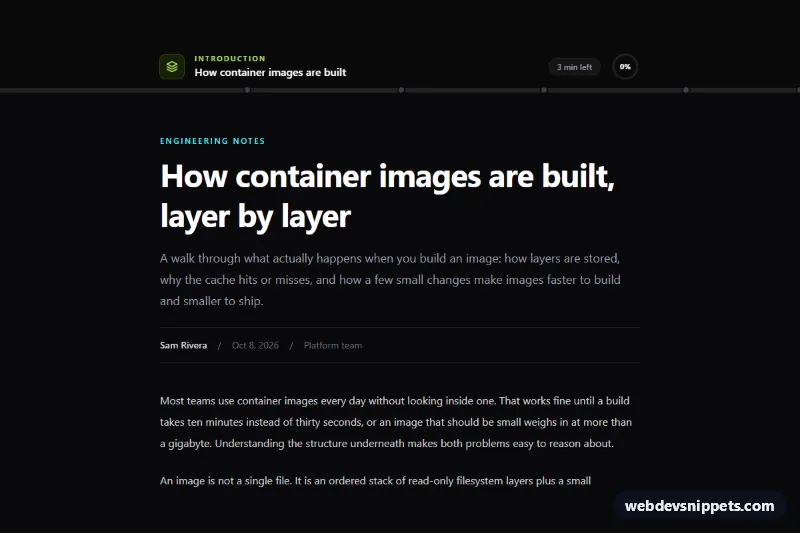
Sticky Tailwind CSS reading progress bar with a gradient fill, clickable chapter markers, current section label, minutes left and a circular back-to-top indicator.
Effects and animations add motion and visual polish to an interface: hover effects on cards and buttons, animated gradients, text reveal and typing effects, scroll-triggered fade-ins, parallax backgrounds, glassmorphism, glowing borders, loaders and micro-interactions. Used with restraint, they guide attention, give feedback and make a site feel responsive.
Motion should have a purpose: show that something changed, draw the eye to a primary action, explain where an element came from or confirm an interaction. Avoid animating everything; a few deliberate effects feel more polished than constant movement, and too much motion slows users down.
transform and opacity where possible; they are cheap for the browser to render, unlike width, top or box-shadow.@media (prefers-reduced-motion: reduce) check and provide a calm fallback.IntersectionObserver for scroll-triggered effects instead of heavy scroll listeners.will-change sparingly and only on elements that actually animate.Many effects here are pure CSS, so they work in any project. Where a framework helps, snippets are also provided for Bootstrap 6, Bootstrap 5 and Tailwind CSS: Tailwind versions use its transition and animation utilities, while Bootstrap 6 alpha versions pick up theme-* colour roles so effects match the active theme. Use the framework filter and the live preview to see each effect in motion, then copy the CSS and HTML from the code tabs or download the snippet and tweak durations, colours and easing.