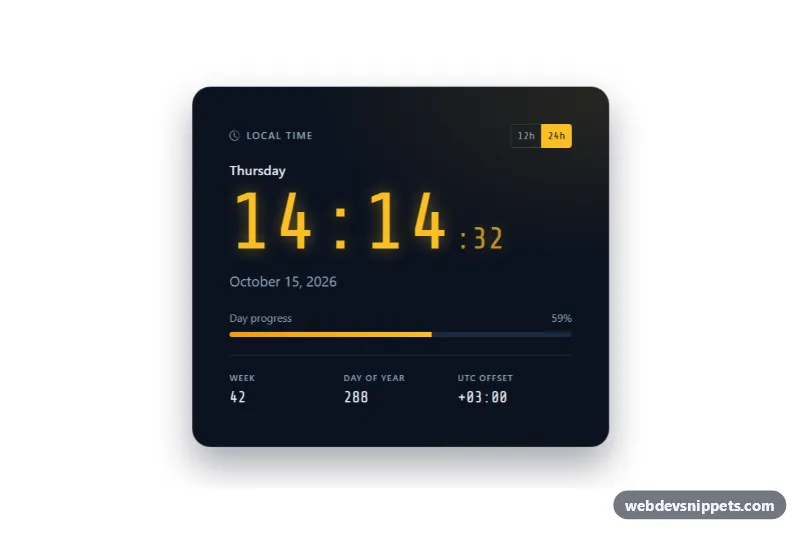
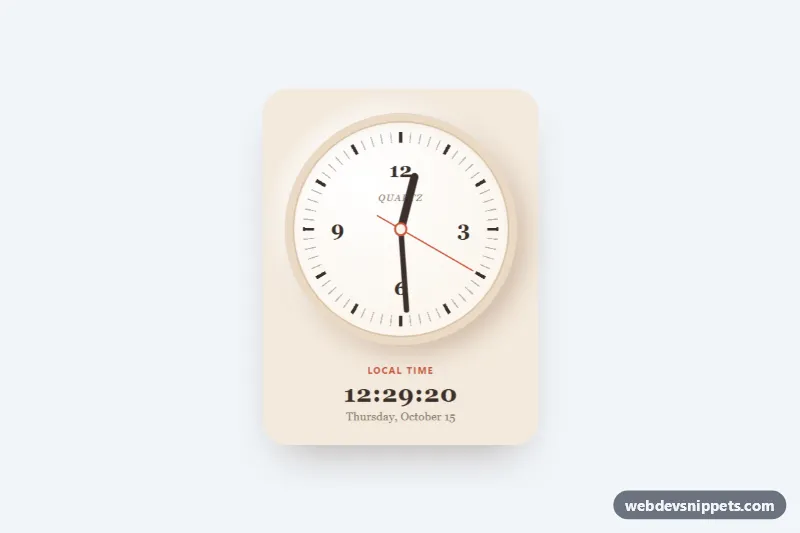
A large Bootstrap 5 digital clock card with the weekday, the full date, a 12h/24h switch and a day-progress bar. It works well on dashboards, kiosk screens, office displays and personal start pages.
How it works
The root is a section.dcl-clock.card with a dark navy background and amber digits. Inside the card body you find the .dcl-weekday line, a time.dcl-time element with the hours and minutes in .dcl-hm, smaller seconds in .dcl-sec and an optional AM/PM suffix in .dcl-ampm, followed by time.dcl-date. Below sit a Bootstrap .progress bar for the share of the day that has passed and a dl.dcl-meta row with the ISO week number, the day of the year and the UTC offset.
The script runs on DOMContentLoaded and initializes every .dcl-clock on the page. The render() function uses Intl.DateTimeFormat to read the current time, writes the digits, updates both datetime attributes and sets the --dcl-day custom property that controls the width of .dcl-bar. A tick() loop schedules the next update right after the start of each second, so the seconds never skip. The 12h and 24h buttons are Bootstrap .btn-check radios; their change event switches the format and re-renders immediately. The markup contains a sensible sample time, so the card still looks complete before the script runs.
Customization
data-dcl-timezoneon.dcl-clock: add an IANA zone such asEurope/BerlinorAsia/Tokyoto show that zone; the.dcl-zonelabel switches to the city name automatically.data-dcl-localeon.dcl-clock: changeen-UStode-DE,fr-FRand so on to translate the weekday and the date.data-dcl-hour12on.dcl-clock: set it totrueto start in 12-hour format with AM/PM.--dcl-digitand--dcl-glowinstyle.css: change the digit color and its glow, for example to a green terminal look.--dcl-bgand--dcl-surface: set the card background and the empty track of the progress bar.--dcl-font: use another monospace face; the default loads Share Tech Mono from Google Fonts.- Delete the
dl.dcl-metablock or the.dcl-dayblock for a more minimal clock;render()skips any element that is missing.
Use cases
- Dashboards: a large glowing clock with weekday, date and day-progress bar
- Kiosks and office displays: always-visible time that updates every second without skipping
- Personal start pages: switch between 12-hour and 24-hour formats with one click
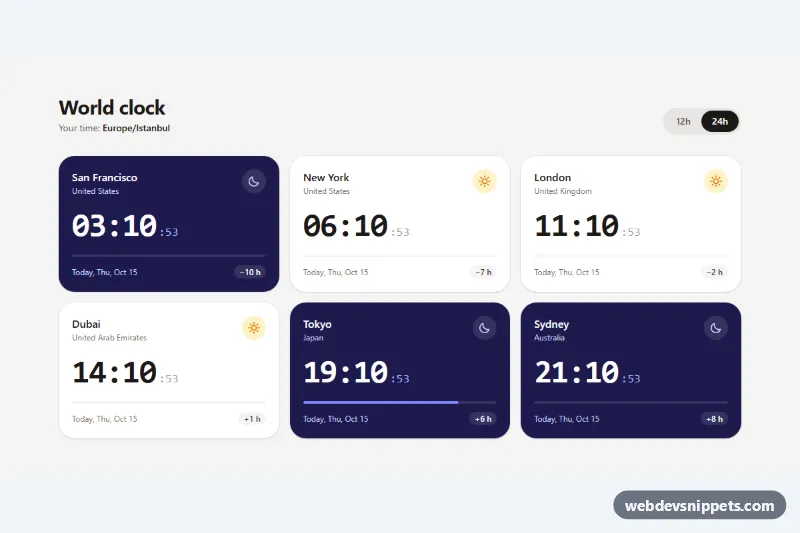
- Teams across regions: show the time in another time zone such as Tokyo or Berlin
- Multilingual sites: translate the weekday and date by changing the locale
Accessibility
The clock is a labelled section with a real heading. Time values use time elements with machine-readable datetime attributes. The seconds are hidden from screen readers with aria-hidden="true" and nothing is announced through a live region, so assistive technology is not interrupted every second. The format switch is a role="group" with an aria-label, built from native radio inputs that work with arrow keys and show a visible focus outline. The progress bar exposes aria-valuenow, aria-valuemin and aria-valuemax. Amber and light gray text on the navy background keep a high contrast ratio.
Usage notes
Requires Bootstrap 5 (added automatically), Bootstrap Icons and the Share Tech Mono font. To show several clocks, copy the section and give each copy unique id and radio name values.