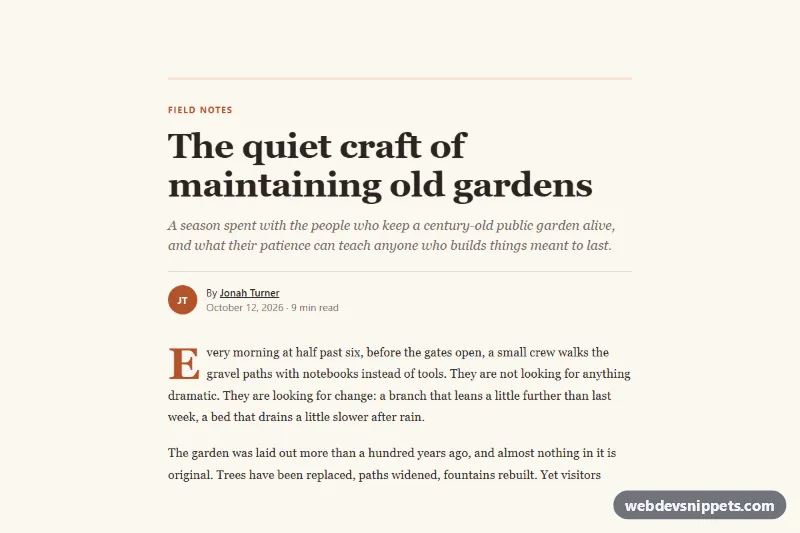
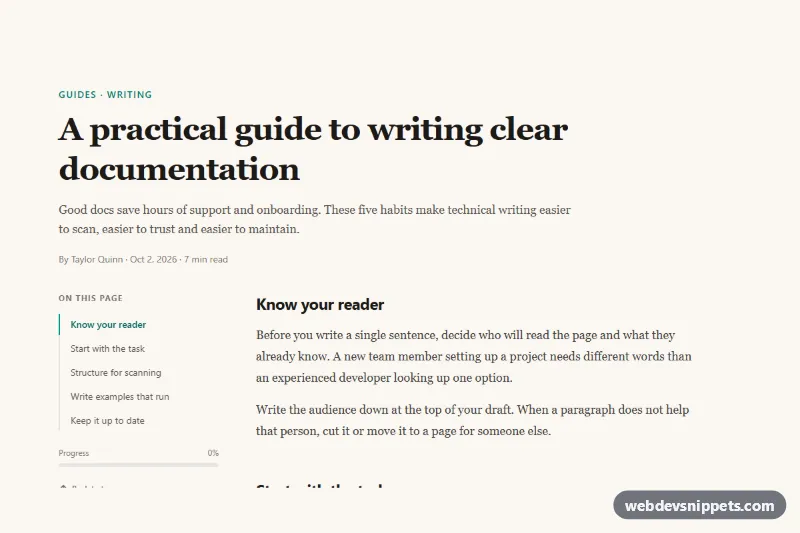
A Bootstrap 5 long-form article layout with a serif reading column, drop cap, wide figure, pull quote, tag list, author box and a slim reading progress bar. Use it for blog posts, magazine features and case studies.
How it works
The wrapper .arl-page sets a warm paper background and all design tokens. Inside it, article.arl-article is a Bootstrap container capped at the --arl-measure line length plus padding.
.arl-header holds the category link, the h1.arl-title with fluid clamp() sizing, an italic .arl-dek subtitle and a .arl-meta row with initials avatar, author link, date and read time. .arl-body uses a serif stack with a 1.75 line height.
The first paragraph, .arl-lead, gets a floated drop cap through ::first-letter. .arl-figure wraps an image and a caption with an accent border; from the lg breakpoint it breaks out of the text column with negative margins. .arl-pullquote is a figure with a blockquote, a thick top rule and a large decorative quotation mark from ::before. .arl-list replaces bullets with em dashes through ::marker. The aside.arl-author box stacks on phones and sits side by side from 576px.
The script runs on DOMContentLoaded. A requestAnimationFrame-throttled scroll and resize handler measures each .arl-article and writes a value between 0 and 1 into the --arl-progress custom property of .arl-progress__bar, which scales the bar with transform: scaleX(). The .arl-progress track is position: sticky, so it stays at the top of the viewport while you read. The .arl-follow button toggles aria-pressed and switches its text and icon between "Follow" and "Following".
Customization
--arl-accentand--arl-accent-softin.arl-page: recolor the drop cap, links, progress bar, quote mark and the active follow button.--arl-paperand--arl-inkin.arl-page: change the page background and text color, for example to a dark reading theme.--arl-measurein.arl-page: widen or narrow the reading column.--arl-serifand--arl-sansin.arl-page: swap the body and interface font stacks.font-size: 4.2remin.arl-lead::first-letter: resize the drop cap, or delete the rule to remove it.margin-inline: -4remin.arl-figure(inside the 992px media query): set to0to keep figures inside the text column.- Remove
.arl-progressfrom the markup to drop the reading progress bar; the script then skips it.
Accessibility
The article is labelled by its h1 through aria-labelledby. The progress bar is decorative and marked aria-hidden="true", and the avatars are hidden from screen readers because the author name is in text next to them. The figure has descriptive alt text and a real figcaption; the pull quote uses figure, blockquote and figcaption. The author box is an aside with its own label, and the follow button exposes its state with aria-pressed. Links and buttons get a clear :focus-visible outline in the accent color.
Usage notes
Requires Bootstrap 5 (added automatically) and Bootstrap Icons. Do not put overflow: hidden on an ancestor of the article, or the sticky progress bar will stop sticking.