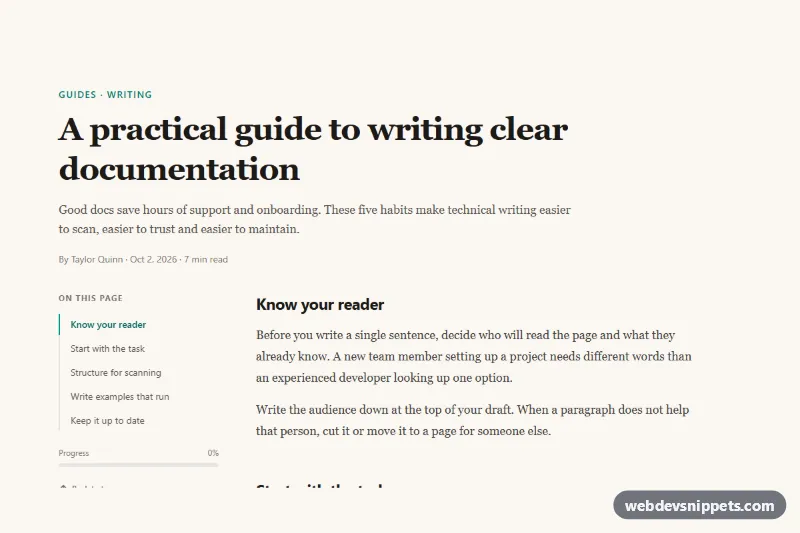
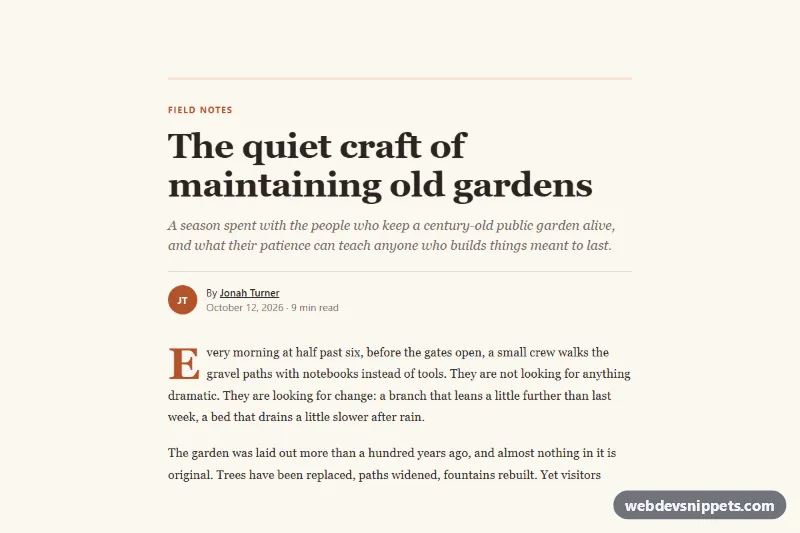
A long-form article layout with a sticky table of contents, built with Tailwind CSS and a small vanilla JavaScript scroll spy. As the reader scrolls, the link for the section in view is highlighted and a progress bar shows how much of the article has been read. It suits documentation, guides, blog posts and knowledge base pages.
How it works
The root is .tat-article. It contains the article header and a two-column grid: the aside with nav.tat-toc on the left and article.tat-body (marked data-tat-body) on the right. On phones and tablets the table of contents is a white card above the text; from lg up the grid becomes lg:grid-cols-[15rem_minmax(0,1fr)] and the nav turns into a transparent sidebar with lg:sticky lg:top-6, so it stays visible while the content scrolls. The text uses a serif font for comfortable reading, with sans-serif headings.
Each .tat-link points to a section.tat-section by id. The script finds these pairs, then listens to scroll and resize (throttled with requestAnimationFrame). The last section whose top has passed ACTIVATION_LINE (30% of the viewport height) becomes current: its link gets aria-current="location", which the aria-[current=location]: variants style with a teal left border and bold text. When the page is scrolled to the bottom, the last section is selected even if it is short.
Clicking a link scrolls smoothly to the section, moves focus to its heading and updates the URL hash. The script also writes the reading percentage into the --tat-progress custom property of .tat-progress-bar and into aria-valuenow. Without JavaScript the links still work as normal anchor jumps, and scroll-margin-top in style.css keeps headings from touching the viewport edge.
Customization
ACTIVATION_LINEinscript.js: raise it to0.5to switch sections later, lower it to switch as soon as a heading enters the top of the screen.aria-[current=location]:border-teal-600andaria-[current=location]:text-teal-800on.tat-link: swaptealfor another color to restyle the active item.lg:grid-cols-[15rem_minmax(0,1fr)]: widen the sidebar to18remfor longer section titles.lg:top-6on.tat-toc: increase it (andscroll-margin-topin.tat-section) when your site has a fixed header.bg-[#faf7f2]on.tat-article: change the paper-like background, or usebg-white.font-serifon.tat-body: replace withfont-sansfor a more technical look.- Remove the
data-tat-progressblock to hide the progress bar; the script skips it automatically.
Accessibility
The table of contents is a nav labelled by its "On this page" heading and uses an ordered list. The active link is exposed with aria-current="location", so screen readers announce which section is current, not only sighted users. After a click, focus moves to the target heading, so keyboard users continue reading in the right place. The progress bar uses role="progressbar" with aria-valuemin, aria-valuemax and a live aria-valuenow. Links have visible focus-visible outlines, and smooth scrolling and transitions are disabled under prefers-reduced-motion: reduce.
Usage notes
Add more sections by repeating the section.tat-section pattern and a matching .tat-link. Keep every id unique on the page.