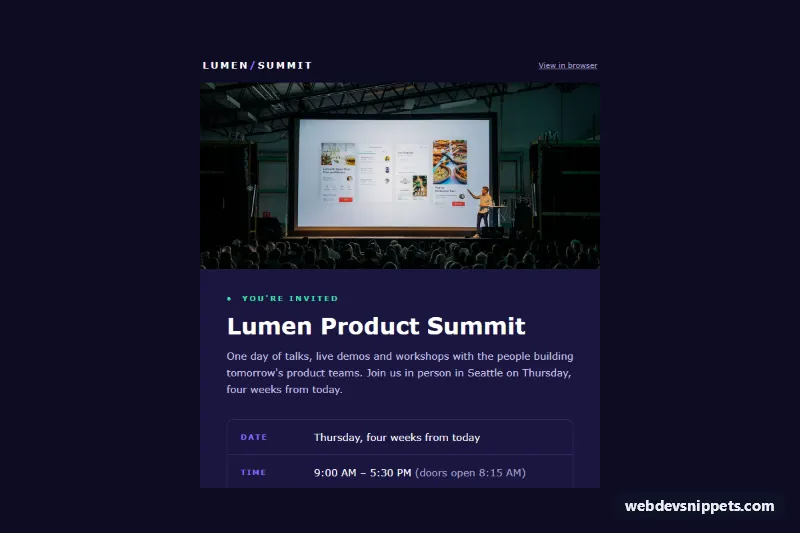
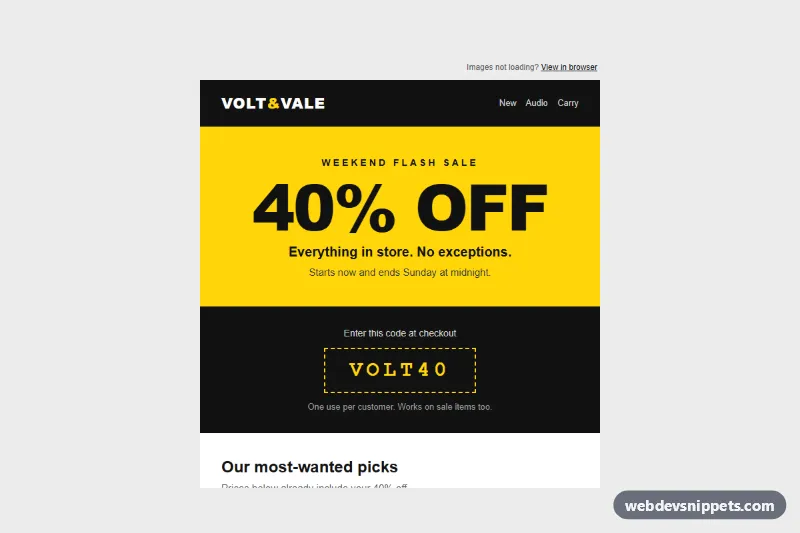
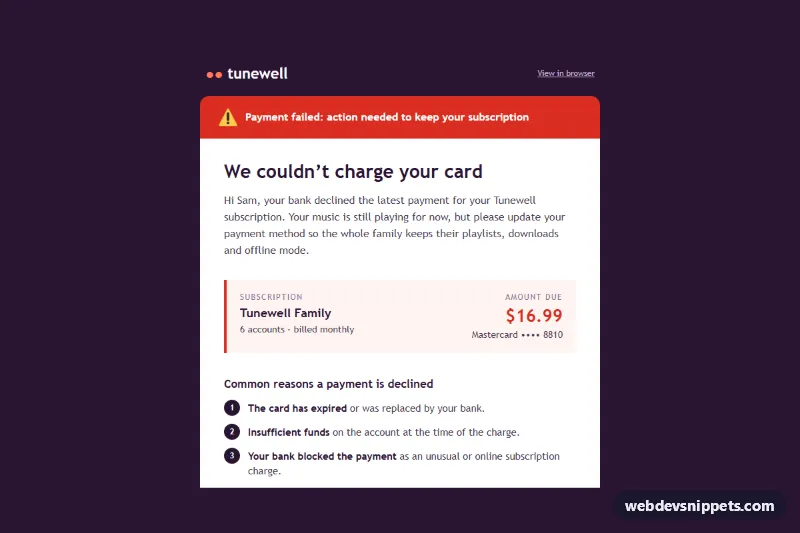
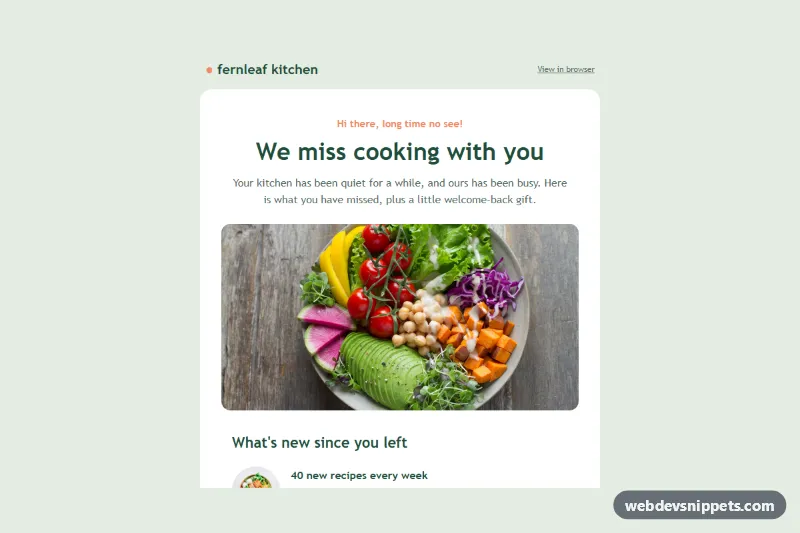
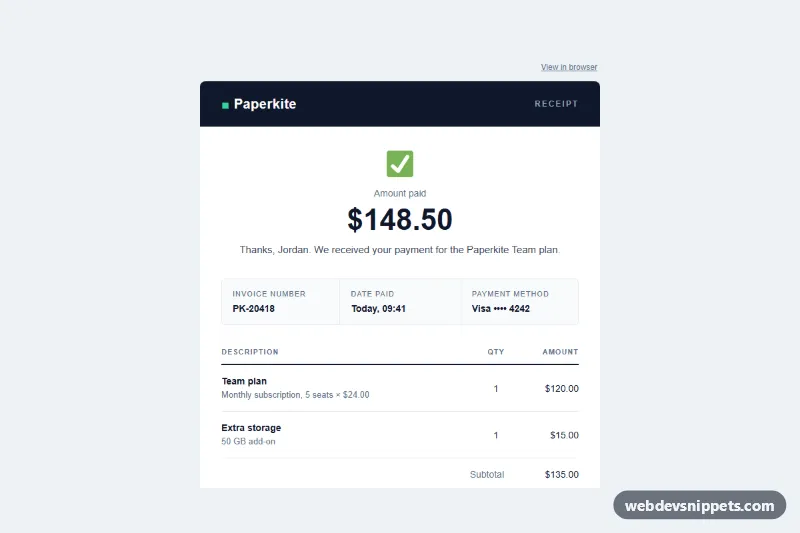
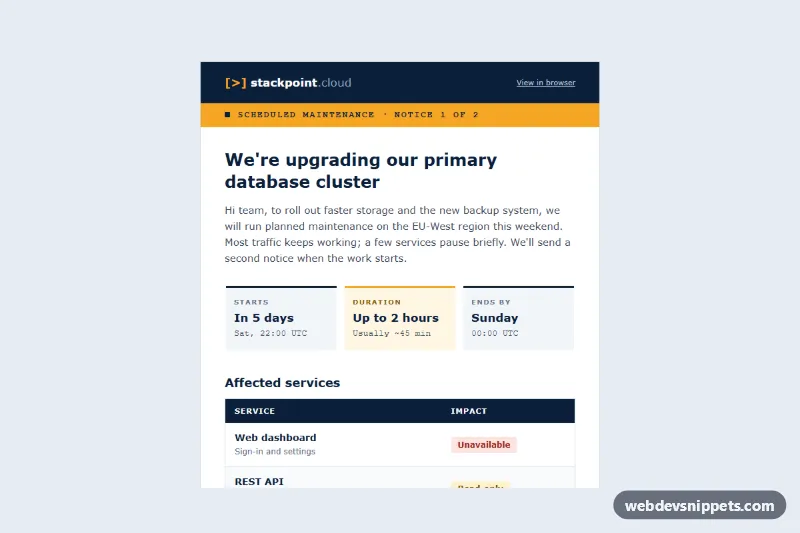
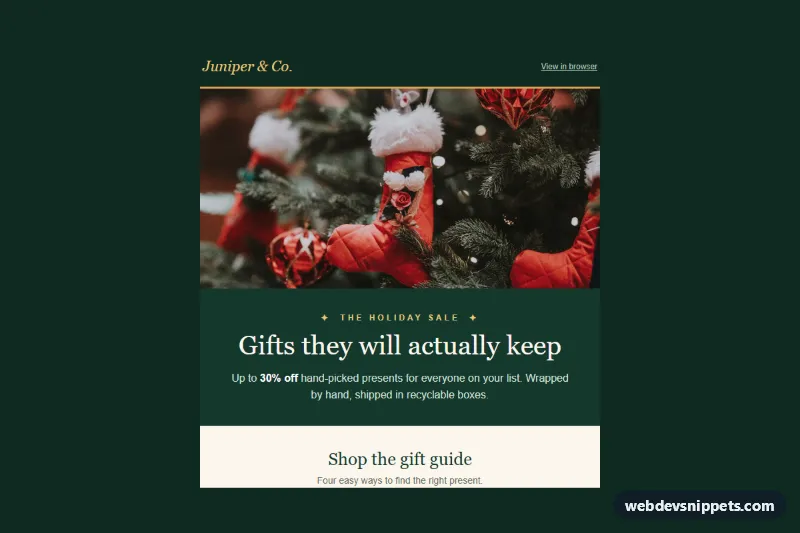
A dark, email-safe event invitation for a one-day conference: a stage photo, the event title, a bordered date, time and location table, timed agenda highlights, side-by-side RSVP "Yes" and "No" buttons and add-to-calendar links. It works for summits, meetups, product launches and customer events.
How it works
The hidden .eie-preheader gives the inbox preview line. The .eie-wrapper table paints the near-black background, .eie-container limits the email to 600 px, and an MSO conditional comment wraps it in a fixed-width table for Outlook on Windows.
The .eie-hero photo sits above an indigo content block. The details table uses .eie-label cells for the violet uppercase labels and plain cells for the values; the sample date is written relatively ("Thursday, four weeks from today") so the template never shows a stale date. Swap it for your platform's date merge tag when you send. Agenda rows pair a monospaced time with a bold session title and a muted subtitle.
The RSVP row has two .eie-rsvp cells. Each one contains a VML v:roundrect for Outlook and, for all other clients, a padded link: .eie-btn-yes is filled mint, .eie-btn-no is outlined violet. The links carry ?answer=yes and ?answer=no, so one click records the answer on your landing page. The add-to-calendar line links to an .ics file and a Google Calendar URL.
Customization
- Replace
#1a1640(indigo),#8b6cff(violet) and#3ee6b0(mint) in the inline styles and VMLfillcolor/strokecolorto rebrand the invite. - Edit the rows of the details table; add a "Dress code" or "Price" row by copying one with an
.eie-labelcell. - Add or remove agenda rows; keep the time cell at 84 px so titles align.
- Point the RSVP links at your form or event tool and keep the
answerparameter. - Generate the
.icsfile and Google Calendar link from your event data and update both hrefs. - Change
.eie-titlesize or the.eie-rsvpstacking in the@mediablock ofstyle.css.
Accessibility
Layout tables use role="presentation", the title is an h1 and the agenda an h2. The event photo has descriptive alt text, and every detail is real text, so the invitation reads fully with images blocked. Light text on indigo and dark text on mint both exceed WCAG AA contrast, and the RSVP buttons are large, clearly labelled targets.
Usage notes
Patterns target Outlook 2016+ on Windows (VML buttons), Outlook.com, Gmail web and apps, Apple Mail and iOS Mail. style.css only adds hover states and, below 480 px, stacks the two RSVP buttons; inline it in your email head. The conference photo is from Unsplash; replace it with a photo of your own venue or past event.