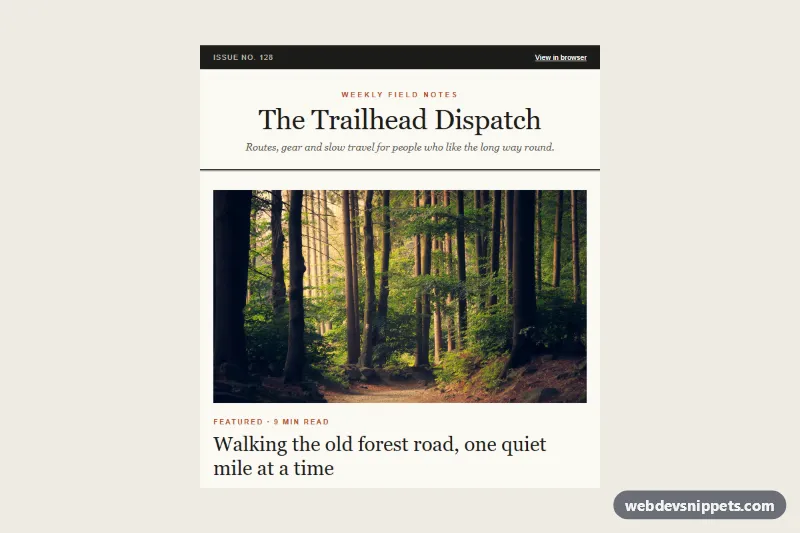
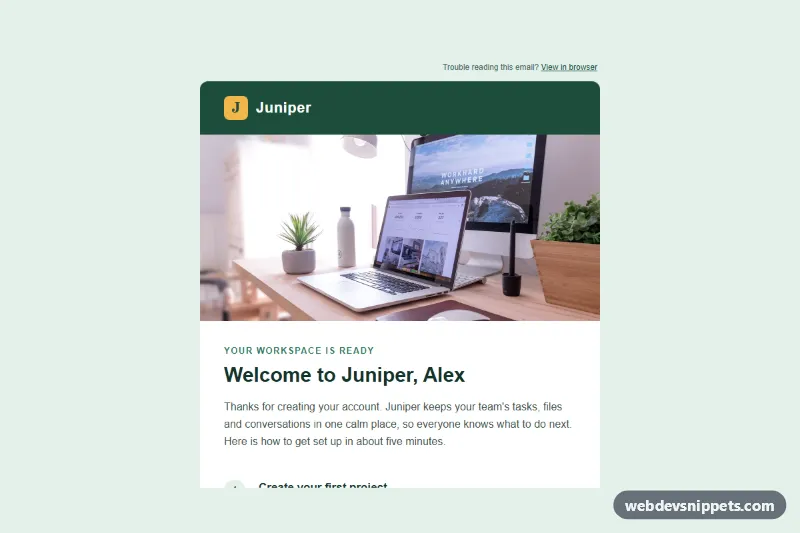
An email-safe editorial newsletter template with a masthead, a large featured article, a two-column article grid that stacks on phones, quick links, a sponsor slot and a dark footer. It uses tables, inline styles and a hybrid (fluid) column technique, so it works in Outlook (Windows desktop), Gmail (including apps that ignore media queries) and Apple Mail.
How it works
A hidden preheader (.nl-preheader) sets the inbox preview text. The .nl-wrap table paints the outer background and the .nl-container table holds the 600 px newsletter; MSO conditional comments add a fixed 600 px table for Outlook. A dark top bar shows the issue number and the "View in browser" link, and the masthead uses a large Georgia title (.nl-mast) above a double rule.
The featured story has a full-width image (.nl-img), a kicker, the .nl-feature-title heading, a standfirst and a text link. The "More in this issue" grid uses the hybrid pattern: each .nl-col is an inline-block div with width:100% and max-width:290px, inside a cell with font-size:0. Two columns fit side by side at 600 px and wrap to one column on narrow screens without any media query. Outlook does not support that, so MSO conditional comments build a real two-cell table around the columns. The quick links list uses a small triangle character as a bullet, and the sponsor slot is a tinted table with a label, copy and link.
Customization
- Change
#b4532a(kicker, link underline, bullets) and#1b1b18(top bar, rules, footer) to restyle the publication. - Duplicate a whole two-column row to add more articles, or remove one
.nl-coland its MSO<td>to show a single wide card. - Set
max-widthon.nl-coland the MSOwidthvalues together if you change the column widths. - Replace the masthead name, tagline and issue number in the top bar and
.nl-mast. - Edit or delete the sponsor table; it is a self-contained
<tr>above the footer. - On phones
style.csslets.nl-coland.nl-imguse the full width and shrinks.nl-mastand.nl-feature-title.
Accessibility
Layout tables have role="presentation". Every article image has descriptive alt text and is linked to the same URL as its headline. The masthead is the only h1, articles use h2 and h3, link text describes the destination, and text colors meet WCAG AA contrast.
Usage notes
All photos come from Unsplash; replace them with your own images, ideally cropped to the same ratios (560 x 320 and 270 x 170). index.html is body content only: place it in a full HTML document and paste style.css into a <style> block in the <head>. Keep the issue undated or let your sending platform insert the date at send time.