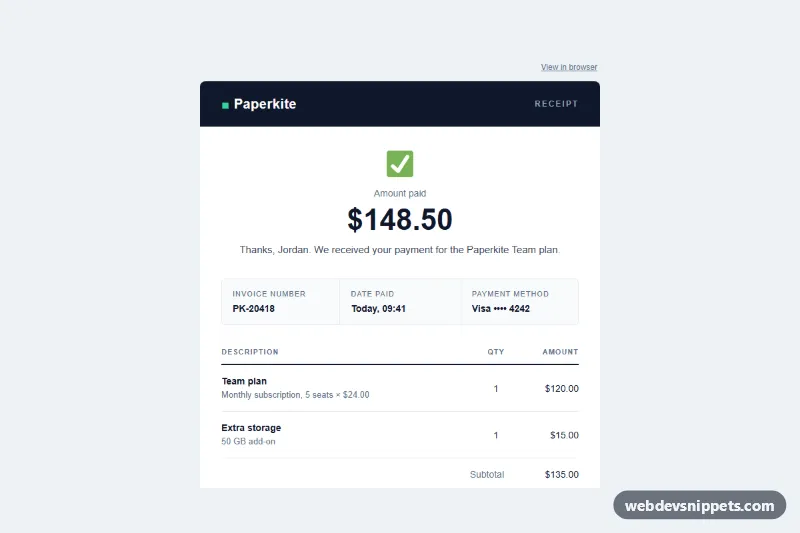
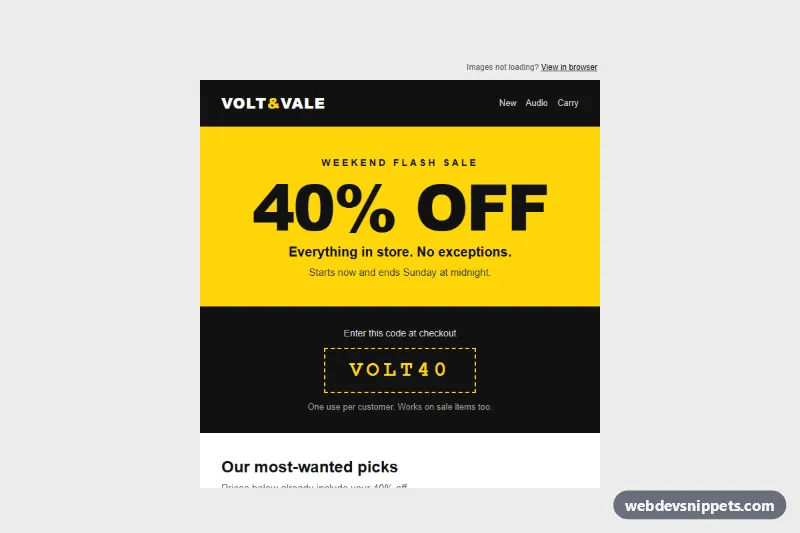
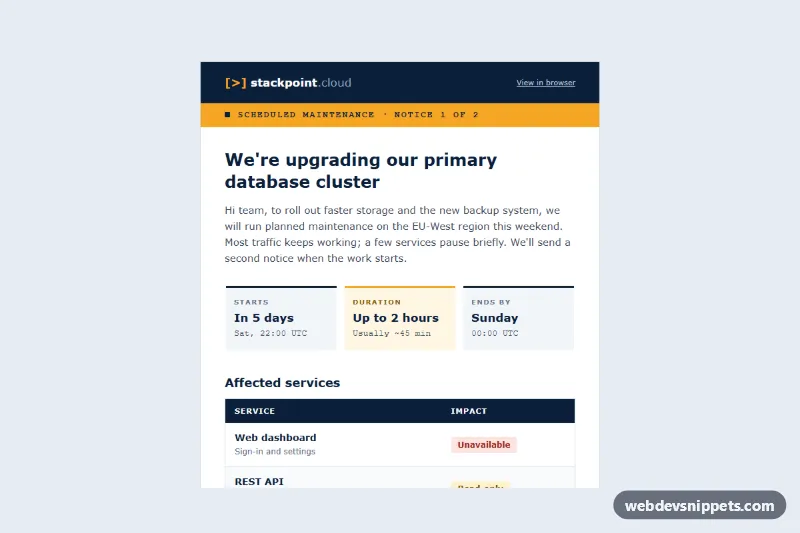
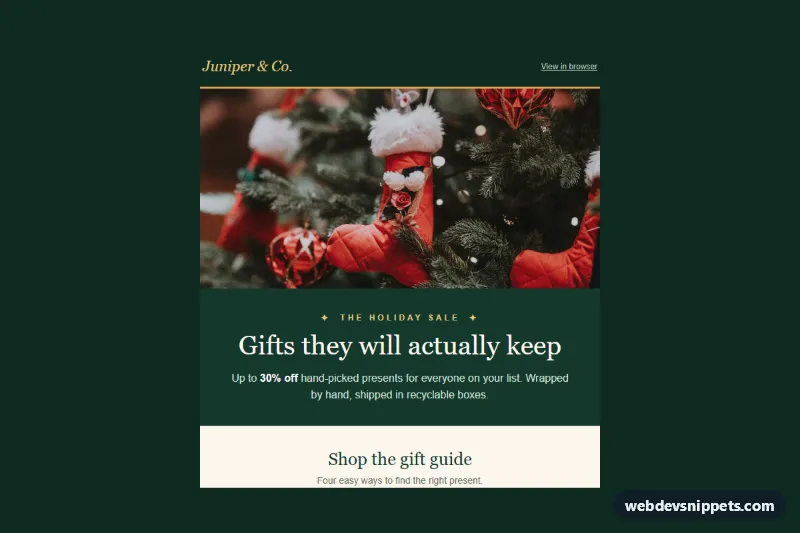
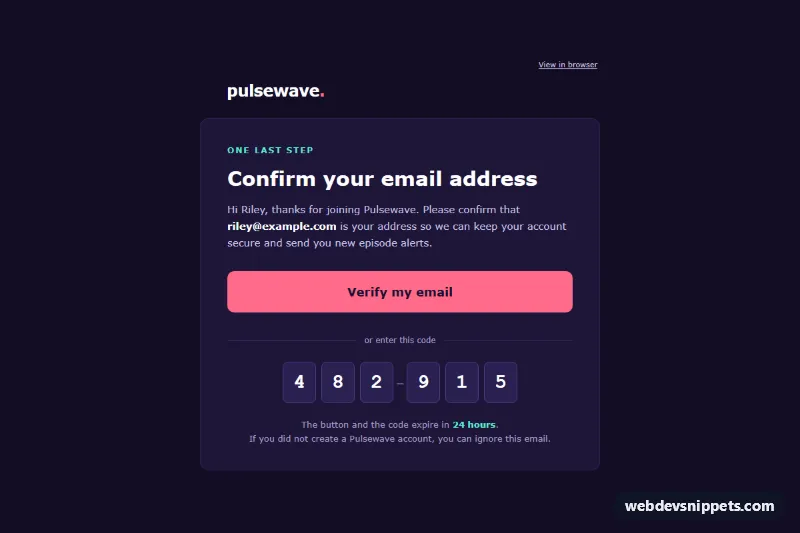
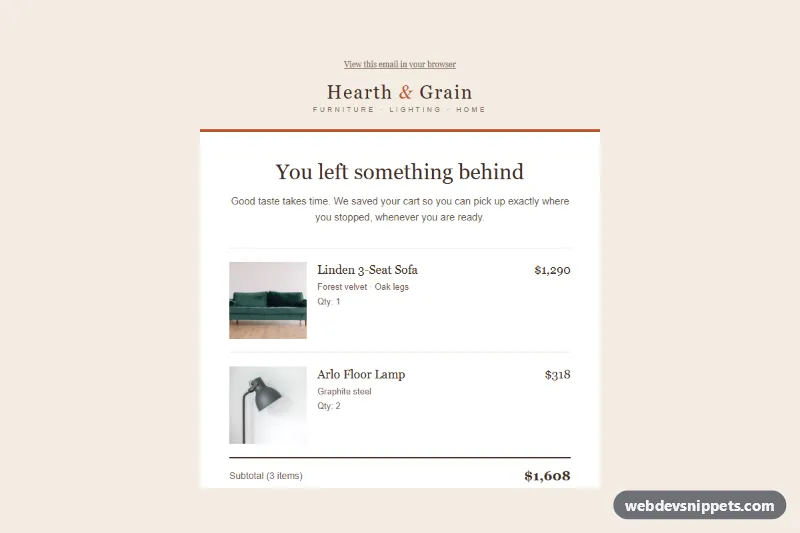
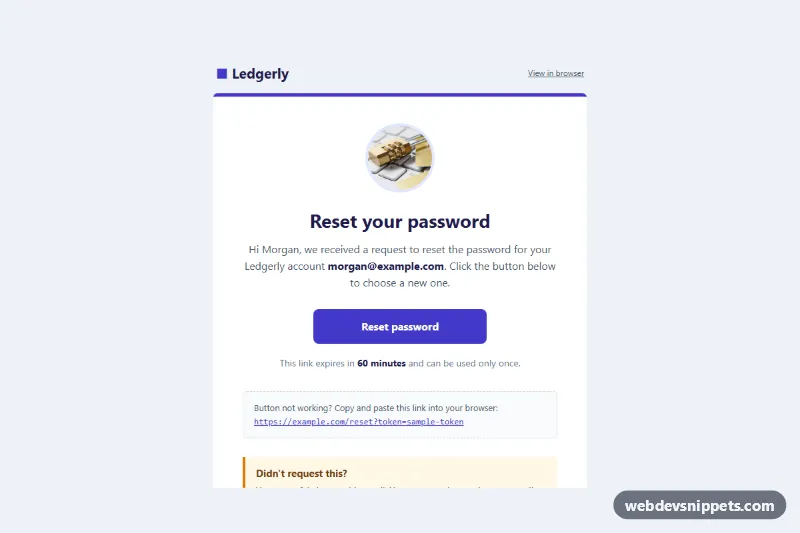
An email-safe payment receipt and invoice template for SaaS billing, built with table-based layout and inline styles only. It confirms the amount paid, lists the invoice number, payment method and line items with tax and total, and offers a bulletproof "Download PDF invoice" button plus a billing support line. The layout targets Outlook (Windows desktop), Gmail (web and apps) and Apple Mail.
How it works
The markup starts with a hidden preheader (.ir-preheader) that inbox previews show next to the subject line. Everything else sits inside the full-width .ir-wrap table, which paints the light grey page background, and a centered .ir-container table capped at 600 px with max-width. Outlook ignores max-width, so MSO conditional comments wrap the container in a fixed 600 px table for the Word rendering engine.
Below the "View in browser" link, a dark header band carries the Paperkite brand name and a "Receipt" label. The amount block shows a small check-mark image, the .ir-amount heading and a thank-you line. Three .ir-meta cells hold the invoice number, date paid and payment method. The .ir-items table lists each line item with description, quantity and amount; subtotal, tax and total follow in a right-aligned table. The button is an .ir-btn link styled inline for every client except Outlook, which gets a VML v:roundrect inside <!--[if mso]> instead. A tinted support row with a mailto: link and a footer with the sender address, email preferences and unsubscribe link close the email.
Customization
- Change
#0f172a(header band, headings, table rule) and#10b981(button, VMLfillcolorandstrokecolor) to your brand colors; keep the VML values in sync with the.ir-btninline styles. - Edit the line item rows inside
.ir-items: copy a<tr>to add a product, and update the subtotal, tax and total rows to match. - Replace the
hrefon.ir-btnand in thev:roundrectwith the real PDF link from your billing system. - The
.ir-hide-smcells hide the Qty column on phones; remove the class to keep it visible. .ir-metacells stack vertically below 480 px through the media query instyle.css; delete that rule to keep three columns.- Swap the sample values (
PK-20418, "Today, 09:41", Visa ending 4242) for merge tags from your email platform.
Accessibility
All layout tables have role="presentation". The amount is a real h1, the check-mark image has alt="Paid", and every text color reaches at least WCAG AA contrast on its background. Links are underlined and the button text is real HTML text, not an image.
Usage notes
index.html contains body content only. In production, put it inside a full HTML document and paste the rules from style.css into a <style> block in the <head>; they are progressive extras (body reset, button hover, mobile stacking) and the email still works where clients strip them. The check-mark icon is a Twemoji PNG served from jsDelivr (CC-BY 4.0); host your own icon for production sends.