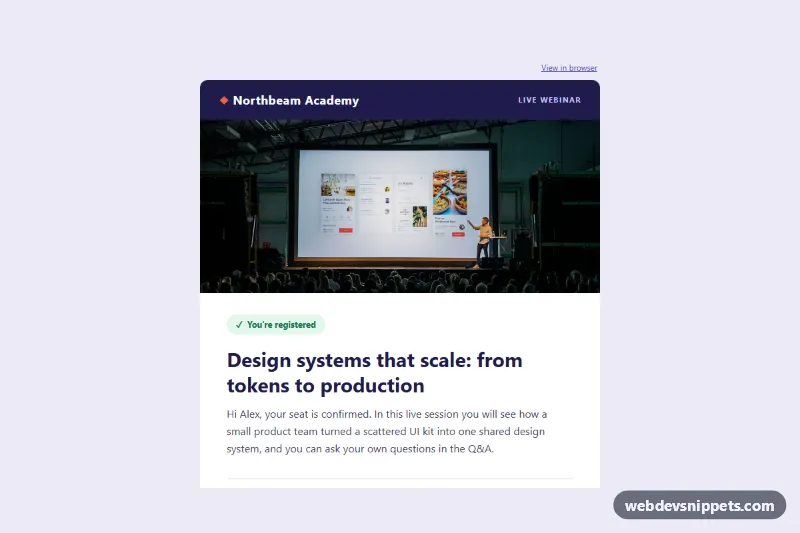
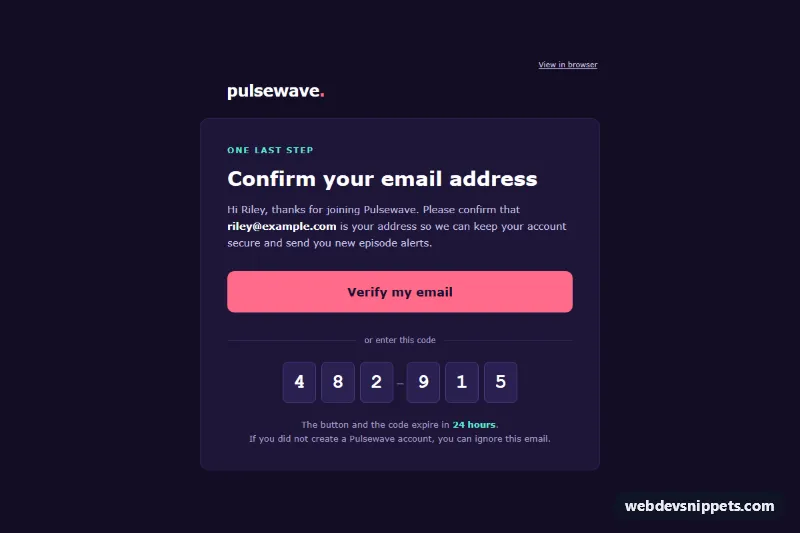
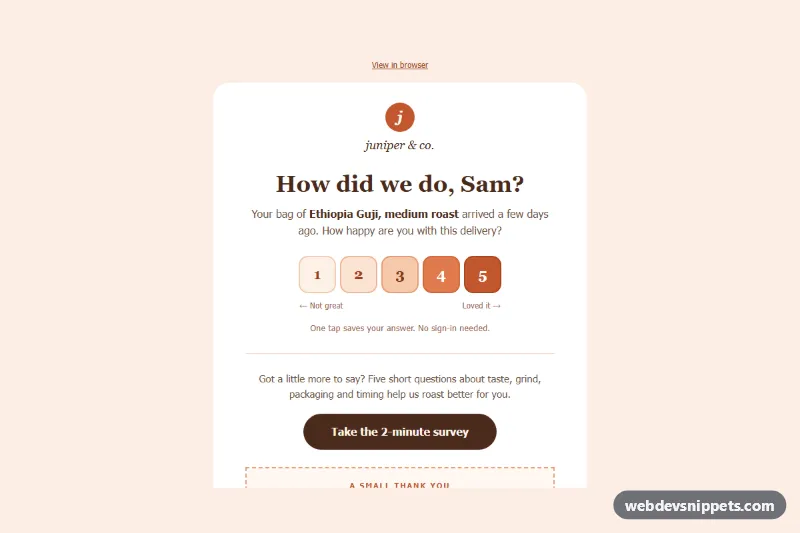
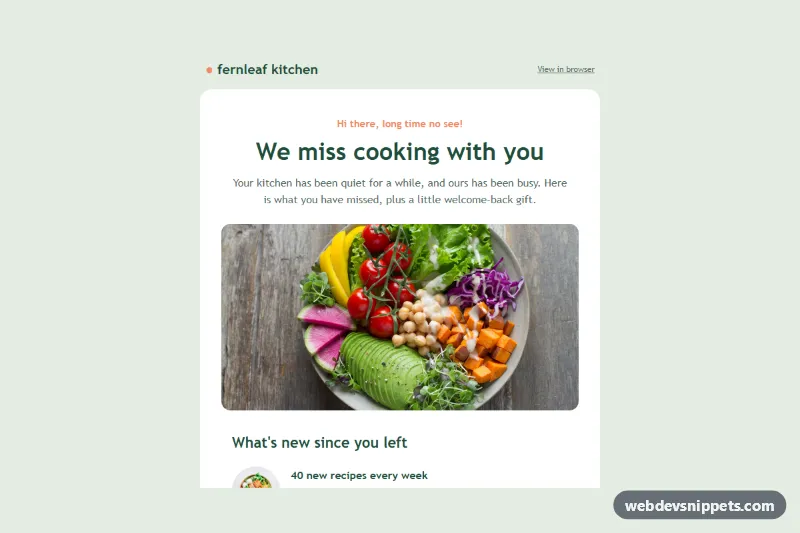
A webinar registration confirmation email built as a real, email-safe HTML template: table-based layout, inline styles and no frameworks, web fonts, icon fonts or JavaScript. It tells a registrant "You're registered", introduces the session and speaker, states the time with a time zone note and gives them a join button, calendar links and a short prep list. The patterns target Outlook (Windows desktop, Word engine), Gmail (web and apps) and Apple Mail.
How it works
The markup starts with a hidden preheader (.wbr-preheader) that inbox lists show next to the subject line. Below it sits the full-width table.wbr-wrapper with the lavender background and a centered table.wbr-container capped at 600px by max-width. Outlook ignores max-width, so an MSO conditional comment wraps the container in a fixed 600px ghost table.
Inside the container each section is one table row: a "View in browser" link, the indigo brand bar, a 600x260 hero photo, the confirmation block with a green "You're registered" pill and the session title, a speaker row with an 80px round portrait, a "When" box with a coral left border, the join button, three add-to-calendar links, a numbered "What to prepare" list and a dark note about the recording. The footer below the card holds the reason for the email, the sender's postal address, an email preferences link and an unsubscribe link.
The join button is bulletproof: Outlook draws a VML v:roundrect inside <!--[if mso]>, while every other client gets the a.wbr-btn link, sized with width and line-height. The date is written relative to the send ("Next Thursday"), so the sample copy never goes stale.
Customization
- Change
#1e1b4b(brand indigo) and#f2643d(coral accent) throughoutindex.htmlto your brand colors; updatefillcoloron thev:roundrecttoo so Outlook matches. - Replace the hero
img.wbr-heroURL and itsalttext with your own 1200x520 artwork; keepwidth="600"andheight="260". - Swap the speaker portrait URL, name and job title in the speaker row.
- Point the three
a.wbr-callinks at your own Google Calendar link and.icsfiles generated per session. - Edit the time zone note in the "When" box to list the cities your audience lives in.
- In
style.css,.wbr-pxreduces the side padding to 20px below 620px and.wbr-h1shrinks the title; delete the file and the email still works.
Use cases
- Webinar platforms: confirm a registration with the session title, speaker card and a Join button
- Online events and conferences: show the time with a time zone note and add-to-calendar links
- Marketing teams: give registrants a short numbered prep list and a note about the recording
- Training and education: send attendees a clear confirmation that renders well in Outlook, Gmail and Apple Mail
- Email service providers: table-based, inline-styled markup you can paste into your platform
Accessibility
All layout tables carry role="presentation", so screen readers skip the grid and read the content in order. The title is a real h1 and the prep list heading an h2. Every image has width, height, display:block and descriptive alt text. Text colors keep at least 4.5:1 contrast on their backgrounds, links are underlined, and style.css adds a visible focus-visible outline where clients support it.
Usage notes
The photos come from Unsplash; replace them with your own hosted images before sending. Links use example.com placeholders. Set the language and subject line in the document your email platform wraps around this markup, and test before a large send.