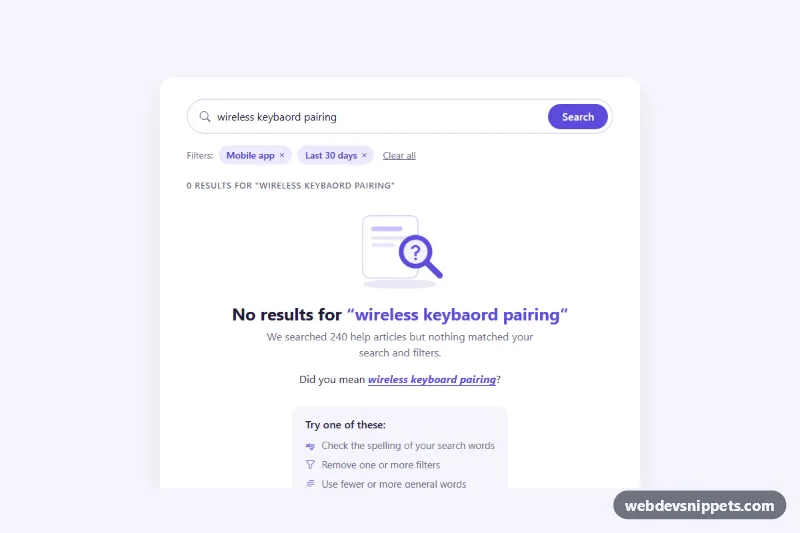
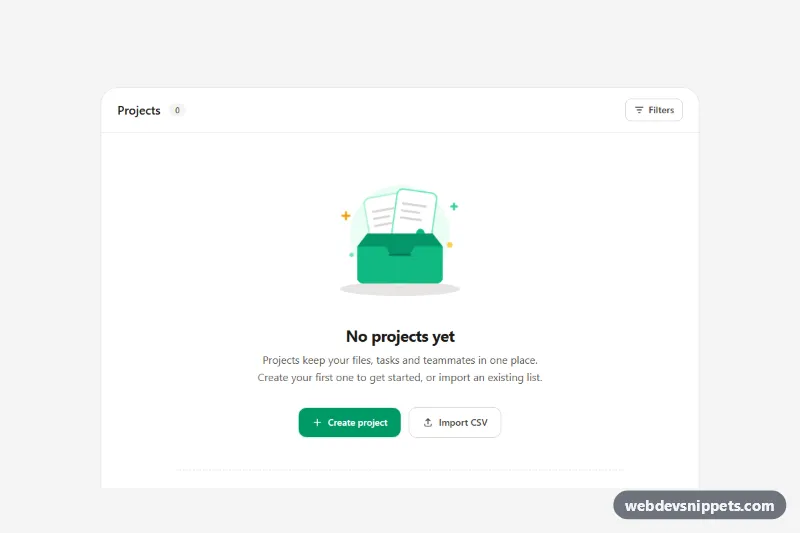
A Bootstrap 5 "no search results" empty state for help centers, documentation sites and store search pages. Instead of a blank list it explains what happened, offers a spelling correction, lets visitors drop filters and points them to popular searches or support.
How it works
The root .nr-search holds a white .nr-panel with a pill-shaped search form (.nr-form, .nr-input, .nr-submit), a row of removable filter chips in .nr-filters, a .nr-count status line, the .nr-results list and the .nr-empty block. The empty block contains an inline SVG illustration with a gently rocking magnifier, a heading that repeats the query inside .nr-term, the .nr-dym "Did you mean" line, a .nr-tips box and the .nr-popular pills.
The script runs on DOMContentLoaded for every .nr-search. It builds a small vocabulary from the .nr-result__title texts. run() checks each .nr-result: every search word must appear in its title and every active chip value (data-nr-filter) must be listed in the item's data-nr-tags. When nothing matches, .nr-results is hidden, .nr-empty is shown and suggest() compares each unknown word with the vocabulary using edit distance, so "keybaord" becomes "keyboard". Clicking the suggestion or a .nr-pill (with its data-nr-query) runs a new search. Removing a .nr-chip or pressing .nr-clear re-runs the search immediately.
Without JavaScript the empty state is still rendered as static markup.
Customization
--nr-accentand--nr-accent-hoveron.nr-searchinstyle.css: change the color of the search button, chips, illustration and links.--nr-bgon.nr-search: sets the page background and the tint of the tips box and result hover.maxDistanceinscript.js: raise it from2to accept rougher typos in the "Did you mean" suggestion, or lower it for stricter matches.data-nr-tagson each.nr-result: comma-separated filter values the item belongs to; they must match the chips'data-nr-filtertext.data-nr-queryon a.nr-pill: the search text that pill runs; add or remove pills to promote other topics.- Remove the
.nr-empty__artSVG for a compact version, or changewidth: 180pxin.nr-empty__artto resize it. - Replace the static
.nr-resultitems with results from your search API and call the same filtering logic on the response.
Accessibility
The form has role="search" and a visually hidden label. .nr-count is a role="status" live region, so the number of results is announced after every search. Filter chips are real buttons with a visually hidden ", remove filter" suffix and sit in a labelled role="group"; after a chip is removed, focus moves to the next chip or back to the search field. Suggestion and pill clicks also return focus to the input. The illustration is aria-hidden, every control has a visible :focus-visible outline, and the magnifier animation stops under prefers-reduced-motion.
Usage notes
Requires Bootstrap 5 (added automatically) and Bootstrap Icons. The filter chip row hides itself with :has() when no chips remain. Several instances can live on one page; each one only reads elements inside its own .nr-search.