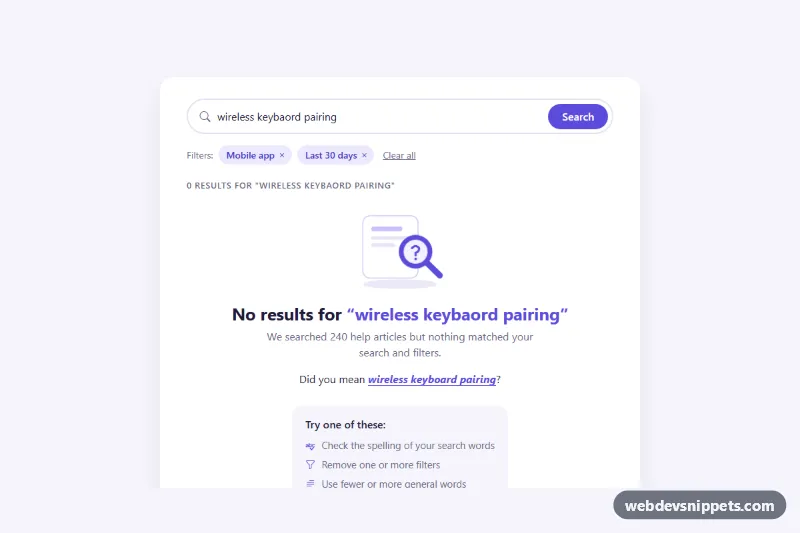
No Search Results
Bootstrap 5 empty search state with a spelling-aware "Did you mean" suggestion, removable filter chips, search tips, popular searches and a support link.
Friendly screens for no data or no results.
2 component(s)
Bootstrap 5 empty search state with a spelling-aware "Did you mean" suggestion, removable filter chips, search tips, popular searches and a support link.
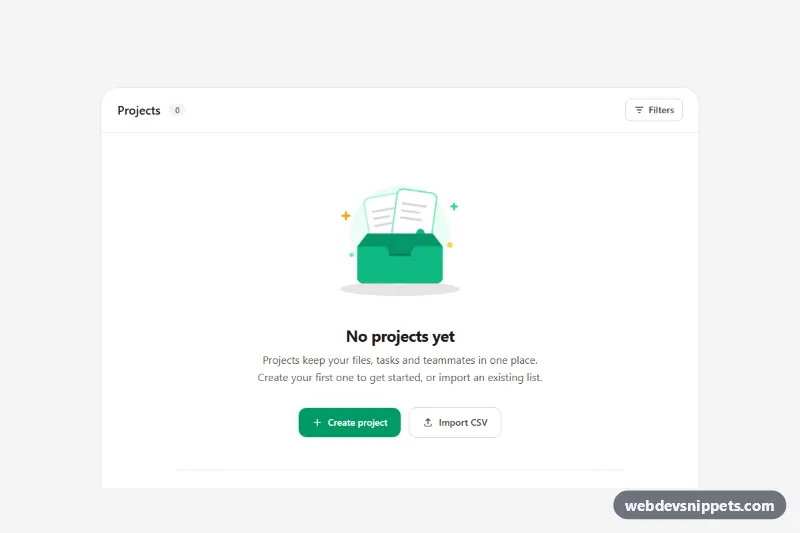
Tailwind CSS empty state with an animated inline SVG illustration, clear headline, primary and secondary call-to-action buttons and template shortcuts.
An empty state is the screen or section a user sees when there is nothing to show: an inbox with no messages, a search with no results, a new project with no tasks, a cart with no items or a dashboard before any data exists. A good empty state replaces a blank area with a short explanation, a simple illustration or icon, and a clear next step, turning a dead end into guidance.
Use a real heading for the message so it fits the page outline, and keep the call to action as a proper <button> or link with descriptive text. Decorative illustrations should have empty alt text or aria-hidden="true". When results update dynamically, for example after typing in a search box, announce the "No results" message through a role="status" live region. Check that muted text colours still meet contrast requirements.
These empty state UI examples and no results page HTML CSS snippets are available for Bootstrap 6, Bootstrap 5, Tailwind CSS and pure CSS. Illustrations are inline SVG, so you can recolour them or replace them with your own artwork. Bootstrap 6 versions use the theme-* colour roles for icons and buttons. Use the framework filter and live preview to find a match, then copy the code from the code tabs or download it and rewrite the text for your feature.