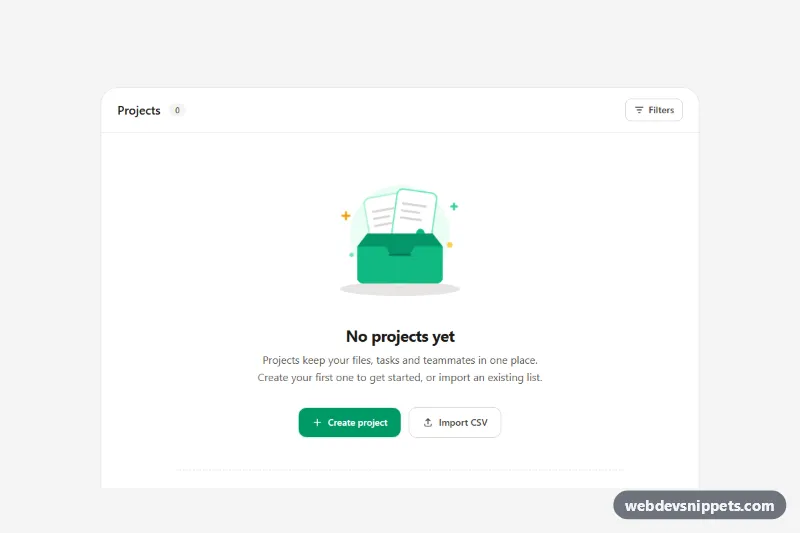
An empty state built with Tailwind CSS that replaces a blank list with a friendly inline SVG illustration, a short explanation and clear next steps. It is shown here inside a "Projects" panel with a primary Create project button, a secondary Import CSV button and three template shortcuts, a pattern that fits dashboards, admin panels, inboxes and any SaaS screen a new user sees before they have added data.
How it works
The root is .tes-root, a section with a stone background that holds a white rounded panel. The panel header shows the title, a 0 count badge and a Filters button, so the empty state reads as part of a real screen. Below it, centered content contains the .tes-illustration wrapper with a single inline SVG: an open emerald box, two floating documents and a few sparkles. The documents are grouped in .tes-float elements and the sparkles in .tes-twinkle; style.css moves them with the tes-float and tes-twinkle keyframes. There is no JavaScript.
Under the headline and description, the buttons stack full width on phones and sit side by side from the sm breakpoint. A dashed divider separates the template links, which use a one-column list on phones and sm:grid-cols-3 on larger screens.
Customization
--tes-float-distanceand--tes-float-speedon.tes-illustrationinstyle.css: control how far and how fast the documents float.- The fill colors inside the SVG (
#10b981,#059669,#ecfdf5): change them to match your brand, or replace the whole SVG with your own illustration. bg-emerald-600 hover:bg-emerald-700on the.tes-ctabutton: swapemeraldforindigoorroseto restyle the primary action.w-56 sm:w-64on.tes-illustration: make the artwork smaller for compact cards or larger for full-page states.- Delete the template block below the dashed
border-tif you only need a single call to action. - Change the headline, the description and the button labels for other contexts such as "No messages", "No results" or "No invoices yet".
Accessibility
The illustration is purely decorative and wrapped in aria-hidden="true", so screen readers move straight to the "No projects yet" heading and the explanation. The panel is labelled by its heading via aria-labelledby. All actions are native button and a elements with visible text, keyboard focus and a clear emerald focus-visible outline; icons inside them are hidden from assistive technology. Text colors meet WCAG AA contrast on the white panel, and the floating animation stops under prefers-reduced-motion: reduce.
Usage notes
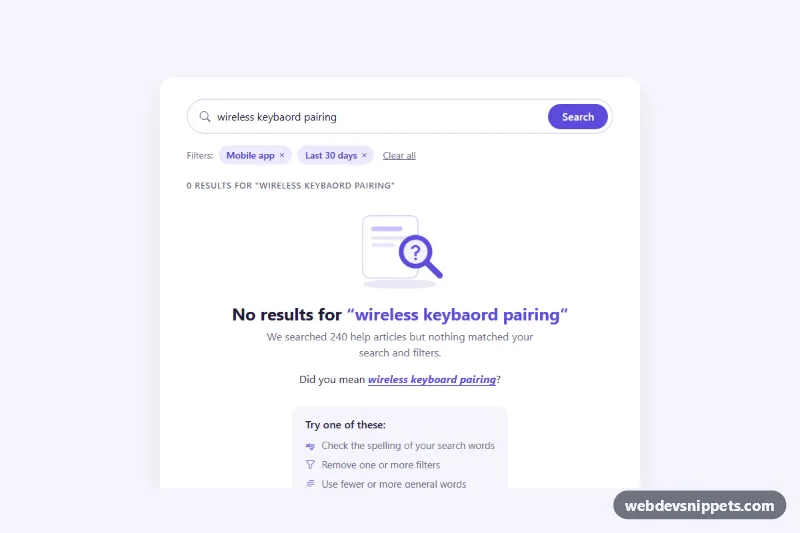
Connect the buttons to your own handlers, for example opening a create dialog or a file picker. If the empty state appears after a search returns nothing, change the copy to explain why and offer a "Clear filters" action instead of Create.