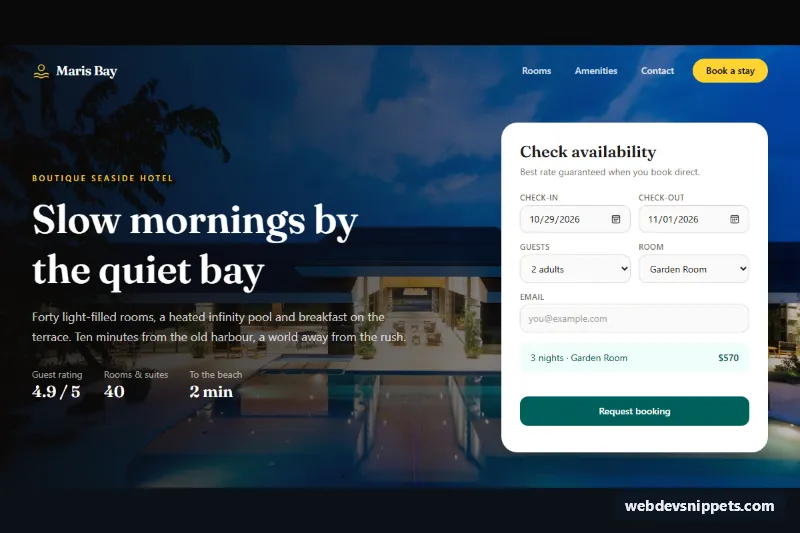
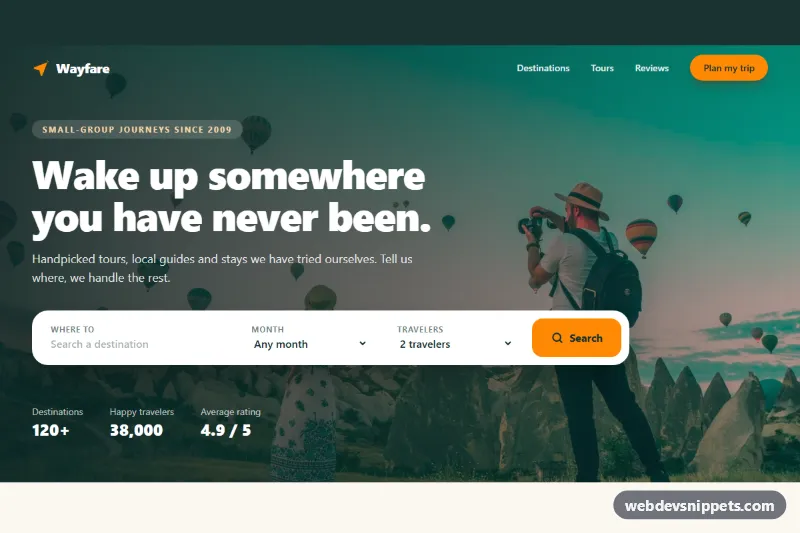
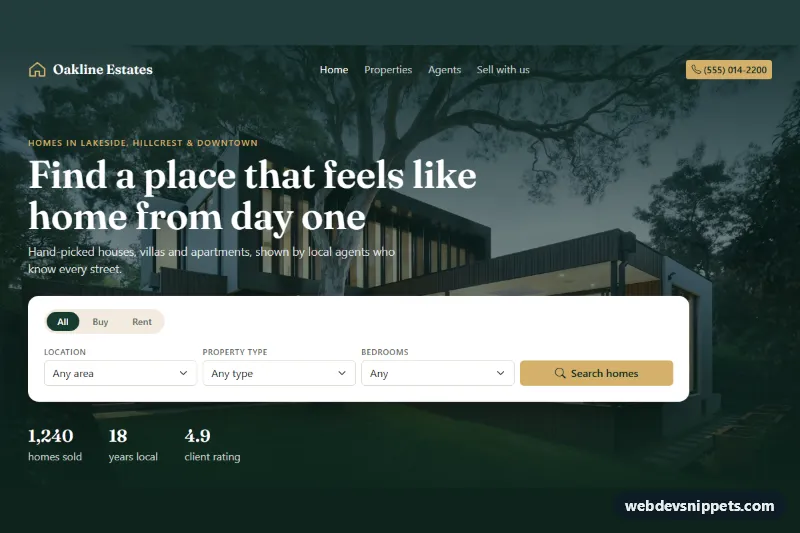
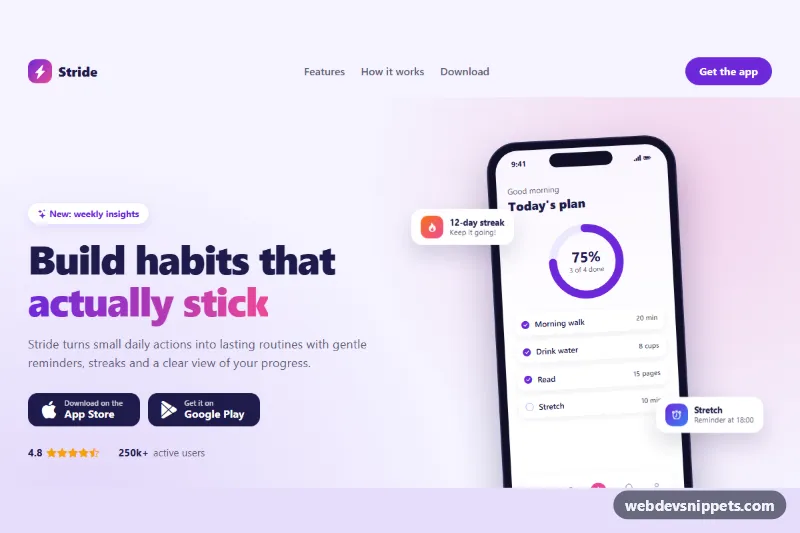
A complete hotel landing page built with Tailwind CSS and a small vanilla JavaScript file: a full-bleed photo hero with a booking form, three room cards with real photos and nightly prices, an amenities section and a compact footer. It suits boutique hotels, guesthouses, holiday rentals and resort templates that need a direct-booking page.
How it works
The root is .htl-page. The header holds the hero photo as an absolutely positioned img, a gradient overlay (.htl-overlay) that runs top to bottom on phones and left to right from lg, the navigation and a two-column grid with the headline and the #htl-booking form. Below it, #htl-rooms lists three article cards and #htl-amenities pairs a pool photo with six amenities drawn as inline SVG icons.
On DOMContentLoaded the script initializes every .htl-page. It pre-fills the dates (arrival in 14 days, three nights), sets min on both date fields and keeps check-out at least one night after check-in. Each change on [data-htl-checkin], [data-htl-checkout] or [data-htl-room-select] recalculates the stay and writes "3 nights · Garden Room $570" into [data-htl-summary], using the data-price value of the selected option. The Select buttons carry data-htl-pick; clicking one sets the room field, scrolls the form into view and plays the short htl-flash highlight.
The submit handler calls preventDefault(), validates the dates and email, shows "Sending…" for 900 ms and writes a confirmation into [data-htl-status]. Replace that setTimeout with fetch() to your booking endpoint. On phones, [data-htl-menu-toggle] swaps hidden and flex on [data-htl-menu].
Customization
data-priceon eachoptionin#htl-room: set your nightly rates; the summary total updates automatically.data-htl-pickon the card buttons: must match anoptionvalue, so add a fourth room by adding both a card and an option.addDays(today, 14)andaddDays(parseIso(checkin.value), 3)inscript.js: change the default arrival offset and length of stay.teal-800,teal-950andamber-300utilities: swap for another palette, for examplesky-800androse-300..htl-serifinstyle.css: replace the Fraunces font (loaded throughexternalLibs) with any display face.lg:grid-cols-[1fr_400px]on the hero grid: widen or narrow the booking form column.md:grid-cols-3on the rooms grid: uselg:grid-cols-3to keep cards stacked longer on tablets.
The photos come from Unsplash and are only placeholders; replace them with your own hotel images and update the alt text.
Use cases
- Boutique hotels: a photo hero with a booking form that shows the total for the chosen nights
- Guesthouses and holiday rentals: room cards with photos and nightly prices fill the booking form
- Resorts: an amenities section pairs a pool photo with six icons
- Direct-booking pages: check-in and check-out dates prefill and keep at least one night between them
- Mobile guests: the navigation collapses into a menu button on small screens
Accessibility
The form is labelled by #htl-form-title, every field has a visible label, the summary uses aria-live="polite", errors are linked to the email field through aria-describedby and aria-invalid, and the result is announced through role="status". The menu button exposes aria-expanded and aria-controls; the Select buttons include the room name for screen readers. All controls have visible focus outlines, the hero overlay keeps white text readable on the photo, and the zoom and highlight animations are disabled under prefers-reduced-motion.
Usage notes
The hero image loads eagerly with fetchpriority="high"; all other photos use loading="lazy". For several copies on one page, change the id values.