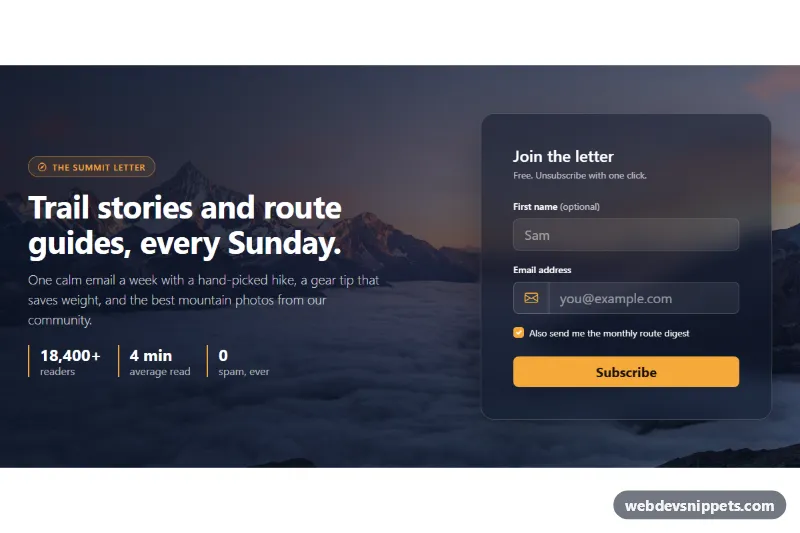
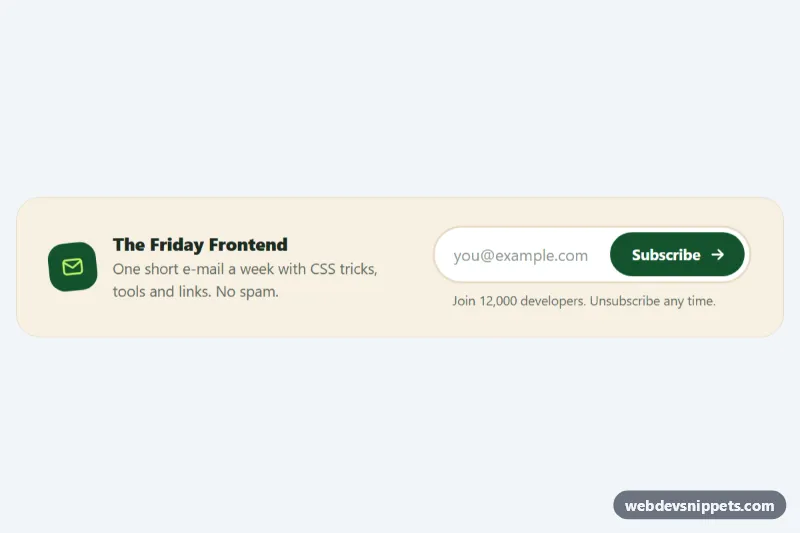
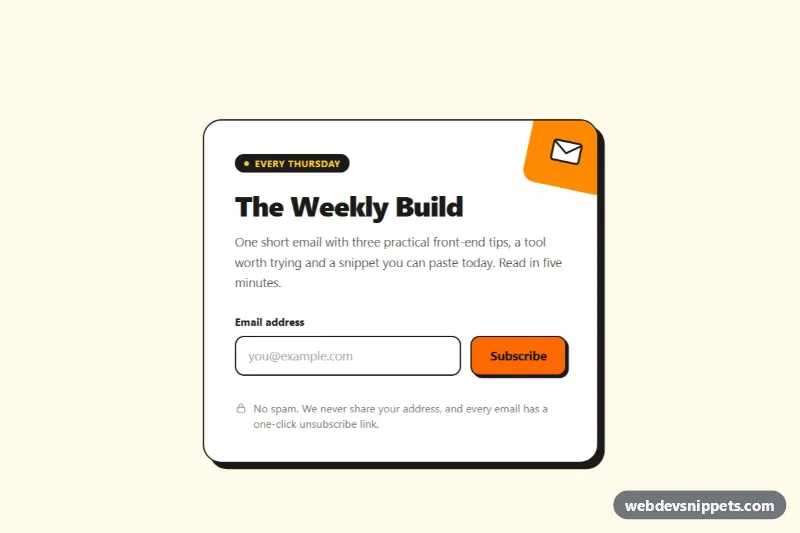
A Bootstrap 5 newsletter signup section placed over a full-width mountain photo, with a headline, reader stats and a frosted glass form card. Use it on blogs, travel and outdoor sites, or any landing page that needs a strong email capture block.
How it works
The root is section.nbp-section, a flex container with a min-height of 560px. Its background stacks a dark diagonal linear-gradient on top of the photo stored in the --nbp-photo custom property, so white text stays readable on every part of the image. Inside a Bootstrap container, a row splits into two columns from the lg breakpoint: the copy column with the .nbp-eyebrow pill, the display-5 heading, the lead text and the .nbp-stats list, and the form column with the .nbp-panel card. The panel uses a translucent background and backdrop-filter: blur(14px) for the glass effect. On phones the columns stack.
The form .nbp-form has an optional first name field, a required email field inside an input-group with an envelope icon, and a digest checkbox. The script runs on DOMContentLoaded for every .nbp-section. On submit it calls preventDefault(), checks the email with EMAIL_PATTERN and, if it fails, adds Bootstrap's is-invalid class, sets aria-invalid and moves focus back to the field. A valid address disables .nbp-btn, shows the spinner and after a short simulated delay writes a personal confirmation into .nbp-status.
Customization
--nbp-photoin.nbp-section: point it to your own image to change the background.--nbp-overlayin.nbp-section: make the left side of the gradient lighter or darker to balance contrast with your photo.--nbp-accentand--nbp-accent-hover: change the color of the button, eyebrow pill, stat borders and focus rings.min-height: 560pxin.nbp-section: increase it for a taller hero-like block or remove it for a compact strip.background-position: center 40%in.nbp-section: move the focal point of the photo up or down.- The
window.setTimeoutcall inscript.js: replace it withfetch()to your mailing list provider and show its response in.nbp-status. - Remove the first name field or the digest
form-checkif you only need the email address.
Accessibility
The section is labelled by its heading through aria-labelledby. Every input has a visible label, the email field is linked to its error message with aria-describedby, and the script toggles aria-invalid with the error state. .nbp-status is a role="status" live region, so the confirmation is announced. Inputs and the button get high-contrast amber focus rings, the spinner is aria-hidden, and hover movement on the button is turned off under prefers-reduced-motion.
Usage notes
Requires Bootstrap 5 (added automatically) and Bootstrap Icons. The photo comes from Unsplash; replace it with your own image. Choose a photo with calm areas behind the text or raise the overlay opacity. Several sections can live on one page because the script scopes everything to each .nbp-section; just give each copy unique id values.