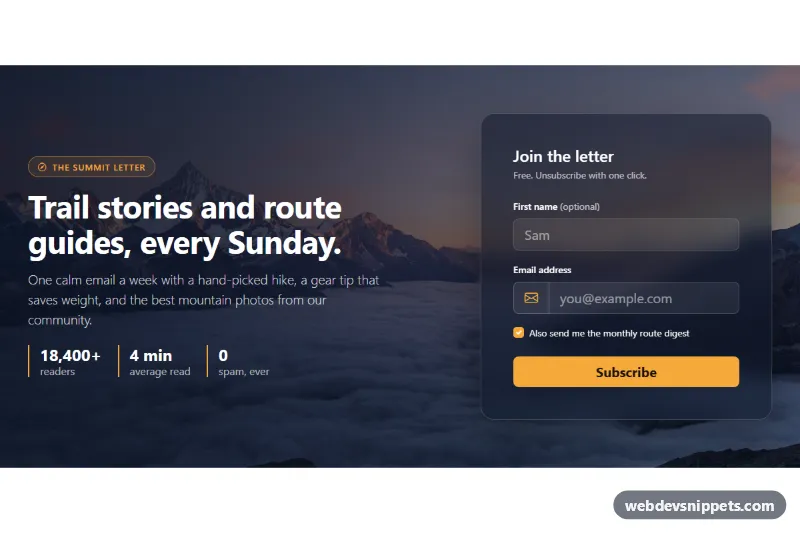
Newsletter Section with Background Photo
Bootstrap 5 newsletter signup section over a full-width mountain photo with a glass form card, email validation and a simulated subscribe state.
Email signup blocks.
3 component(s)
Bootstrap 5 newsletter signup section over a full-width mountain photo with a glass form card, email validation and a simulated subscribe state.
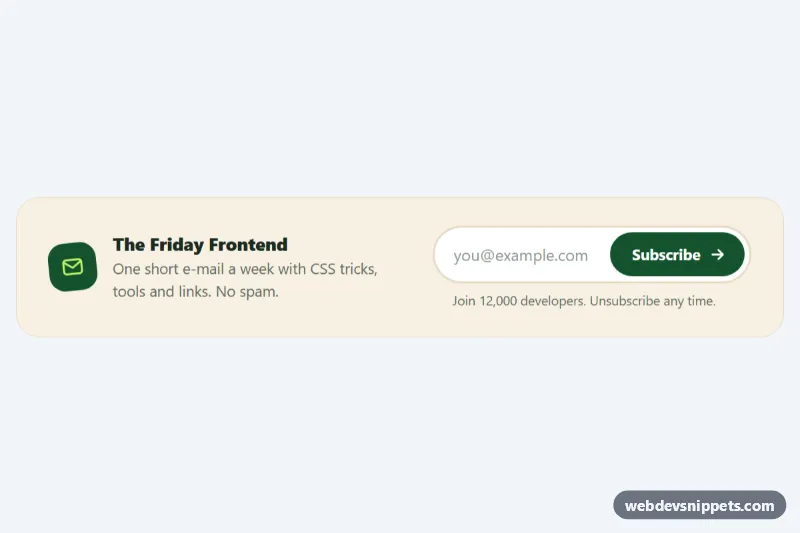
Compact pure CSS newsletter signup with a pill email field, an animated subscribe button and loading, error and success states.
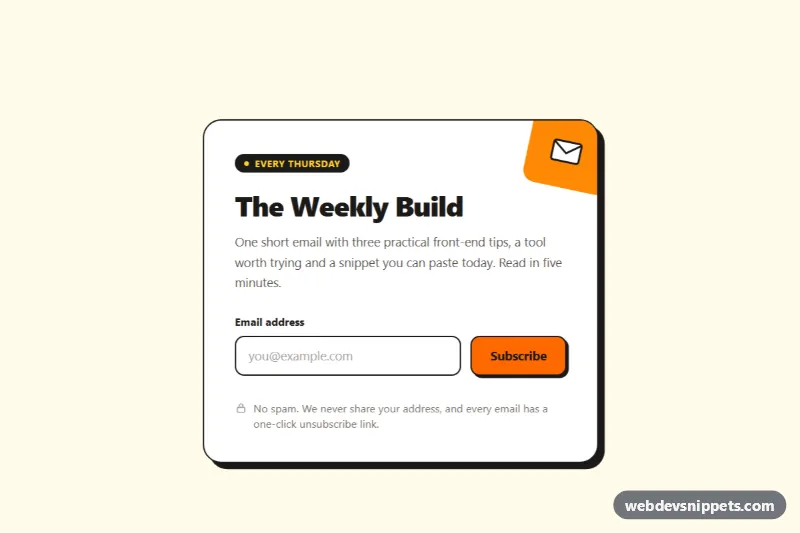
Bold Tailwind CSS newsletter signup card with inline email validation, a loading spinner, privacy note and an animated success state.
A newsletter section is a signup block that invites visitors to subscribe to email updates. It typically contains a short headline, one line describing what subscribers will receive, an email field and a submit button, sometimes with a privacy note or a checkbox for consent. Newsletter sections appear at the end of blog posts, above the footer, in sidebars and as standalone banners on landing pages.
Use it when you publish regularly and have a clear reason for people to subscribe. Explain the value and frequency ("one practical tip every week") rather than just saying "Subscribe".
<label> for the email field. If the design hides it visually, keep it available to screen readers with a visually-hidden class.type="email", autocomplete="email" and required so browsers help with validation.role="status" or aria-live="polite") so screen reader users hear the result.The snippets provide the front-end form; connect it to your email service provider or your own backend.
The newsletter section examples are available in Bootstrap 6, Bootstrap 5, Tailwind CSS and pure CSS. Bootstrap versions use input groups and form controls, with Bootstrap 6 versions adopting the theme-* colour roles. Tailwind CSS versions are built entirely with utilities, and pure CSS versions style native form elements. Use the framework filter, try the layout in the live preview, then copy the code from the tabs or download it and point the form action at your mailing list.