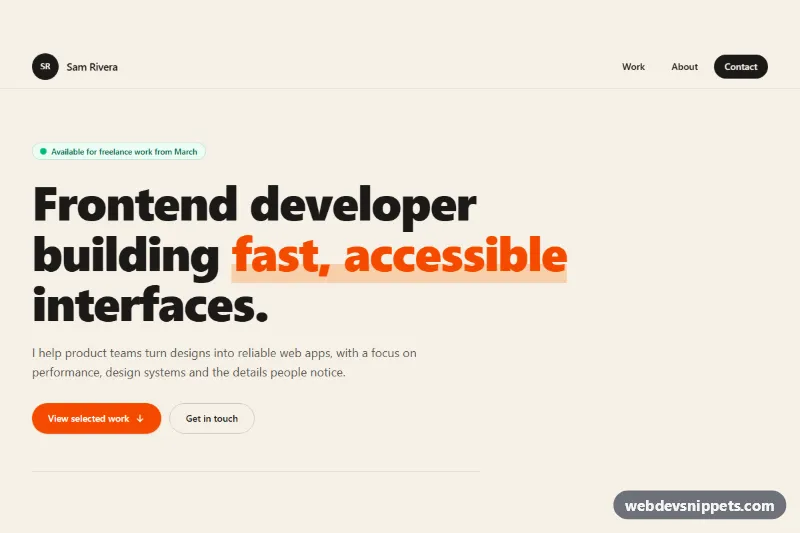
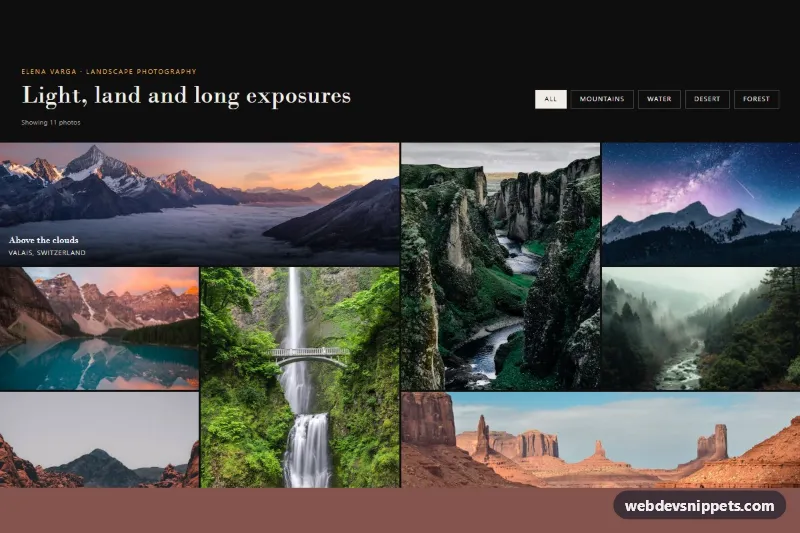
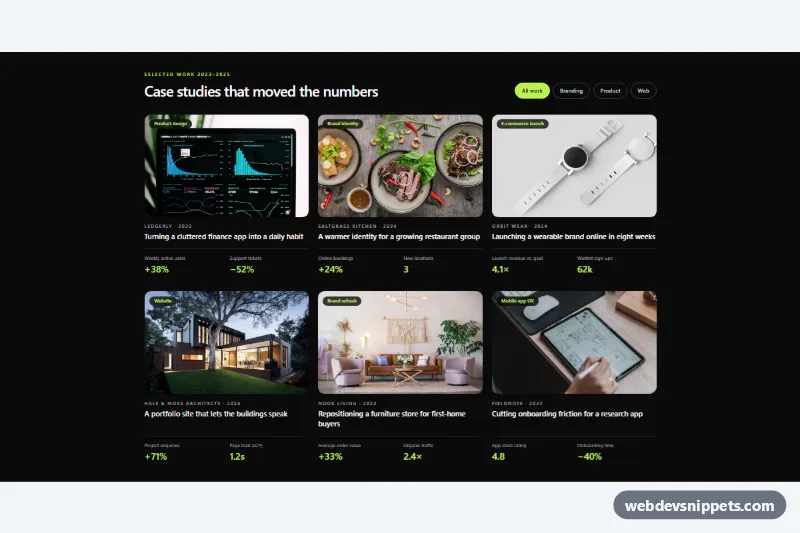
A one-page developer portfolio template built with Tailwind CSS and a little vanilla JavaScript. It has a sticky header with a mobile menu, a bold hero with an availability badge and stats, a filterable project grid, an about section with a skills list and experience timeline, and a dark contact section with a validated form. Ideal for freelancers and frontend engineers.
How it works
Everything sits inside the root .tpf-page. The header holds the data-tpf-menu-toggle button and the #tpf-menu navigation (data-tpf-menu). Below md the menu is hidden with the hidden class and the script toggles it, updates aria-expanded and closes it on Escape or after a link is clicked; from md up md:block shows the links inline.
The work section (data-tpf-projects) contains filter buttons marked data-tpf-filter and a grid of list items marked data-tpf-category. Clicking a button sets aria-pressed on the active chip, hides non-matching items with the hidden attribute and writes a message such as "Showing 2 projects" into the visually hidden data-tpf-count live region. Thumbnails are CSS gradients with inline SVG icons.
The contact form (data-tpf-form) validates name, email and message on blur and submit, sets aria-invalid and reveals the matching data-tpf-error text. A valid submit disables data-tpf-submit, waits 1.2 seconds and shows a success message in data-tpf-status. Replace the setTimeout in initForm with a fetch() call to your form endpoint. style.css adds the .tpf-underline highlight, the .tpf-pulse availability dot, the active .tpf-chip style and a scroll-margin-top on .tpf-section so anchors land below the sticky header.
Customization
bg-[#f6f1e7]on.tpf-pageand the header: change the cream page color, for example tobg-whiteorbg-slate-50.orange-600/orange-500utilities (buttons, eyebrows, links) and thergb(251 146 60 / 0.35)stop in.tpf-underline: swap them for another accent such asblueoremerald.data-tpf-categoryon each project item anddata-tpf-filteron the chips: add a value likedata-tpf-filter="design"and tag projects with it to create a new filter.sm:grid-cols-2 lg:grid-cols-3on the project list: uselg:grid-cols-2for larger cards.from-orange-500 to-rose-500on a thumbnail div: change the gradient, or replace the div with an<img>screenshot.- The
1200delay inscript.js: shorten the simulated send, or remove it oncefetch()is in place.
Accessibility
A skip link jumps to #tpf-main. The menu button has a changing screen reader label plus aria-expanded and aria-controls. Filter chips are real buttons in a labelled role="group" and expose their state with aria-pressed, while the result count is announced politely. Every "Read case study" link has hidden text naming its project. Form fields have labels, aria-describedby error text and aria-invalid; focus moves to the first invalid field. All controls show visible focus rings, and the ping, fade-in and smooth scrolling are disabled under prefers-reduced-motion: reduce.
Usage notes
This is a full-page template, so it includes one rule on html for smooth scrolling. Keep the id values unique if you combine it with other sections.