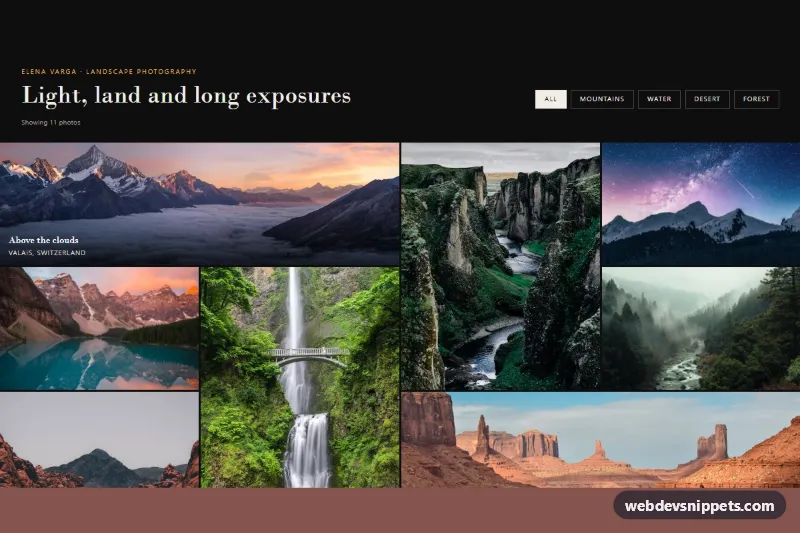
Photographer Portfolio with Photo Grid
Dark Bootstrap 5 photographer portfolio with subject filters, a full-bleed dense photo grid with wide and tall tiles, hover captions and a modal lightbox.
Personal and agency portfolio pages.
3 component(s)
Dark Bootstrap 5 photographer portfolio with subject filters, a full-bleed dense photo grid with wide and tall tiles, hover captions and a modal lightbox.
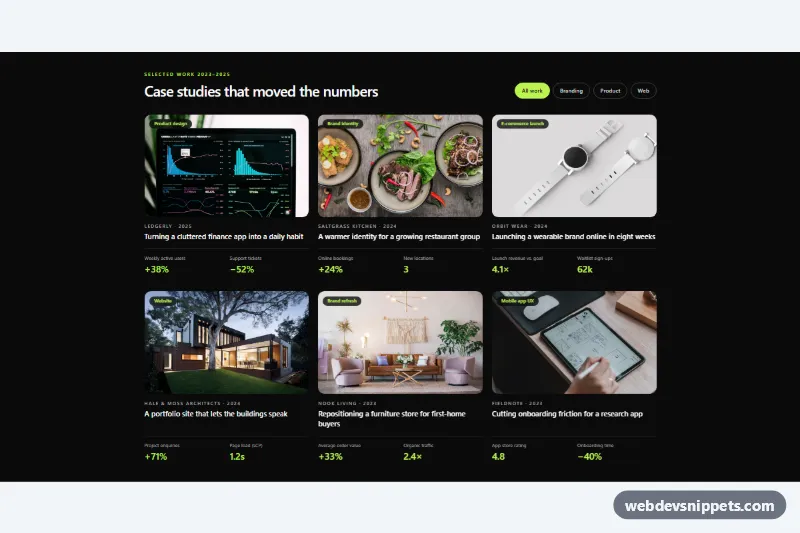
Dark Tailwind CSS portfolio grid of agency case studies with project photos, client, year, key results and service filter buttons.
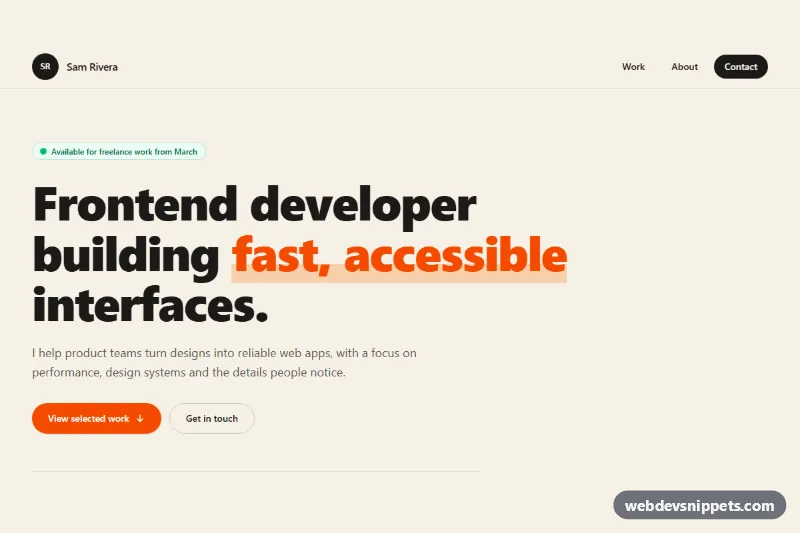
One-page Tailwind CSS developer portfolio with sticky mobile menu, hero stats, filterable project grid, experience timeline and a validated contact form.
A portfolio page presents a person's or an agency's work: selected projects, a short introduction, skills or services and a way to get in touch. Designers, developers, photographers, writers and studios use portfolio templates to show case studies and images in a way that reflects their own style. Common layouts include a project grid, a masonry gallery, a list of case studies and a one-page personal portfolio with about and contact sections.
Every project image needs meaningful alt text or an empty alt if a caption already describes it. Hover-only effects must also work on focus and on touch screens, so do not hide project titles until hover. Lightboxes should trap focus, close with Escape and return focus to the trigger. Respect prefers-reduced-motion for scroll and reveal animations.
Each portfolio template includes a live preview, code tabs, a copy button and a download. Bootstrap 6 versions use the new alpha with theme-* colour roles and <dialog>-based components where a modal is used, Bootstrap 5 versions use the grid and cards, and Tailwind CSS and pure CSS versions offer a minimal base for custom styling. Filter by framework, copy the HTML and CSS and replace the sample projects with your own work.