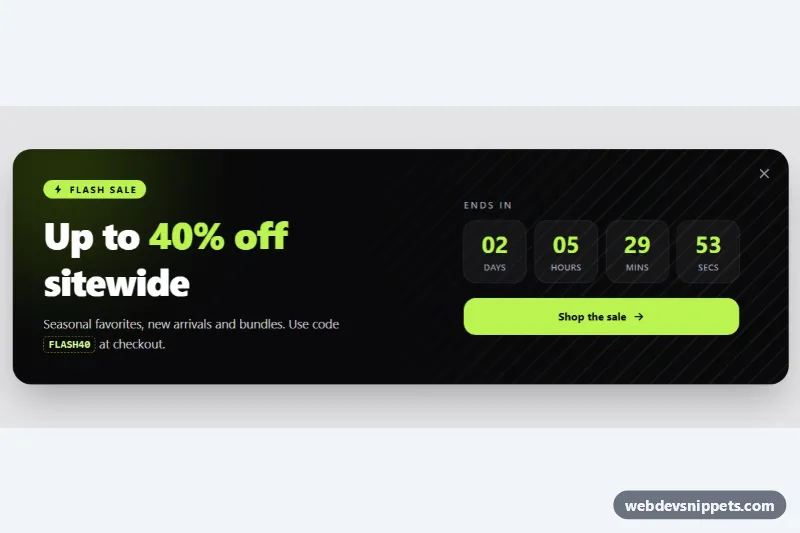
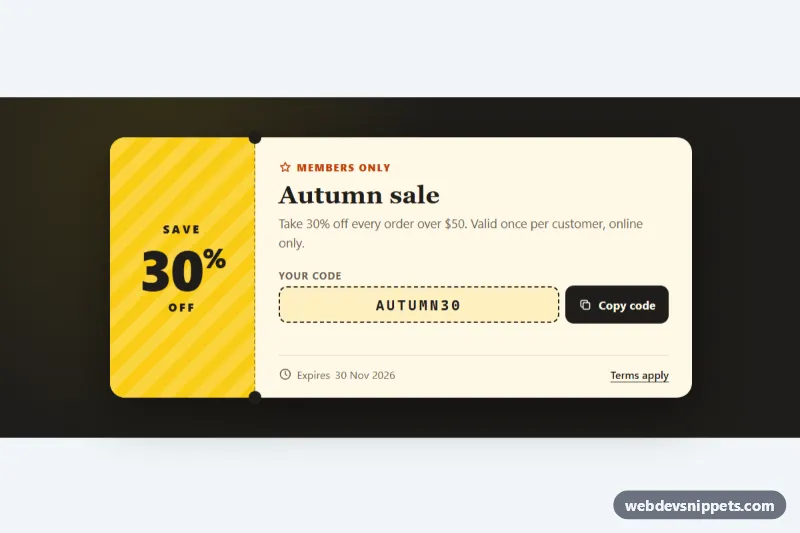
A dark, high-contrast sale banner built with Tailwind CSS and vanilla JavaScript. It combines a bold headline, a discount code, a live days/hours/minutes/seconds countdown and a call-to-action button, and the visitor can dismiss it. Use it on a home page, category page or cart to push a limited-time offer.
How it works
The root is .tpb-promo, a light backdrop that holds the banner itself, an aside marked data-tpb-banner. On phones and tablets the content stacks; from lg up the headline and the countdown sit side by side using lg:grid-cols-[1.2fr_auto]. In style.css, .tpb-stripes paints a diagonal stripe texture with repeating-linear-gradient and fades it out with a mask.
On DOMContentLoaded the script initializes every .tpb-promo. It reads the deadline from data-tpb-end, an ISO 8601 date; if that attribute is missing or invalid it counts down data-tpb-hours from page load (72 hours by default), which is what the demo uses. Every second tick() writes zero-padded values into the four data-tpb-unit elements and the seconds digit replays the short tpb-tick animation. A visually hidden data-tpb-deadline paragraph states the exact end date in the visitor's locale. When time runs out, expire() hides the timer, changes the data-tpb-label text to "This sale has ended", disables the data-tpb-cta link and sets data-tpb-expired on the root.
Clicking the data-tpb-dismiss button (or pressing Escape while focus is inside the banner) plays the tpb-leaving animation, then hides the root and stops the interval. If data-tpb-remember has a value, the dismissal is saved in localStorage and the banner stays hidden on later visits.
Customization
data-tpb-endon.tpb-promo: set a fixed deadline such as2026-12-31T23:59:59Z; it overridesdata-tpb-hours.data-tpb-hours="53.5": change the rolling demo duration, or remove it when you use a fixed end date.data-tpb-remember: give it a campaign name likewinter-saleto remember dismissals per campaign; leave it empty to show the banner on every visit.bg-lime-300andtext-lime-300: swaplimeforamberorpinkto recolor the badge, digits and button.bg-zinc-950ondata-tpb-banner: use another dark tone such asbg-indigo-950.rgb(190 242 100 / 0.07)in.tpb-stripes: make the stripes stronger or remove the element for a flat background.href="#"ondata-tpb-cta: point it at your sale collection.
Accessibility
The banner is an aside labelled by its h2. The countdown uses role="timer", which is not announced on every tick, and is labelled by "Ends in" and described by the hidden deadline sentence, so screen reader users hear one clear end date instead of changing numbers. The dismiss button has a visually hidden label, and decorative icons, the glow and the stripes are aria-hidden. The expired link gets aria-disabled="true". White and lime text on near-black exceeds WCAG AA contrast, every control has a visible lime focus outline, and the tick and dismiss animations are disabled under prefers-reduced-motion.
Usage notes
The countdown runs on the visitor's clock; for strict deadlines, render data-tpb-end from the server and validate the discount code at checkout.