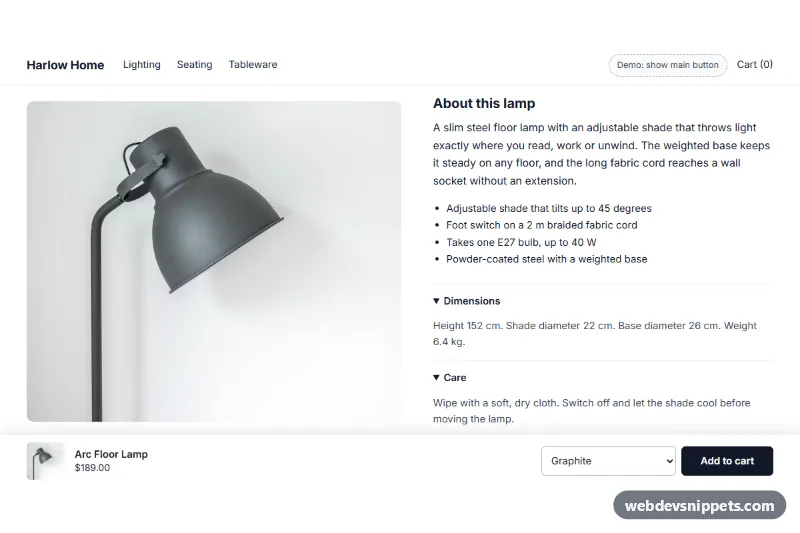
Sticky Add to Cart Bar for Shopify
Shopify section: a bar fixed to the bottom of product pages that appears once the main add-to-cart button scrolls away, with image, price, variant select and a real product form.
Components for online stores.
25 component(s)
Shopify section: a bar fixed to the bottom of product pages that appears once the main add-to-cart button scrolls away, with image, price, variant select and a real product form.
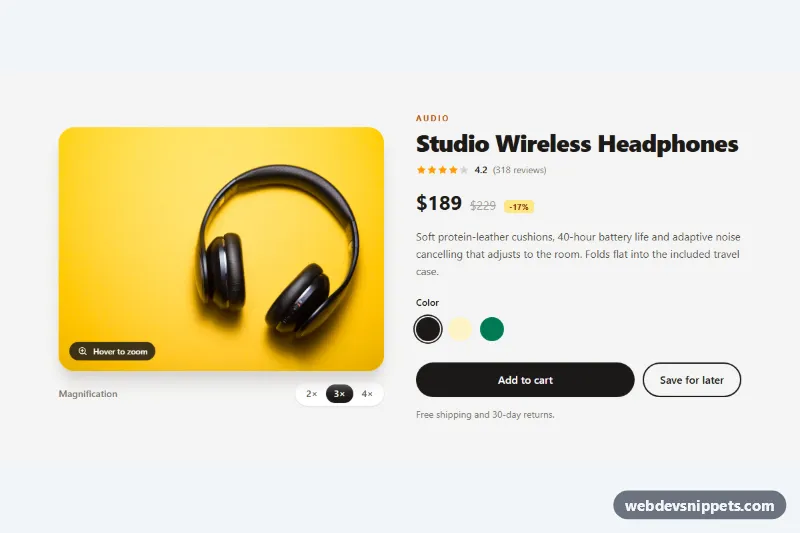
Tailwind CSS product detail section with a round magnifier lens that zooms the photo on hover or arrow keys, plus adjustable 2x to 4x levels.
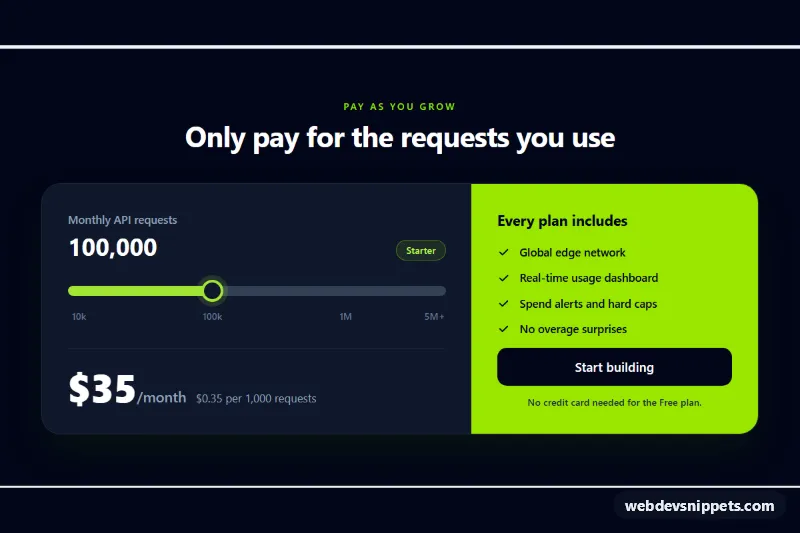
Tailwind CSS pricing card with a range slider that updates the plan, monthly price and cost per 1,000 requests as usage changes.
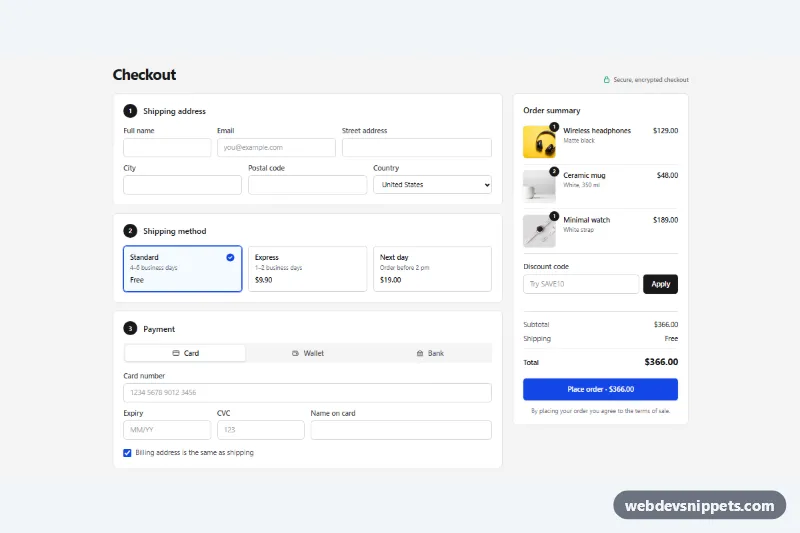
Tailwind CSS one-page checkout with shipping address, shipping method cards, card / wallet / bank payment tabs, discount code and a live order summary.
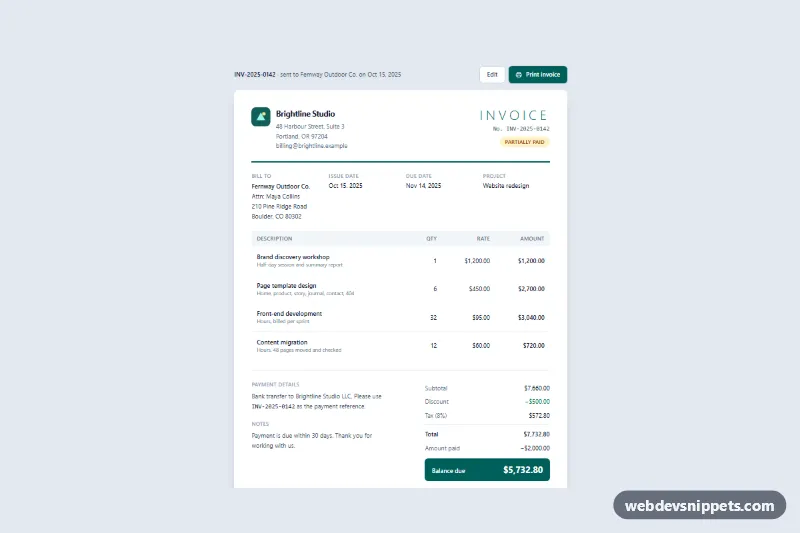
Tailwind CSS invoice with line items, auto-calculated discount, tax and balance due, a print button and print-friendly A4 styles.
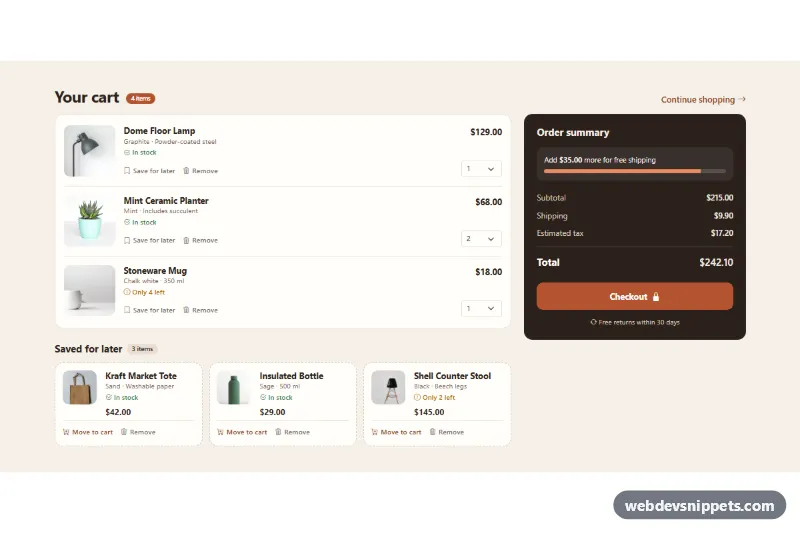
Bootstrap 5 cart page with product photos, quantity selects, a saved for later list and a live order summary with free-shipping progress.
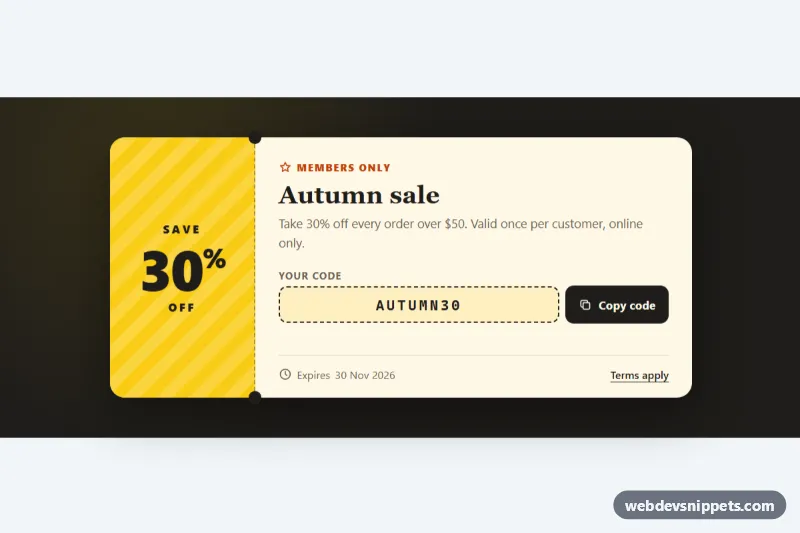
Ticket-style discount coupon with a striped stub, dashed perforation with notches and a copy code button with clipboard fallback and live feedback.
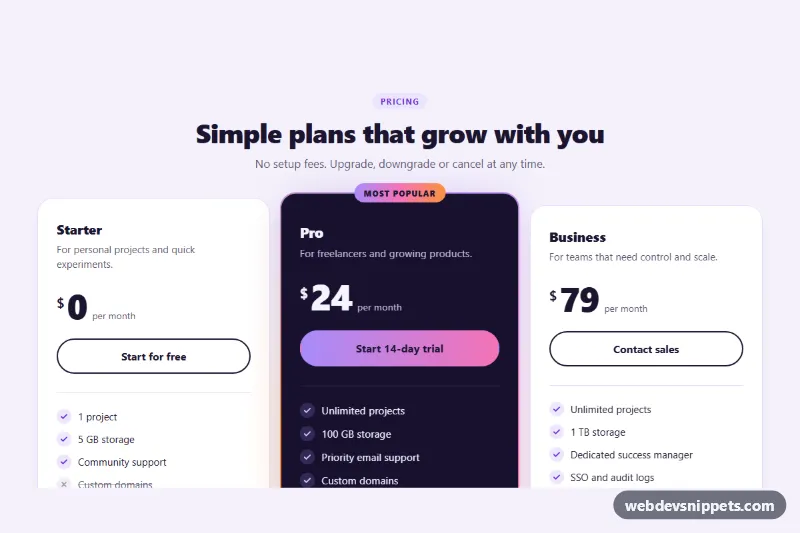
Three pure CSS pricing cards with hover lift and a featured plan that has a spinning conic-gradient border, glow and Most popular badge.
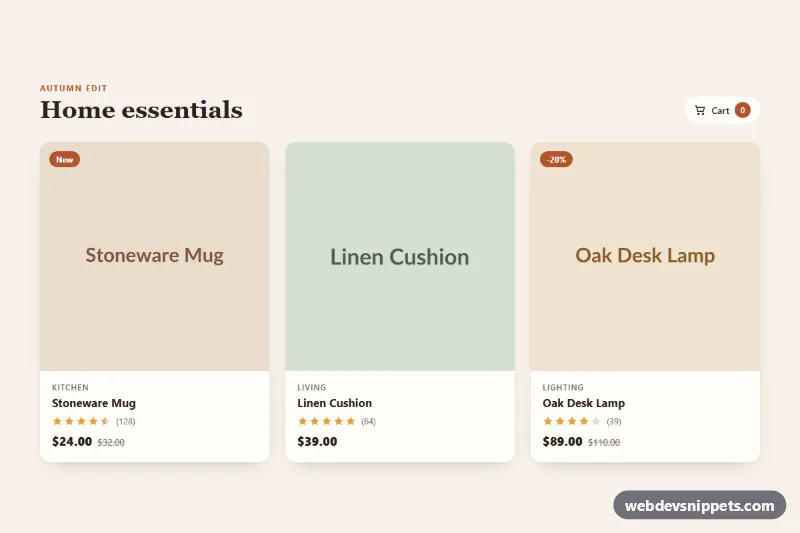
Responsive product card grid where hover or focus reveals wishlist, quick view and add-to-cart actions, with star ratings and a native quick view dialog.

Bootstrap 5 pricing cards with a Monthly / Annual segmented switch that updates prices, savings and yearly totals, plus a highlighted featured plan.
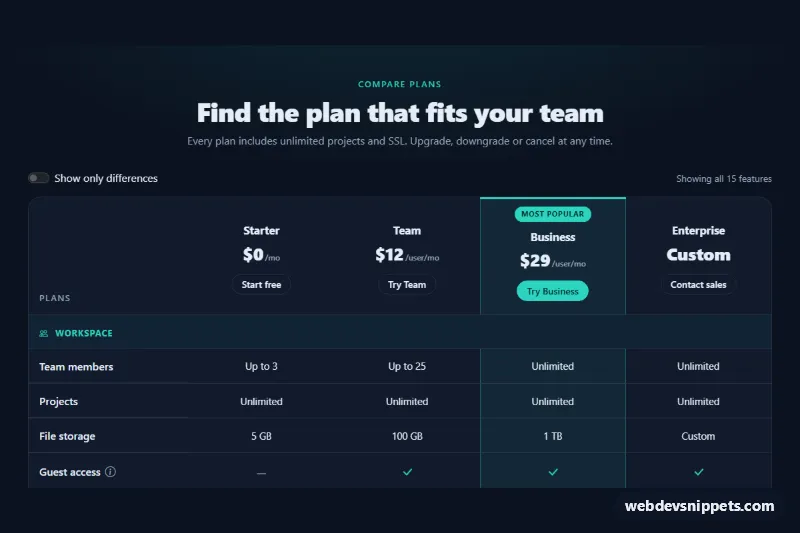
Dark Bootstrap 5 plan comparison table with grouped features, highlighted popular plan, sticky feature column, tooltips and a show-only-differences switch.
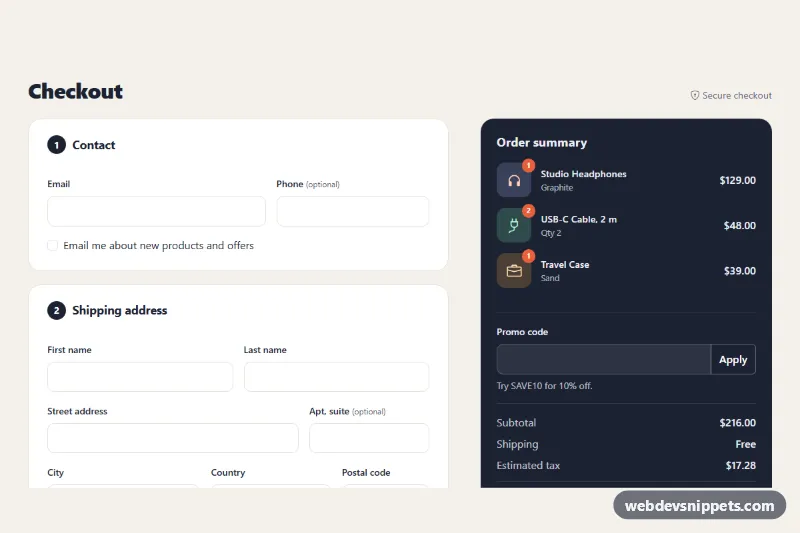
Bootstrap 5 one-page checkout with contact, shipping, delivery and payment sections, card input masks, validation, promo code and a live order summary.
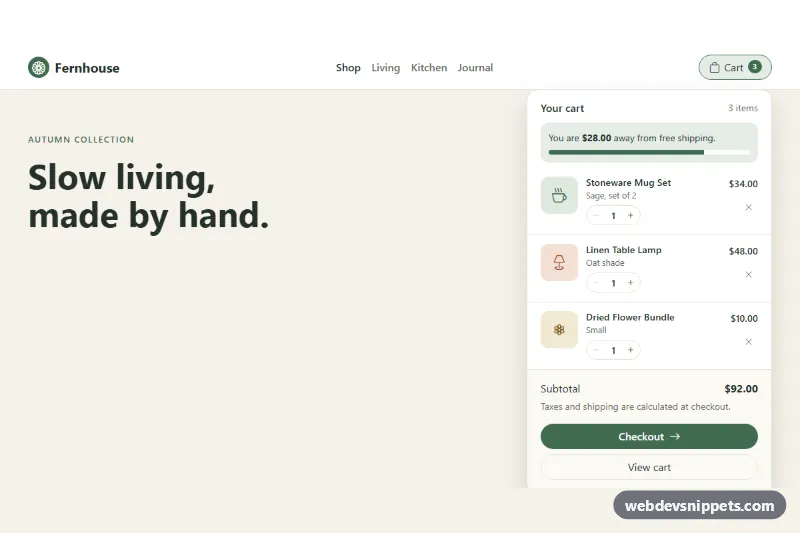
Bootstrap 5 navbar mini cart dropdown with quantity steppers, remove buttons, free-shipping progress, live subtotal and checkout button.
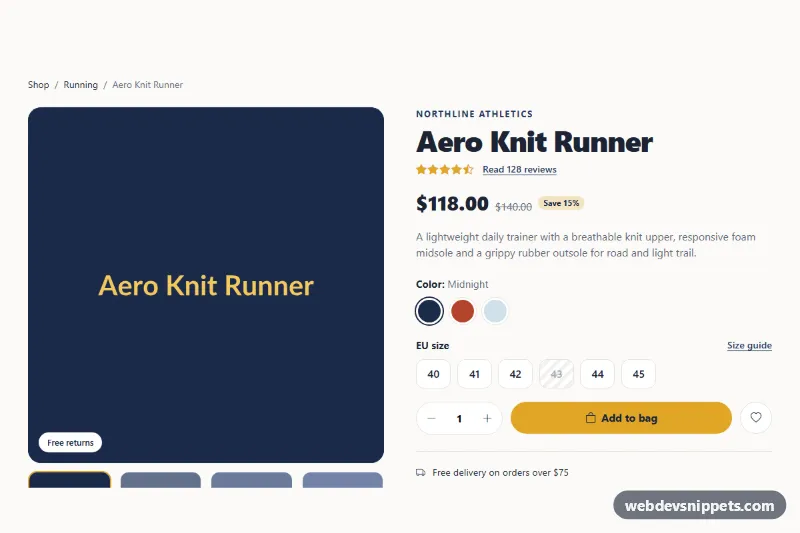
Bootstrap 5 product details page with image gallery, color and size pickers, quantity stepper, and tabs for description, specifications and customer reviews.
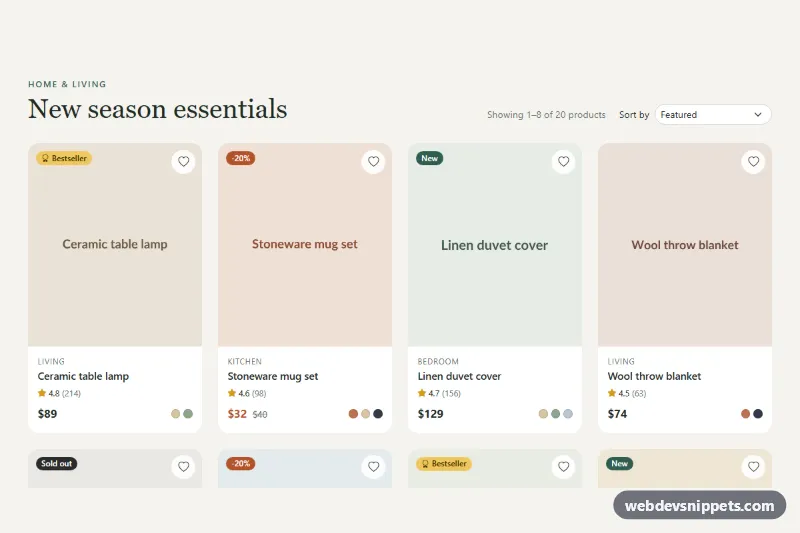
Responsive Bootstrap 5 product grid with sale, new, bestseller and sold-out badges, color swatches, wishlist buttons, sorting and client-side pagination.
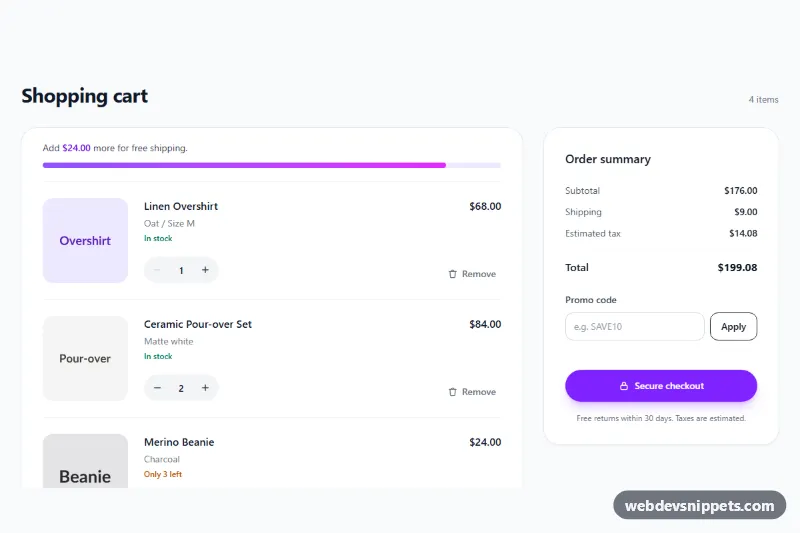
Tailwind CSS shopping cart with quantity steppers, remove buttons, free shipping progress bar, promo code field and a live-updating order summary.
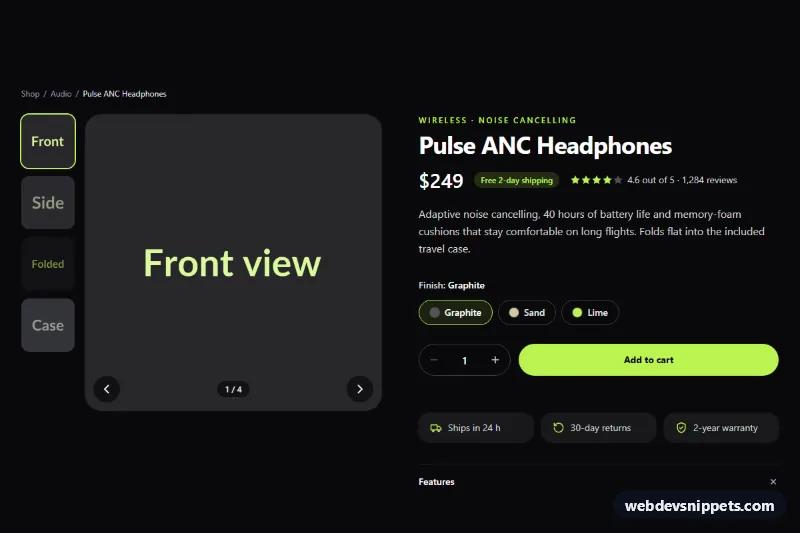
Dark Tailwind CSS product page section with a thumbnail image gallery, finish options, quantity stepper and add to cart button with loading state.
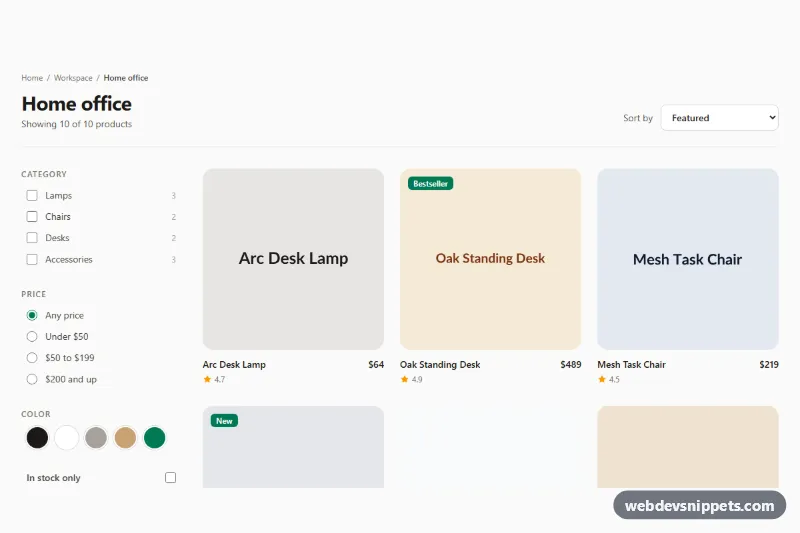
Tailwind CSS category page with a collapsible filter sidebar, live result count, empty state and a product grid sortable by price, rating or date.
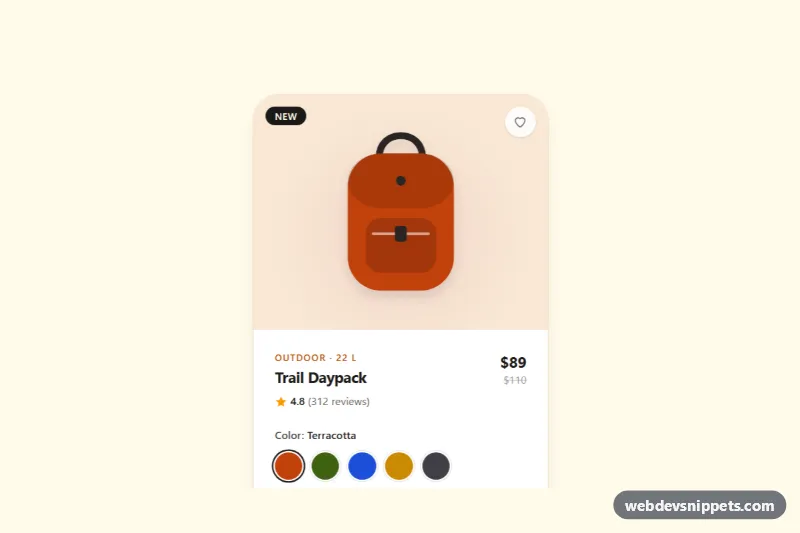
Tailwind CSS product card with live-recoloring color swatches, a size selector with sold-out state, wishlist toggle and add to bag button.
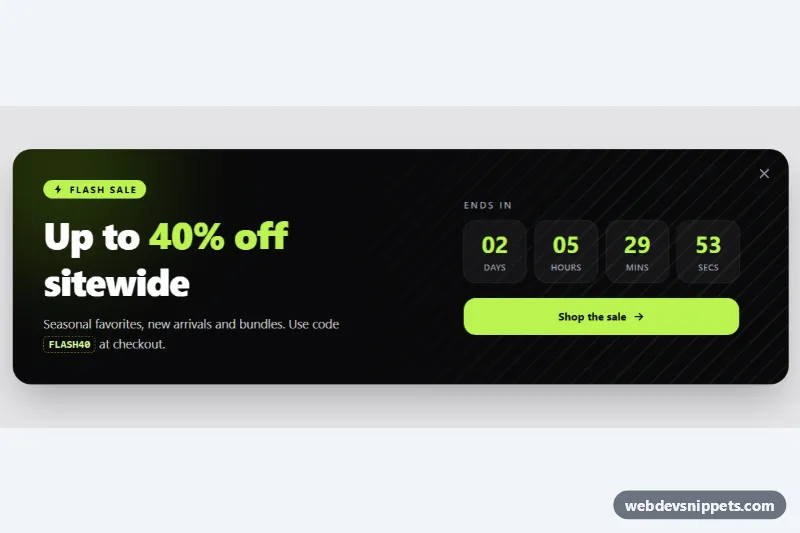
Dark Tailwind CSS sale banner with a live countdown timer, discount code, call-to-action button and a dismiss control.

Tailwind CSS product reviews section with a clickable rating breakdown filter, sorting and helpful vote buttons.
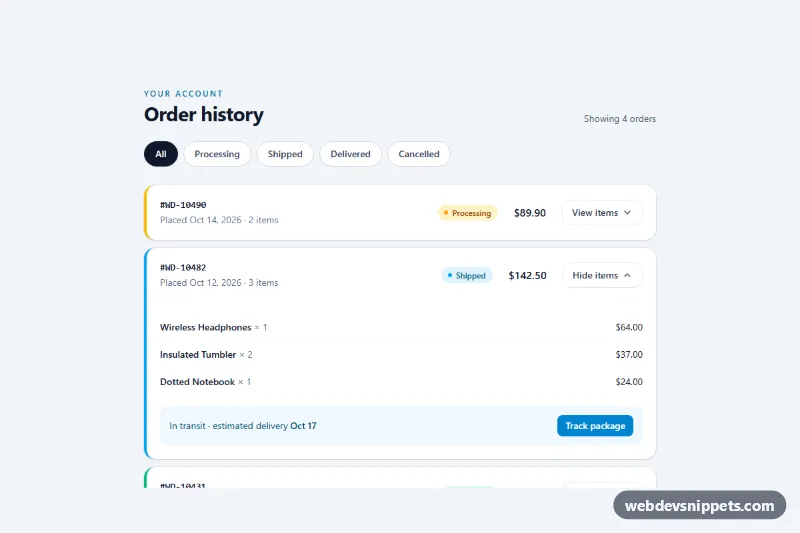
Tailwind CSS order history list with status filter chips, colored status badges and expandable order details.
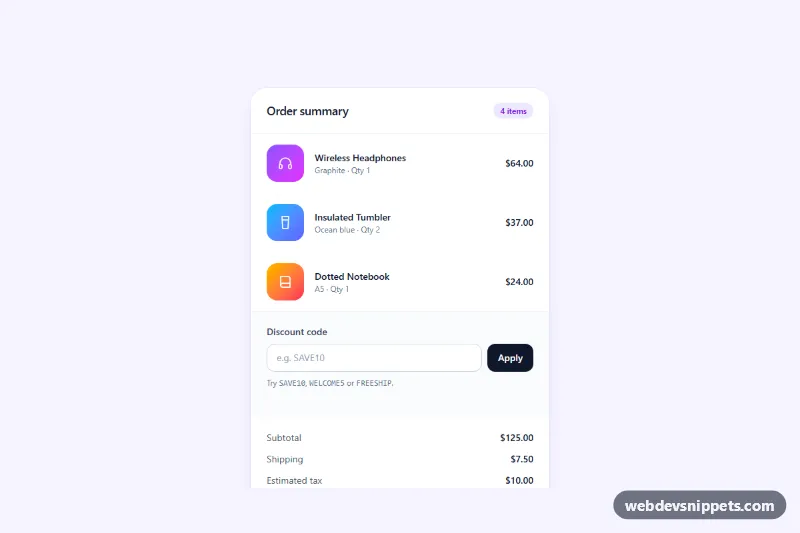
Tailwind CSS checkout order summary card with a discount code field, live totals, tax and a free shipping progress bar.
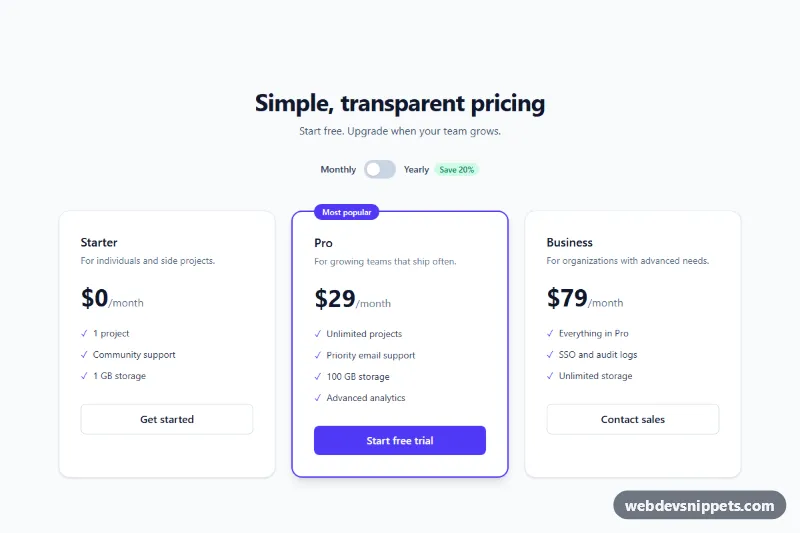
Three-tier Tailwind CSS pricing section with an accessible billing switch and a highlighted plan.
E-commerce components are the interface pieces every online store needs: product cards and grids, product detail pages, image galleries for products, shopping carts and mini carts, checkout forms, order summaries, pricing tables, filters and sorting bars, reviews and ratings. Combined, they cover the path from browsing a catalogue to completing a purchase.
Clarity sells. Show the price, availability and main action without making users scroll, and keep the "Add to cart" button visually dominant. Product images should have descriptive alt text, fixed aspect ratios to avoid layout shift, and lazy loading below the fold. Quantity steppers need real buttons with accessible labels and an input users can type into.
In the cart and checkout, show totals, shipping and taxes clearly and early, keep the form as short as possible, use correct autocomplete values for addresses and payment fields, and display validation errors next to each field. A progress indicator helps on multi-step checkouts. Make sure filter and sort controls work with the keyboard and announce result updates. These snippets are front-end markup only: connect them to your own cart logic and payment provider.
E-commerce snippets come in Bootstrap 6, Bootstrap 5, Tailwind CSS and pure CSS versions. Bootstrap 6 alpha examples use theme-* colour roles and <dialog>-based components for overlays such as cart drawers, while Bootstrap 5 examples use the standard grid, card and offcanvas classes. Use the framework filter and live preview to find a design that fits your store, then copy the code or download it and replace the sample products with your own.