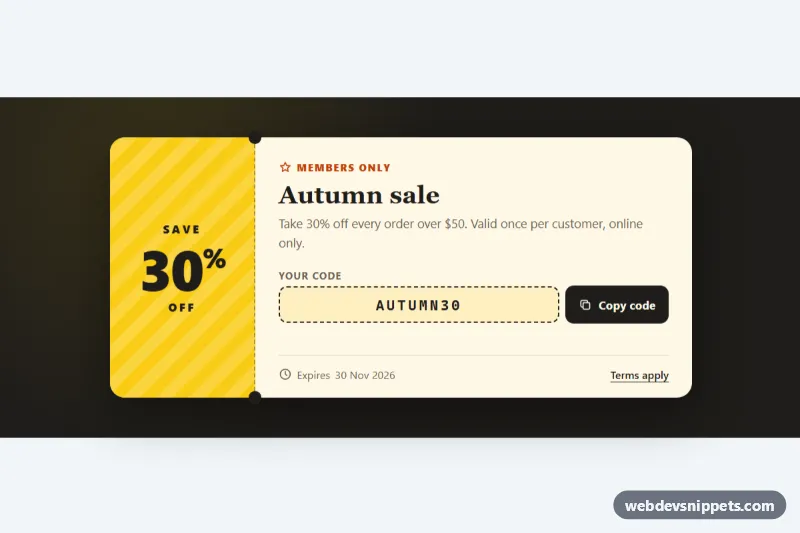
Coupon Ticket
Ticket-style discount coupon with a striped stub, dashed perforation with notches and a copy code button with clipboard fallback and live feedback.
Sale banners, coupons and announcements.
2 component(s)
Ticket-style discount coupon with a striped stub, dashed perforation with notches and a copy code button with clipboard fallback and live feedback.
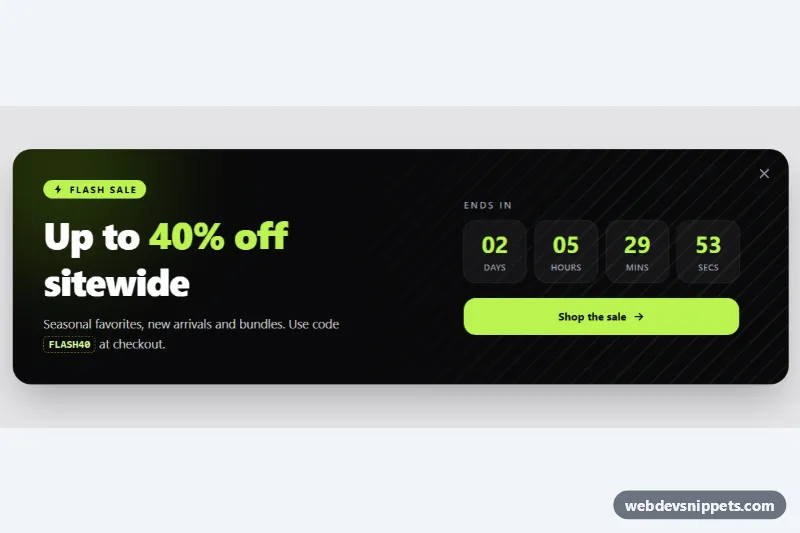
Dark Tailwind CSS sale banner with a live countdown timer, discount code, call-to-action button and a dismiss control.
A promo banner is a short, prominent message that promotes a sale, discount code, free shipping threshold or announcement. In online stores it appears as a slim announcement bar at the top of the page, a wide banner between product rows, a coupon card in the cart or a dismissible strip above the footer. Good sale banner designs in HTML and CSS are quick to read and lead to one clear action.
Avoid auto-rotating announcement carousels, or provide a pause button, because moving text is hard to read. A dismiss button needs an accessible label such as "Close announcement". Coupon codes should be selectable text, and a copy button should confirm success with a visible and announced message. Check colour contrast carefully, since promotional colours are often bright. Countdowns must be honest: do not reset a deadline on every visit.
Each promo banner example has a live preview, code tabs, a copy button and a download option. Bootstrap 6 versions use the new alpha with theme-* colour roles and its ES module build where a dismiss action is needed, Bootstrap 5 versions use alerts and utility classes, and Tailwind CSS and pure CSS versions are mostly HTML and CSS with a few lines of JavaScript for closing or copying. Pick your framework with the filter, copy the snippet and change the text, code and link.