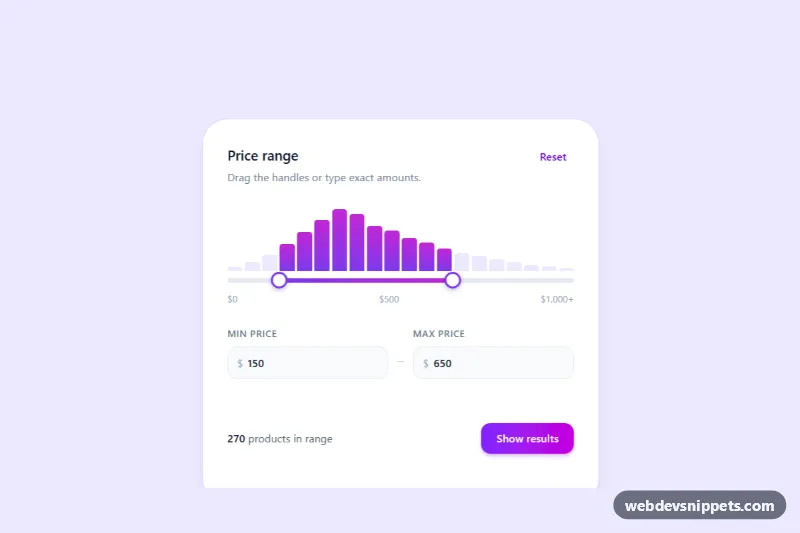
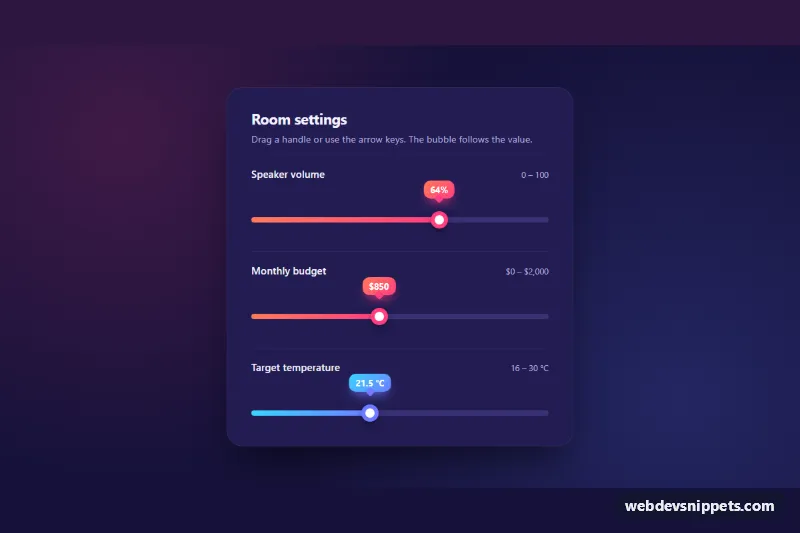
A dual range price slider built with Tailwind CSS and vanilla JavaScript: two handles on one track, linked number inputs for exact amounts and a small histogram that shows how many products fall inside the chosen range. It is a typical filter for online shops, real estate listings, job boards and any search page with a minimum and maximum value.
How it works
The root is .tdr-range, which carries the settings data-tdr-currency="$" and data-tdr-gap="50". Inside the card, data-tdr-histogram holds twenty .tdr-bar elements, each with a data-count. The .tdr-slider stacks a grey base track, the gradient .tdr-fill and two native input type="range" elements (.tdr-input) marked data-tdr-thumb="min" and data-tdr-thumb="max". Below them are two number fields (data-tdr-field="min" and "max"), a product count (data-tdr-count), a Reset button (data-tdr-reset), a Show results button (data-tdr-apply) and a role="status" line (data-tdr-live).
style.css removes the native look of both ranges, makes the inputs ignore pointer events while their thumbs accept them, and draws round thumbs with ::-webkit-slider-thumb and ::-moz-range-thumb. The fill uses left: var(--tdr-from) and right: calc(100% - var(--tdr-to)).
On DOMContentLoaded the script initializes every .tdr-range, sets each bar height from its data-count and listens for input on both ranges. It keeps the handles at least data-tdr-gap apart, puts the dragged handle on top with data-front, updates --tdr-from and --tdr-to, marks bars inside the range with data-in and adds up their counts. Typing in a number field and pressing Enter or leaving it rounds the value to the step, clamps it and moves the handle.
Customization
min,max,stepandvalueon both range inputs (and the number fields): set your own scale, for example 0 to 5000 in steps of 100.data-tdr-gapon.tdr-range: the minimum distance between the two handles; use0to let them meet.data-tdr-currencyon.tdr-range: use€,£or an empty value for non-price ranges.--tdr-accentand--tdr-accent-2instyle.css: change the handle border, the fill gradient and the active bars.--tdr-thumbinstyle.css: make the handles larger for touch-heavy layouts.data-counton each.tdr-bar: feed real counts from your catalog; removedata-tdr-histogramentirely if you do not need it.- Replace the simulated handler on
data-tdr-applyinscript.jswith afetch()call or a URL update that reloads your results.
Accessibility
Both handles are native range inputs, so arrow keys, Page Up, Page Down, Home and End work out of the box. Each has an aria-label ("Minimum price", "Maximum price") and an aria-valuetext such as "$650" set by the script. The number fields have visible labels, and the result is announced through the role="status" line after a handle is released, not on every step. The histogram is decorative and hidden with aria-hidden. Focused handles get a soft ring, and transitions are disabled under prefers-reduced-motion.
Usage notes
For several sliders on one page, repeat the .tdr-range block and give the number fields unique id values.