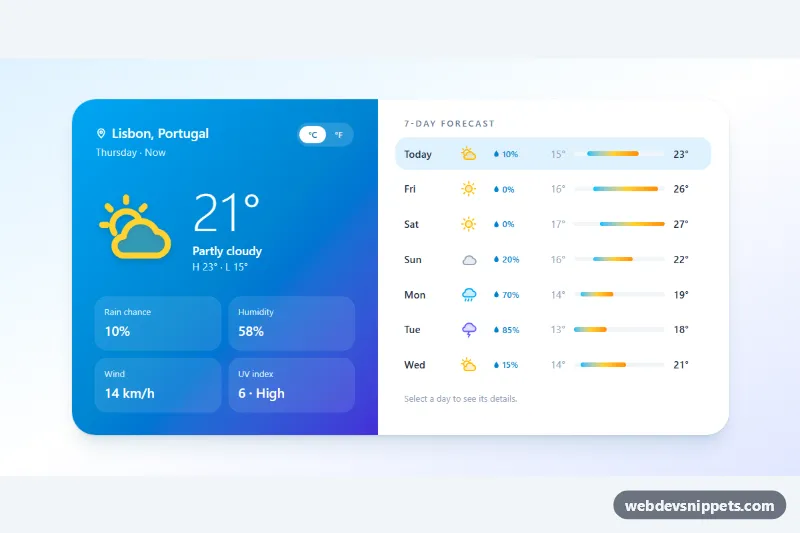
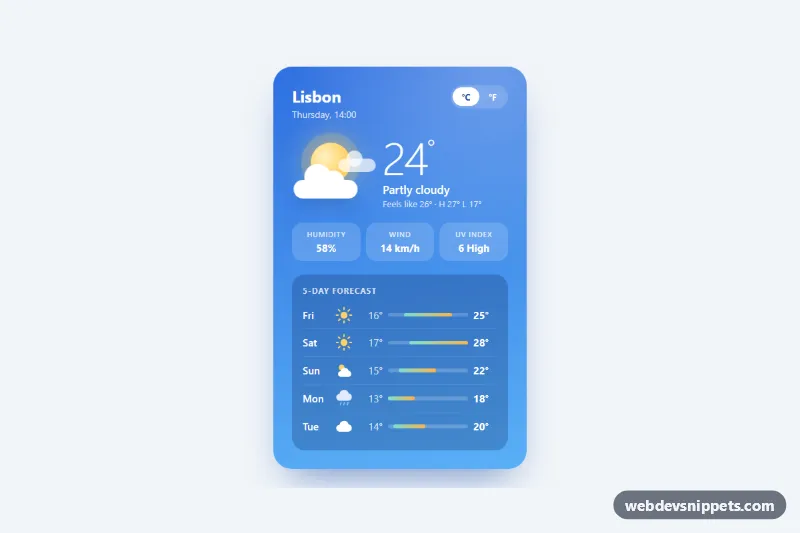
A weather widget built with Tailwind CSS that pairs a gradient panel of current conditions with a 7-day forecast list. Each day shows an icon, rain chance and a temperature range bar scaled to the whole week; selecting a day loads its details into the main panel, and a °C/°F switch converts every value. It fits travel sites, dashboards, event pages and smart-home apps.
How it works
The root is .twf-forecast. A hidden SVG sprite at the top defines the icons (twf-i-sun, twf-i-partly, twf-i-cloud, twf-i-rain, twf-i-storm), which are reused with <use href>. The left panel holds the location, the unit switch (data-twf-unit), the large temperature, condition text and a dl of four detail tiles. The right panel is a list of button.twf-day elements; each carries its data in attributes: data-twf-day, data-twf-icon, data-twf-cond, data-twf-hi, data-twf-lo, data-twf-rain, data-twf-hum, data-twf-wind and data-twf-uv.
On DOMContentLoaded the script initializes every .twf-forecast. It finds the lowest low and highest high of the week and positions each .twf-range bar with left and right percentages, so the bars are directly comparable. Clicking a day sets aria-pressed, updates the main panel, swaps the main icon href and sets data-twf-kind so style.css can tint it. The first day shows the current temperature from data-twf-now; later days show their high. Every temperature is stored in Celsius in data-twf-temp and rendered in the chosen unit; wind switches between km/h and mph. Without JavaScript the full forecast and today's details remain readable.
Customization
data-twf-hi,data-twf-lo,data-twf-cond,data-twf-iconand the otherdata-twf-*values on each.twf-day: fill the list from your weather API (Celsius and km/h).data-twf-nowon the large temperature: set the current reading shown when the first day is selected.from-sky-500 via-sky-600 to-indigo-700on the left panel: change the gradient, e.g. tofrom-orange-400 to-rose-600for a warm theme.from-sky-400 via-amber-300 to-orange-400on.twf-range: recolor the temperature bars..twf-main-icon[data-twf-kind="rain"]instyle.css: adjust the main icon tint per condition.uvLabel()inscript.js: change the UV index wording or thresholds.lg:grid-cols-[1fr_1.15fr]on thesection: change the panel proportions, or remove it to keep the stacked mobile layout.
Accessibility
Day buttons use aria-pressed to expose the selected day, and visually hidden text adds "Rain", "Low", "High" and the condition to each button's name. Arrow keys, Home and End move between days. A visually hidden role="status" region announces the selected day's summary. The unit switch is a labelled role="group" with aria-pressed buttons, all icons are aria-hidden, details use a dl with dt/dd pairs, and focus rings are visible. Transitions respect prefers-reduced-motion.
Usage notes
The unit choice is stored with localStorage in a try/catch, so the widget works where storage is blocked. If several widgets share a page, keep one copy of the icon sprite and give each heading a unique id.