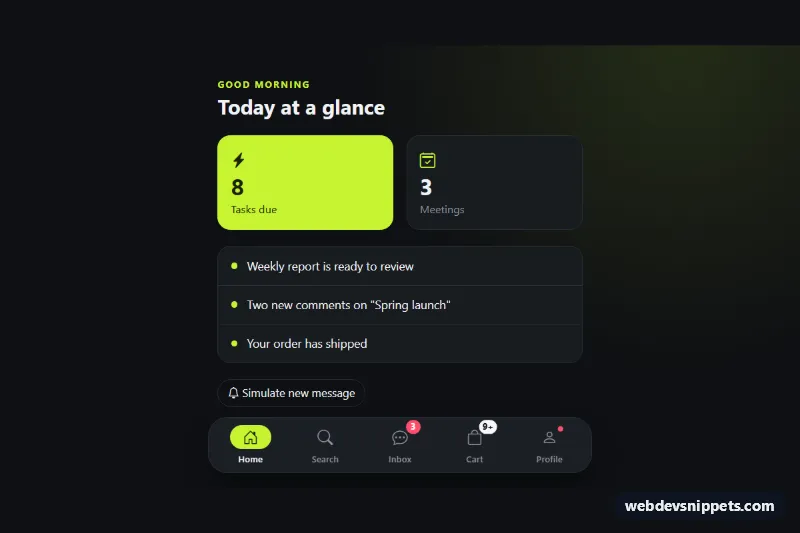
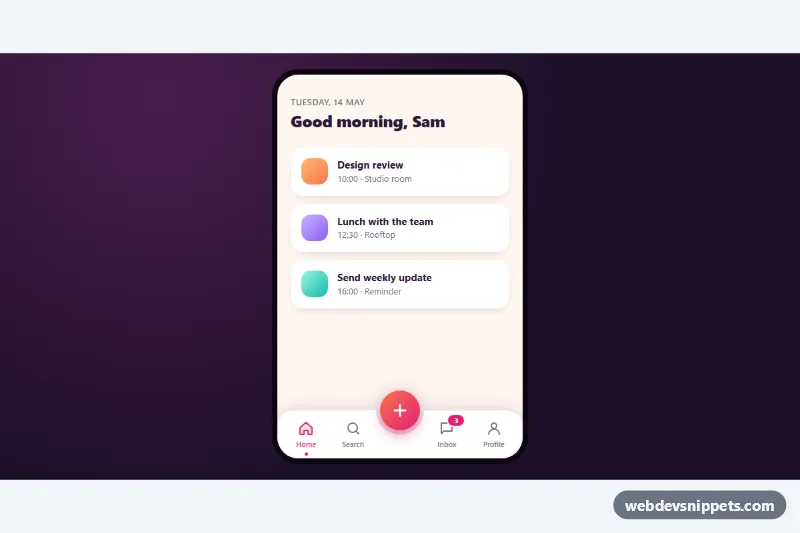
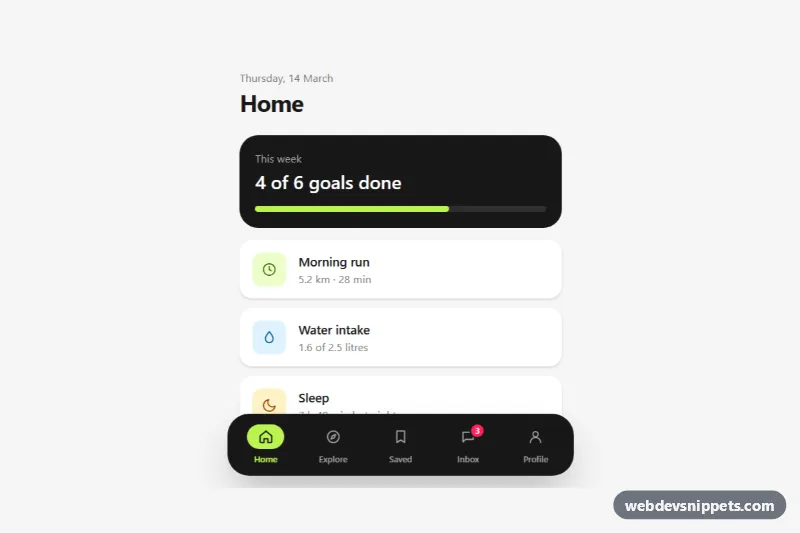
A fixed bottom navigation bar for mobile web apps, built with Bootstrap 5 and Bootstrap Icons. It has five tabs with icons and labels, numeric notification badges, a "9+" overflow badge and a small unread dot, and it turns into a floating pill on wider screens.
How it works
The root div.bnb-app contains the page content (main.bnb-main with demo .bnb-view panels) and a nav.bnb-nav that is position: fixed to the bottom edge. The links sit in a five-column CSS grid (.bnb-list) whose height comes from --bnb-height; the root adds the same height as bottom padding so the bar never covers content, and env(safe-area-inset-bottom) keeps it above the iPhone home indicator. From 768px up the bar is centered, limited to 480px and given rounded corners and a shadow.
Each link has an icon wrapper .bnb-icon and a .bnb-label. The active link carries aria-current="page", which the CSS turns into a lime pill behind the icon. Badges are Bootstrap badge rounded-pill elements positioned with position-absolute top-0 start-100 translate-middle. On DOMContentLoaded the script renders every .bnb-badge from its data-bnb-count: zero hides the badge, and values above MAX_VISIBLE (9) show "9+". Clicking a link moves aria-current, shows the matching [data-bnb-panel] and, for links with data-bnb-clear="true", clears their badge or .bnb-dot. The "Simulate new message" button raises the Inbox count and plays the bnb-pop animation.
Customization
data-bnb-counton a.bnb-badge: the starting number; set it from your server when the page loads.MAX_VISIBLEat the top ofscript.js: the cap before the badge shows a "+" suffix, e.g. 99.data-bnb-nounon a.bnb-badge: the hidden text read by screen readers, such as "unread messages".data-bnb-clear="true"on a.bnb-link: clears that tab's badges when it is opened; remove it to keep the count.--bnb-accentand--bnb-badgein.bnb-app: the lime active pill and the red badge color.--bnb-heightin.bnb-app: the bar height and the matching bottom padding of the page.- The
min-width: 768pxmedia query instyle.css: change or delete it to keep a full-width bar on tablets. - The click handler in
script.js: removeevent.preventDefault()so the links load the real pages in theirhref.
Use cases
- Mobile web apps: five fixed tabs with icons and labels
- Messaging and social apps: notification badges and unread dots on tabs
- Responsive dashboards: becomes a floating pill on wider screens
Accessibility
The bar is a nav landmark labelled "Primary", built from plain links, so Tab and Enter work without extra code. The current page is marked with aria-current="page". Each badge has an aria-hidden visible number and a visually-hidden sentence like "3 unread messages", so screen readers hear the real count instead of "9+". The unread dot has hidden "New activity" text. Tab changes and new messages are announced through the role="status" element .bnb-status. Links show a lime :focus-visible outline, and transitions and the pop animation are disabled under prefers-reduced-motion.
Usage notes
Requires Bootstrap 5 and Bootstrap Icons. Use one bar per page, since it is fixed to the viewport. The demo panels only illustrate tab switching and can be replaced with your own page content.