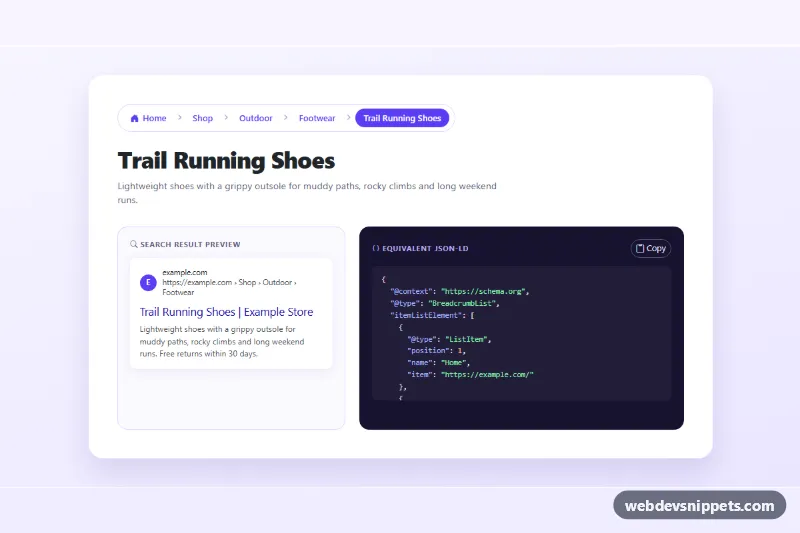
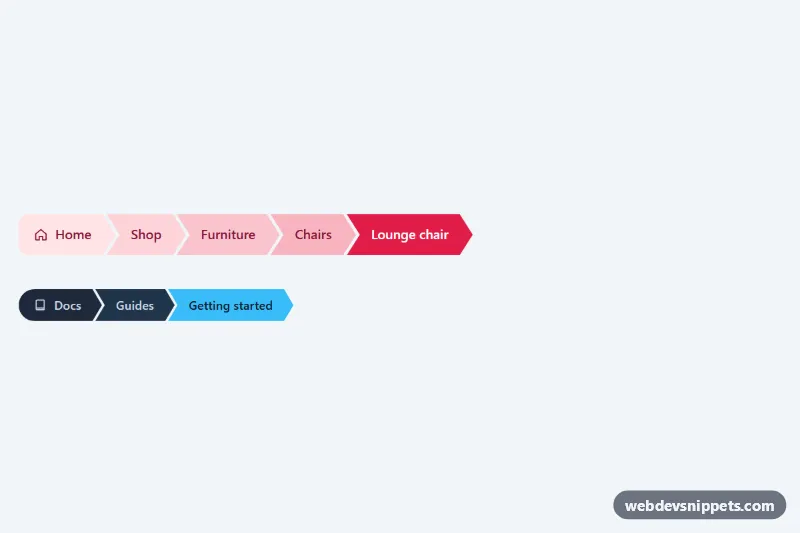
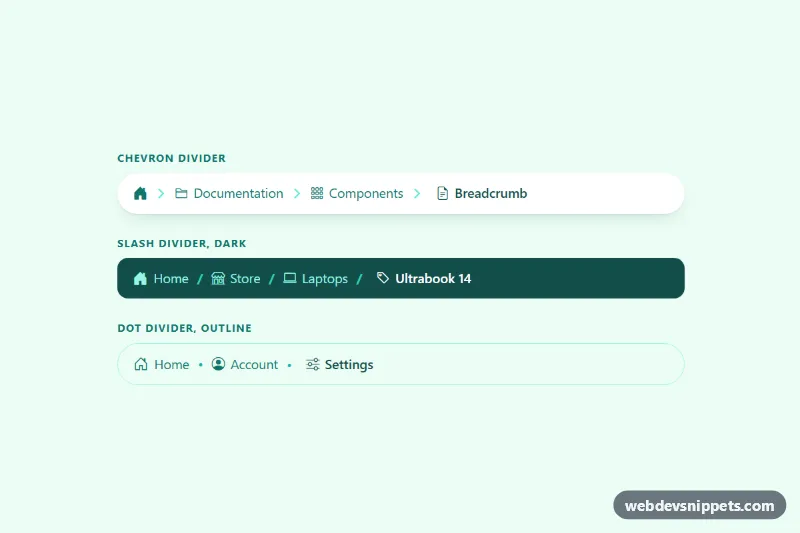
A Bootstrap 5 breadcrumb that carries Schema.org BreadcrumbList microdata, so search engines can show the page path instead of a raw URL. It comes with a pill-shaped trail, a collapsible path for small screens, a search result preview and a panel with the equivalent JSON-LD. Use it on product, category, documentation and blog pages.
How it works
The root is section.bsd-root. The trail is a nav labelled "Breadcrumb" holding ol.breadcrumb.bsd-crumbs with itemscope itemtype="https://schema.org/BreadcrumbList". Every level is an li with itemprop="itemListElement" and the ListItem type: the link carries itemprop="item", the text sits in span itemprop="name" and a meta itemprop="position" holds the 1-based position. The current page is a .bsd-current pill with aria-current="page"; its URL is given through link itemprop="item" because it is not a clickable link. The chevron divider is an inline SVG set through Bootstrap's --bs-breadcrumb-divider variable.
Below 576px, levels marked .bsd-mid are hidden and the .bsd-more-item button with three dots appears in their place. Clicking .bsd-more adds is-expanded to the list, sets aria-expanded="true" and moves focus to the first revealed link. The microdata stays in the HTML in both states.
On DOMContentLoaded the script reads the microdata of every .bsd-root with readCrumbs() and builds a JSON-LD object from it. It fills .bsd-code with a highlighted copy and builds the .bsd-serp preview: host, the path of the middle levels joined with "›" and the page title. The .bsd-copy button copies a complete script type="application/ld+json" tag and reports the result in .bsd-status.
Customization
--bsd-accentand--bsd-accent-softin.bsd-root: recolor the links, their hover background and the current page pill.--bs-breadcrumb-dividerin.bsd-crumbs: replace the chevron SVG with"/","›"or your own icon.--bsd-page-bgand--bsd-code-bgin.bsd-root: change the section gradient and the dark code panel.- Add or remove
.bsd-midonlielements to decide which levels collapse on phones. hrefvalues andmeta itemprop="position"contents: replace them with your real URLs and keep the positions consecutive.- Delete the
rowwith.bsd-panelelements and the matching part ofscript.jswhen you only need the breadcrumb itself.
Use cases
- Online shops: category and product pages show the path in search results instead of a raw URL
- Documentation sites: a collapsible trail keeps deep page hierarchies readable on phones
- Blogs and news sites: BreadcrumbList microdata helps search engines understand the site structure
- SEO audits: preview the search result snippet and copy the matching JSON-LD tag
- Developer tutorials: use it to teach how breadcrumb microdata maps to JSON-LD
Accessibility
The nav has aria-label="Breadcrumb" and the last item uses aria-current="page". Icons are aria-hidden. The ellipsis button has the label "Show full path" and an aria-expanded state. The scrollable code block is focusable with its own aria-label, and copy feedback is announced through a role="status" element. Links and buttons get a visible focus-visible outline, and hover transitions are off under prefers-reduced-motion: reduce.
Usage notes
Requires Bootstrap 5 and Bootstrap Icons. Use either microdata or JSON-LD on a page, not both with different data. Test the result with Google's Rich Results Test before going live.