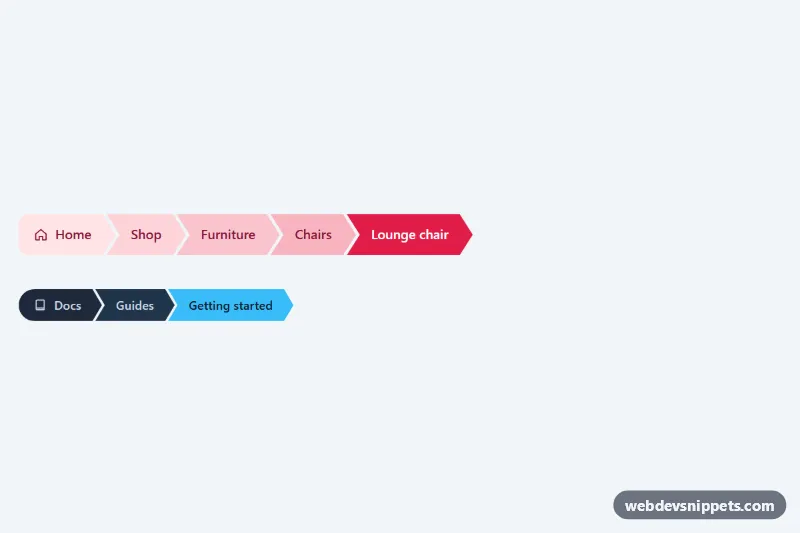
Arrow Breadcrumbs
Chevron-shaped breadcrumb steps cut with CSS clip-path, with an interlocking layout, a color ramp toward the current page and a compact dark variant. No JavaScript.
Show the user's location within a site hierarchy.
2 component(s)
Chevron-shaped breadcrumb steps cut with CSS clip-path, with an interlocking layout, a color ramp toward the current page and a compact dark variant. No JavaScript.
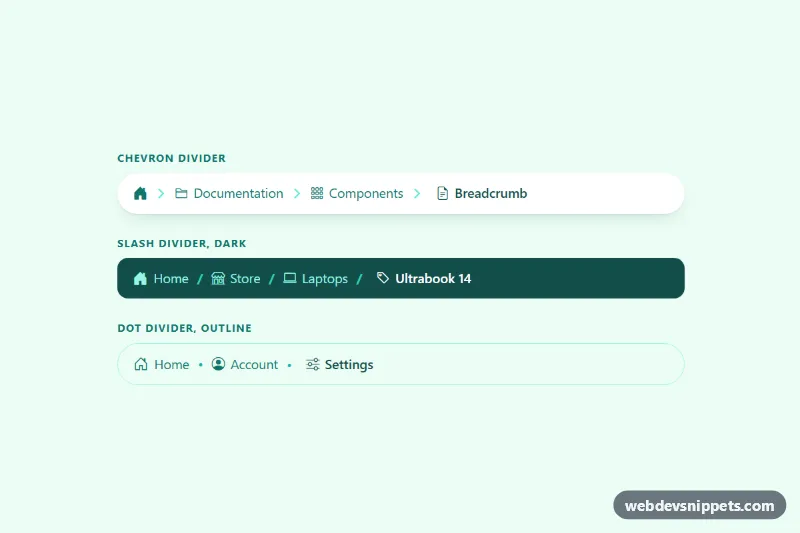
Bootstrap 5 breadcrumbs with a home icon, icons per level and custom chevron, slash or dot dividers that collapse middle levels on mobile.
Breadcrumbs are a secondary navigation trail that shows where the current page sits in the site hierarchy, for example Home / Products / Laptops / Model X. Each step except the last is a link, so users can jump back to a parent level in one click. Breadcrumbs are common on e-commerce sites, documentation, blogs with categories and any site with deep structure.
Use them when pages are nested at least two or three levels deep and visitors often arrive from search engines directly on inner pages. They give instant context and an easy way to explore related content. Flat sites with only a few pages do not need them, and they should never replace the main navigation.
<nav aria-label="Breadcrumb"> and use an ordered list (<ol>) for the items.aria-current="page" and do not make it a link.::before pseudo-element) rather than as text, so screen readers do not read every slash.BreadcrumbList structured data that mirrors the visible trail.Breadcrumb snippets come in Bootstrap 6, Bootstrap 5, Tailwind CSS and pure CSS versions. Bootstrap 5 breadcrumbs use the breadcrumb and breadcrumb-item classes with a customisable divider variable; the Bootstrap 6 alpha versions follow the same idea with theme-* colour roles. Tailwind and pure CSS breadcrumbs show icon, chevron, pill and arrow styles in plain HTML and CSS. Use the framework filter, compare styles in the live preview, then copy the markup or download it and plug in your own page hierarchy.