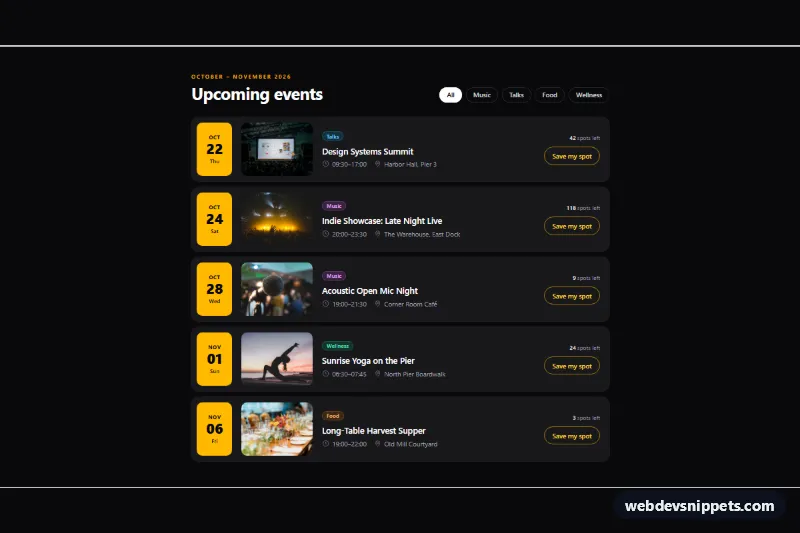
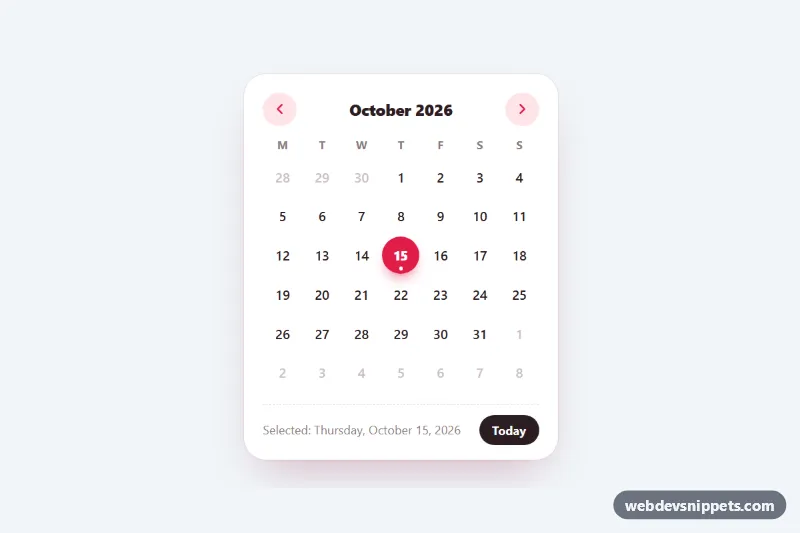
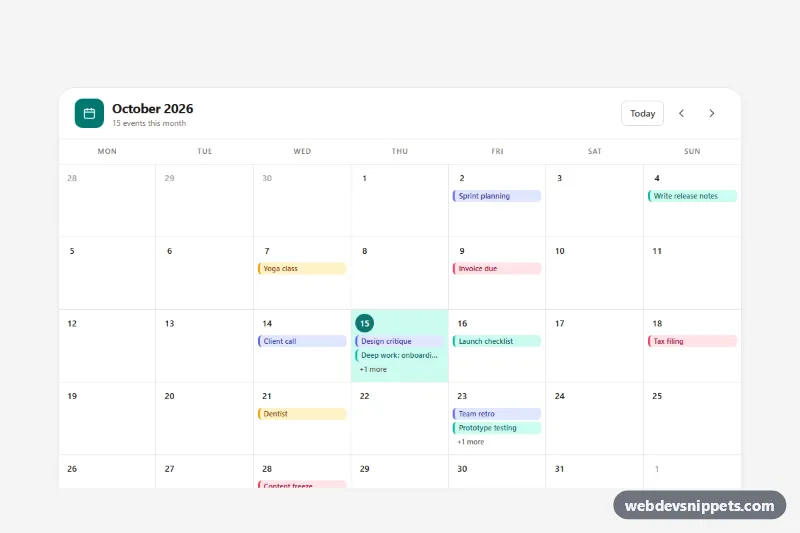
An agenda-style events calendar built with Tailwind CSS and a little vanilla JavaScript. Each upcoming event gets a bold date block, a photo, a category label, time and venue, plus a "Save my spot" button, which makes it a good fit for venue websites, community calendars, conference pages and city guides.
How it works
The root is section.tec-events on a dark bg-zinc-950 background. The agenda is an ordered list (ol[data-tec-list]) because the events are in date order. Every li carries a data-tec-category value and wraps an article.tec-event, a CSS grid with four columns on larger screens: the amber date block, the photo, the details and the RSVP area. The date block is a time element with a machine-readable datetime attribute. On load the script places each time[data-tec-offset] that many days after today, fills its data-tec-month, data-tec-day and data-tec-weekday spans and the datetime, and writes the month range into data-tec-period, so the demo never looks outdated. On phones the grid collapses to two columns and the photo moves above the details at 16:9 (order-first col-span-2).
The filter buttons (data-tec-filter) are toggle buttons with aria-pressed. Clicking one hides the rows from other categories with the hidden attribute, replays a short fade-in on the rows that come back (tec-is-entering) and shows the data-tec-empty message when nothing matches. The pressed style comes from Tailwind's aria-pressed: variant, so the visual state always matches the ARIA state.
Each data-tec-rsvp button toggles aria-pressed, swaps its text between "Save my spot" and "You're going", shows a check icon (.tec-check) and moves the data-tec-spots counter down or up by one. Add a fetch() call where the script comment says to store RSVPs on your server.
Customization
data-tec-categoryon eachlianddata-tec-filteron the buttons: add your own categories; the values just have to match.- Real events: remove
data-tec-offsetand write the date into thetimeelement; the script then leaves it alone. bg-amber-400on thetimeblocks and theamberutilities on.tec-rsvp: change the accent color of the dates and buttons.sm:grid-cols-[4.75rem_9.5rem_1fr_auto]on.tec-event: widen the second value to show larger photos on desktop.- The category pills (
bg-sky-400/15 text-sky-300and similar): give each category its own color. max-w-4xlon the inner container: usemax-w-5xlfor a wider agenda.
Use cases
- Venue websites: list upcoming shows with date blocks, photos, times and locations
- Community calendars: visitors filter events by category and save their spot
- Conference pages: an agenda in date order shows each session with its venue
- City guides: RSVP buttons update the remaining spots counter live
- Dark-themed sites: amber date blocks stand out against a zinc background
Accessibility
The section is labeled by its heading, the agenda is a labeled ol, and each article is labeled by its event title. The filter group has an aria-label, and all filter and RSVP buttons expose their state through aria-pressed. Each RSVP button is described by its event title, so screen reader users know which event they are saving. Filter results and RSVP changes are announced in a visually hidden aria-live region. Photos have descriptive alt text, all controls show an amber focus ring, and the fade-in is turned off under prefers-reduced-motion.
Usage notes
For several calendars on one page, give the tec-ev*-title headings unique id values and update the matching aria-labelledby and aria-describedby attributes.