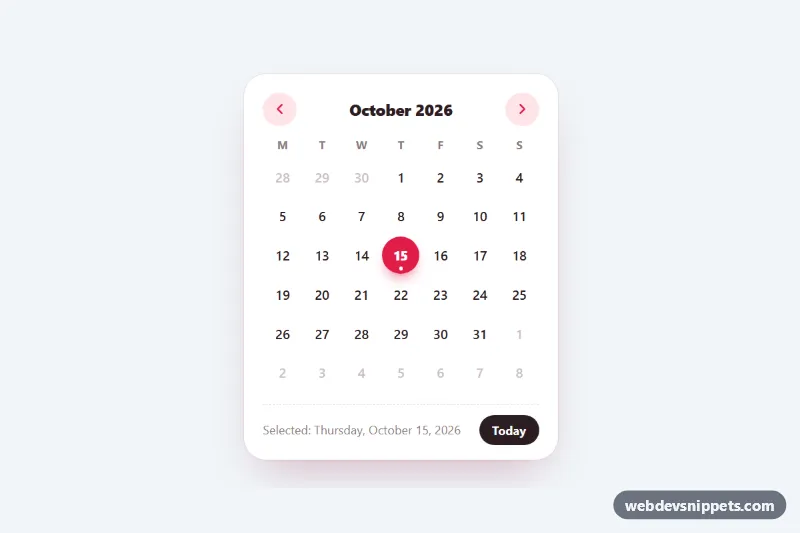
Mini Calendar
Compact month calendar generated with vanilla JS and styled with pure CSS: selectable days, today marker, month navigation and full arrow-key support.
Month, week and event calendars.
2 component(s)
Compact month calendar generated with vanilla JS and styled with pure CSS: selectable days, today marker, month navigation and full arrow-key support.
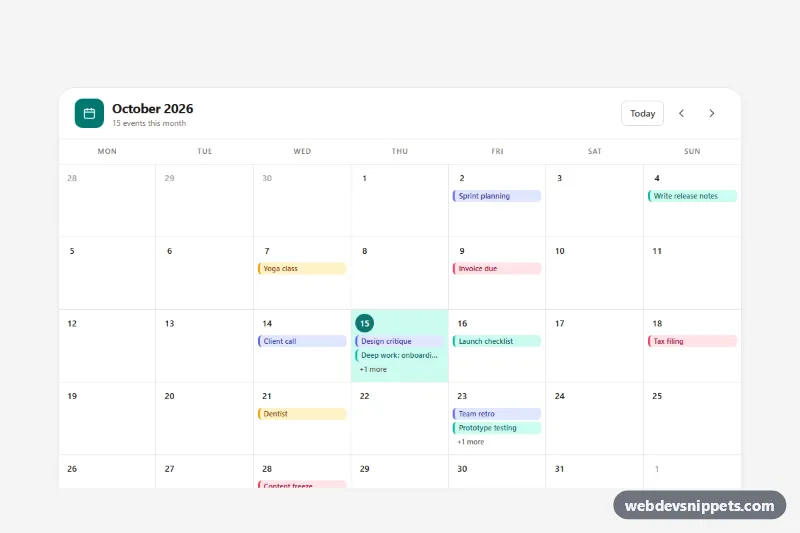
Tailwind CSS month calendar with colored event pills, today highlight, prev/next navigation, keyboard support and a day agenda.
A calendar component displays dates in a grid and lets users view or interact with events. Typical variants are month views, week views with time slots, agenda lists and compact mini calendars in sidebars. Calendars are used in booking systems, project tools, event sites, school portals and dashboards. They differ from date pickers: a date picker selects a value for a form, while a calendar shows schedules and events.
<table> with weekday headers, or a grid with role="grid" and proper row and cell roles if it is interactive.aria-current="date".The calendar examples on this page include month grids, week schedules, event lists and small sidebar calendars, each with a live preview. Bootstrap 6 versions use theme-* colour roles for event categories and today markers, and any JavaScript ships as plain ES modules. Bootstrap 5 versions rely on the grid, tables and utilities, Tailwind CSS versions use grid-cols-7 layouts, and pure CSS versions are lightweight and framework-free. Open the code tabs, copy the HTML, CSS and JS, and connect the markup to your own event data.