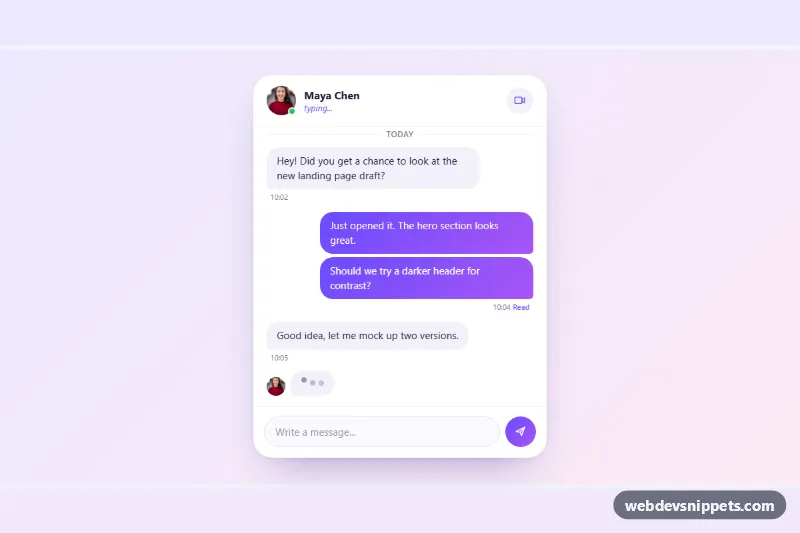
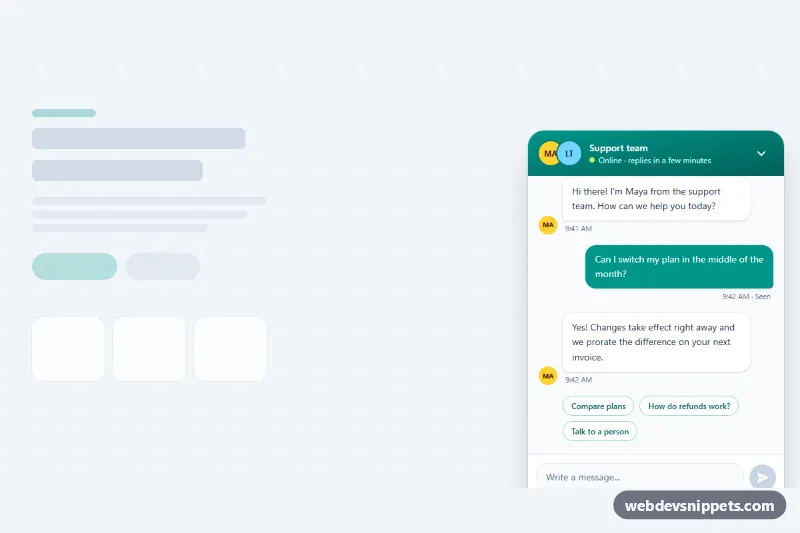
A chat window with incoming and outgoing message bubbles and an animated three-dot typing indicator, built with pure CSS and a few lines of vanilla JavaScript. Use it for support widgets, messenger mockups, onboarding demos or any page that needs a lively conversation preview.
How it works
The outer .tb-wrap paints the pastel gradient page and holds all custom properties. Inside it, section.tb-chat is a rounded card with three parts: the .tb-header (avatar with a green .tb-presence dot, name, the .tb-state line and a video call button), the scrollable .tb-body and the .tb-composer form.
Messages live in the ol.tb-log list. Each li.tb-msg gets .tb-msg--in or .tb-msg--out, which aligns it left or right. Incoming .tb-bubble elements use a soft lavender fill, outgoing ones a violet gradient, and one squared-off corner on each side acts as the tail. When the sender changes, an adjacent sibling selector adds extra space so messages read as groups. New messages fade in with the tb-pop keyframes.
The .tb-typing row sits under the log: a small avatar plus the .tb-dots bubble with three .tb-dot spans. They share the tb-bounce keyframes, and the second and third dots are delayed by a fraction of --tb-speed, which creates the wave. The indicator is pure CSS and shows on load.
The script runs on DOMContentLoaded for every .tb-chat. On submit it calls preventDefault(), appends your text as an outgoing bubble with the current time, scrolls .tb-body down and shows the indicator while .tb-state switches to "typing...". After REPLY_DELAY a reply from the REPLIES array is added and the indicator is hidden with the hidden attribute.
Customization
--tb-out-1and--tb-out-2on.tb-wrap: the gradient of outgoing bubbles, the send button and the typing status color.--tb-in-bg: the background of incoming bubbles and the typing bubble.--tb-dot-size,--tb-bounceand--tb-speed: the size of each dot, how high it jumps and the length of one wave.--tb-radius: the roundness of all bubbles; the tail corner stays at 6px.heightof.tb-body: the visible message area, 340px on phones and 420px from 640px.REPLY_DELAYandREPLIESinscript.js: how long the indicator shows and the simulated answers. Replace the timeout with your WebSocket or server-sent events.
Accessibility
The message list has role="log" with aria-live="polite", so new messages are announced. The typing row is a role="status" region with the visually hidden text "Maya is typing", while the dots are aria-hidden. The scroll area is focusable with an aria-label, the input has a hidden label, and icon buttons have aria-labels and a visible focus outline. With prefers-reduced-motion: reduce the bounce becomes a gentle opacity fade and the pop-in and smooth scrolling are turned off.
Usage notes
The avatar photo comes from Unsplash; replace it with your own image. The input id tb-input must be unique if you place two chats on one page.