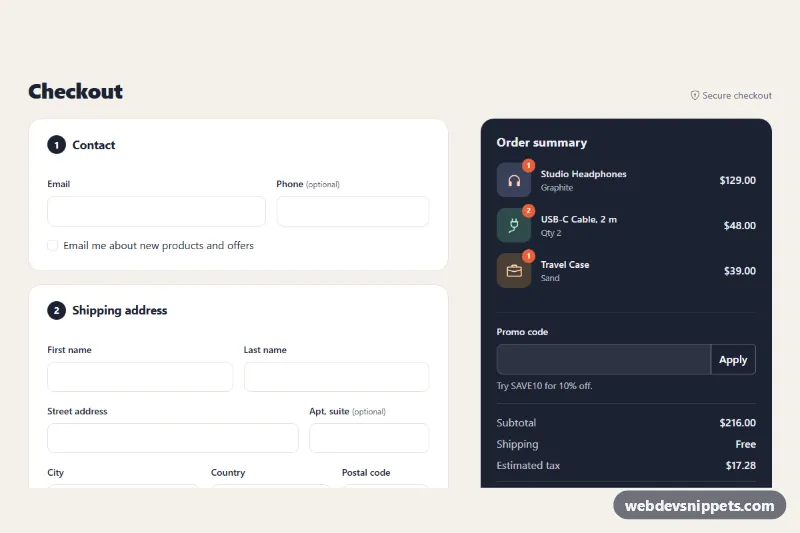
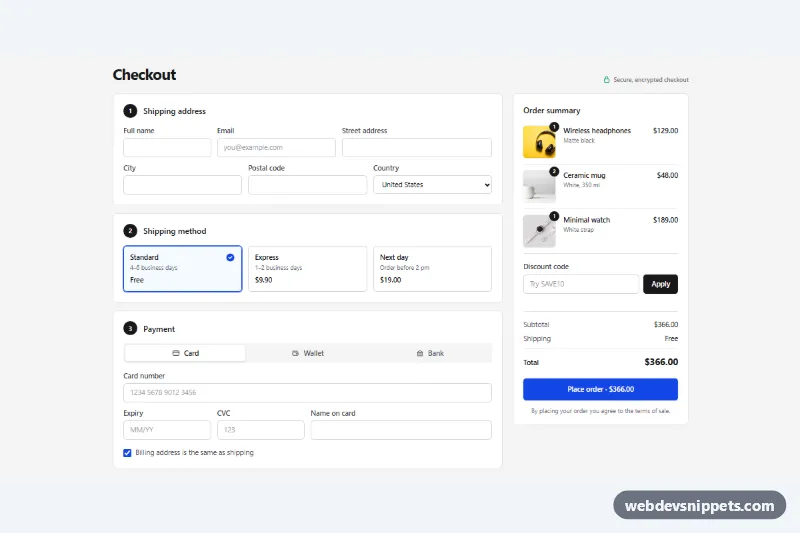
A single-page Bootstrap 5 checkout form with contact, shipping, delivery and payment sections next to a dark, sticky order summary with a promo code field and live totals. Use it as the final step of an online store, a booking flow or any paid sign-up.
How it works
The root is section.ck-checkout, and one form.ck-form wraps a two-column row: the numbered fieldset.ck-section cards on the left (col-lg-7) and the aside.ck-summary on the right (col-lg-5). Below the lg breakpoint the summary moves under the form and stops being sticky.
Delivery choices are native radios (.ck-option__input) styled as cards; each has a data-ck-cost value. Payment methods use Bootstrap btn-check buttons, and the script shows the matching [data-ck-panel] block while disabling the fields in hidden panels, so validation only checks the active method. Unchecking .ck-same reveals and enables the .ck-billing fields.
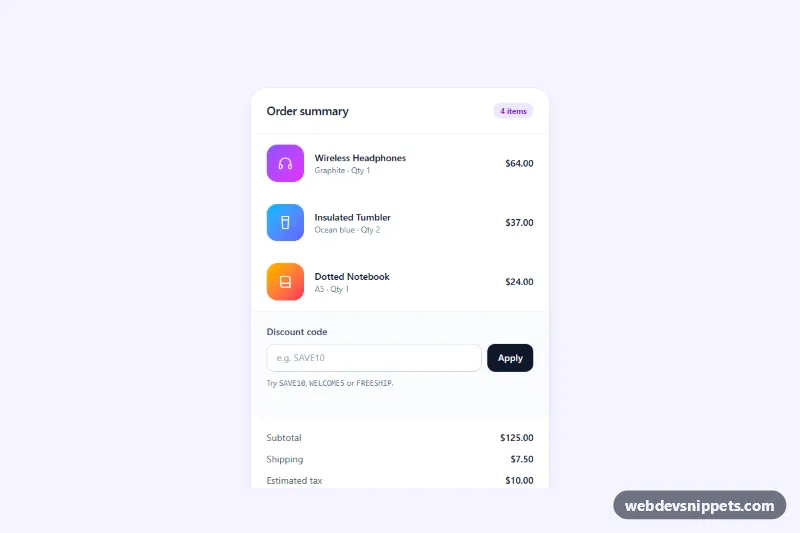
The script formats the card number into groups of four, inserts the slash in the expiry and keeps only digits in the security code. An expired date gets a custom validity message. render() adds up every .ck-item (data-price times data-qty), the chosen shipping cost, the promo discount and tax, then updates .ck-subtotal, .ck-shipping, .ck-discount, .ck-tax, .ck-total and the "Pay $…" label of .ck-submit. On submit it runs checkValidity(), marks the form was-validated, sets aria-invalid and focuses the first invalid field; a valid form shows a spinner, resets and reveals the .ck-alert confirmation with an order number.
Customization
--ck-accent,--ck-accent-hoverand--ck-accent-rgbin.ck-checkout: recolor the pay button, selected delivery card and focus rings.--ck-summary-bgand--ck-summary-inkin.ck-checkout: switch the order summary to a light panel or another brand color.data-ck-tax="0.08"on.ck-checkout: change the tax rate, or set0when prices already include tax.data-ck-currency="USD"on.ck-checkout: show all amounts in another ISO currency.data-ck-coston each.ck-option__input: set the price of each delivery option; the label text is static, so update it too.PROMO_CODESat the top ofscript.js: add codes and their discount rates for the demo.data-priceanddata-qtyon each.ck-item: render your cart lines; totals update automatically.- The
window.setTimeoutin the submit handler: replace it with afetch()to your order API.
Accessibility
Each section is a fieldset with a legend, every field has a visible label, and autocomplete tokens (shipping, billing and cc-*) let browsers fill addresses. Error texts are linked through aria-describedby only while a field is invalid. Delivery cards and payment buttons are real radio inputs, so arrow keys work and focus rings stay visible. The promo message and the success alert are role="status" regions. While processing, .ck-submit uses aria-disabled so focus is kept. Transitions are turned off with prefers-reduced-motion: reduce.
Usage notes
Requires Bootstrap 5 and Bootstrap Icons. The card inputs are for layout only: in production use your payment provider's hosted fields so raw card data never touches your server, and always recalculate prices and promo codes on the server.