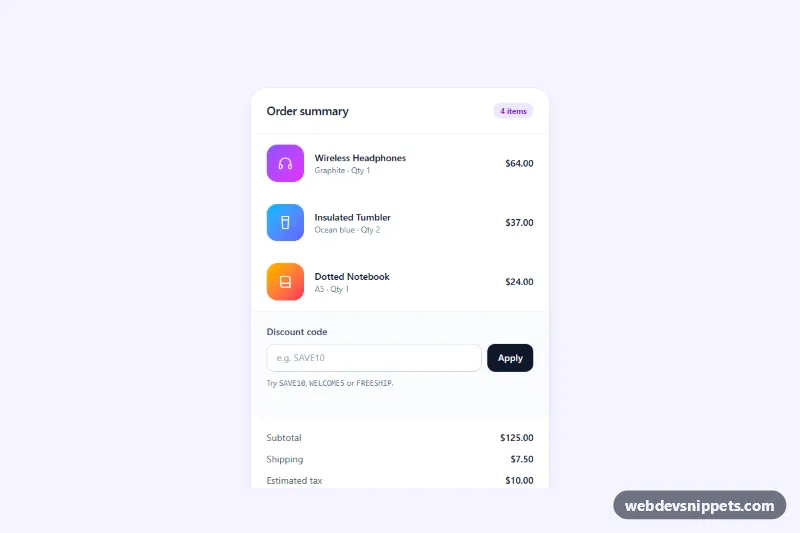
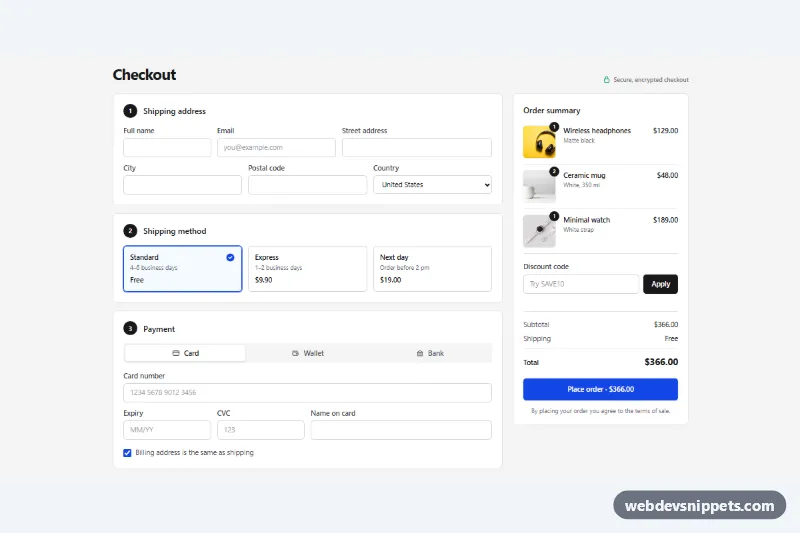
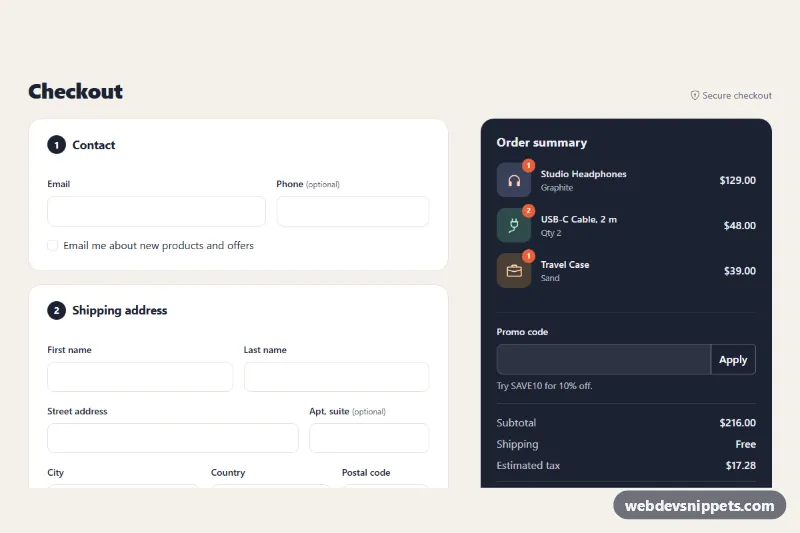
A checkout order summary card built with Tailwind CSS and a small vanilla JavaScript controller. It lists the cart items, accepts a discount code, recalculates subtotal, discount, shipping, tax and total, and shows a progress bar toward free shipping. Use it in the sidebar of a checkout page or at the bottom of a cart drawer.
How it works
The root is .tos-summary. Its data attributes hold the pricing rules: data-tos-currency, data-tos-shipping (flat shipping rate), data-tos-free-over (free shipping threshold) and data-tos-tax (tax rate as a decimal). Each line item is an li marked data-tos-item with data-tos-price and data-tos-qty.
On DOMContentLoaded the script initializes every .tos-summary and runs render(), which adds up the items, applies the active coupon, decides whether shipping is free, rounds tax on the discounted amount and writes the formatted values into the dd elements (data-tos-subtotal, data-tos-discount, data-tos-shipping-value, data-tos-tax-value, data-tos-total) using Intl.NumberFormat. The discount row stays hidden until a discount exists.
Submitting the data-tos-form form uppercases the code, shows a spinner on the Apply button and, after a simulated 700 ms check, looks the code up in the COUPONS object. A valid code hides the form and shows the dashed data-tos-chip with a Remove button; an invalid one marks the input with aria-invalid and turns its border rose. The markup already contains correct starting totals, so the card reads properly even before the script runs.
Customization
COUPONSinscript.js: add codes withtypeset topercent,fixedorshippingand avalue; the label appears in the success message.data-tos-free-over="150"on.tos-summary: change the free shipping threshold, or set it to0to hide thedata-tos-progressblock entirely.data-tos-tax="0.08": change the estimated tax rate; the tax line updates on every render.data-tos-currency="USD": switch toEURorGBPand all amounts are formatted for that currency.bg-violet-600on the checkout button andfrom-violet-500 to-fuchsia-500ondata-tos-progress-fill: swap the accent color.max-w-mdon thesection: widen tomax-w-lgfor a roomier sidebar.
Accessibility
The card is a section labelled by its heading, items sit in a labelled list, and totals use a dl so each label and amount are read as pairs. The discount input has a real label, a hint linked through aria-describedby, and aria-invalid on errors. Results are announced from a role="status" region that stays visible after the form hides, and focus moves to Remove after a code is applied and back to the input after removal. The progress bar uses role="progressbar" with an updated aria-valuenow. All buttons show a visible focus outline, and the spinner and bar animation stop under prefers-reduced-motion.
Usage notes
The coupon check is simulated with setTimeout; replace that block with fetch() to your coupon endpoint and always revalidate the discount on the server.