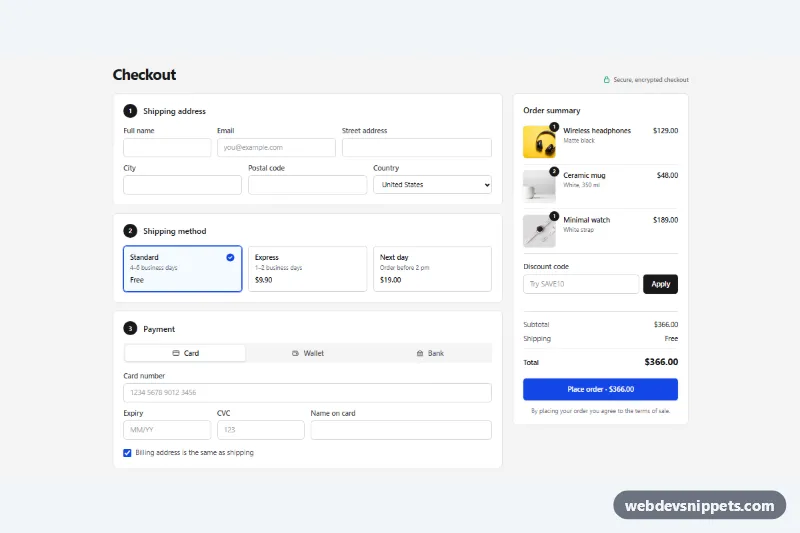
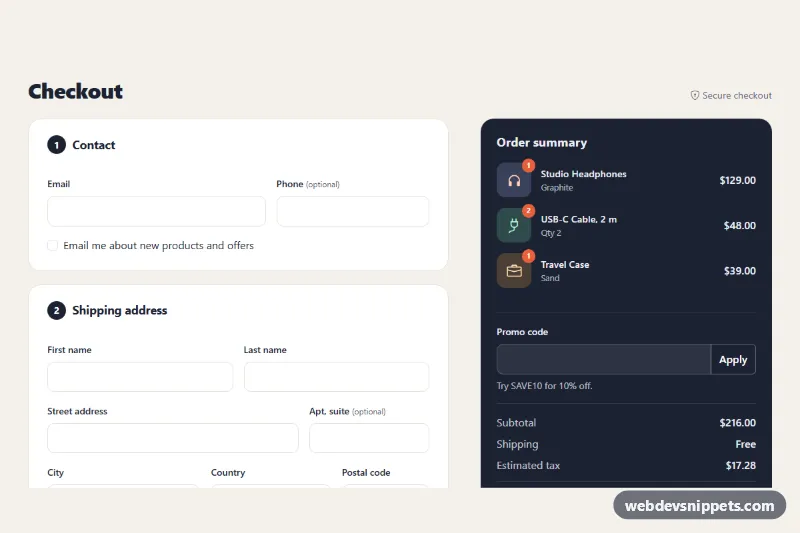
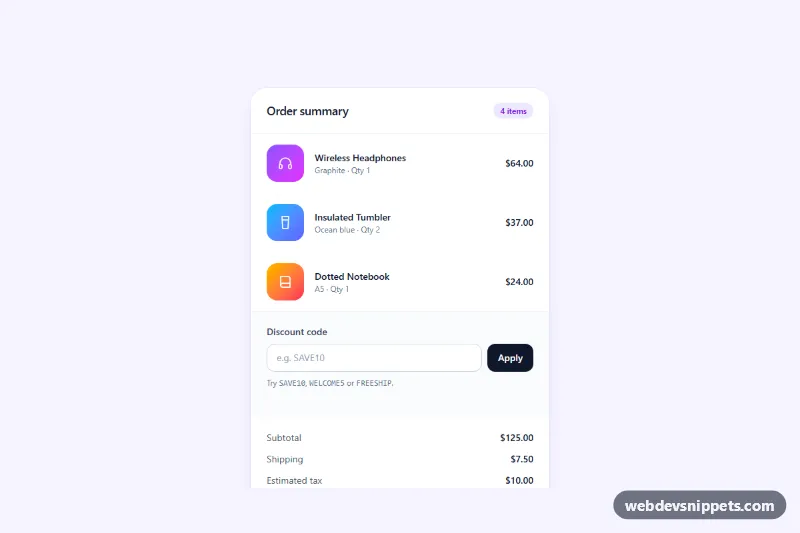
A one-page checkout built with Tailwind CSS and vanilla JavaScript. Shipping address, shipping method and payment sit in three numbered sections, next to a sticky order summary with product photos, a discount code field and a live total. Use it in an online store or booking flow.
How it works
The root is section.opc-checkout, and the whole page is a single form with data-opc-form. On large screens a lg:grid-cols-[1fr_22rem] grid puts the sections on the left and the summary aside on the right; on phones the summary follows the form, so "Place order" stays at the end. The desktop layout is compact: the address uses a lg:grid-cols-12 grid with two rows of fields, and lg: padding and gap utilities tighten the cards so the checkout fits on one laptop screen.
Shipping methods are sr-only radio inputs inside label.opc-option cards; has-[:checked]: variants draw the blue border and style.css fades in the .opc-check icon. Each radio has a data-opc-cost, and the change event recalculates the totals.
Payment uses the ARIA tabs pattern: three role="tab" buttons (Card, Wallet, Bank) control three role="tabpanel" panels. The script hides inactive panels and sets disabled on their fieldset, so hidden card fields are neither validated nor submitted. The card number is grouped in blocks of four and the expiry gets an automatic slash.
The summary adds up every data-opc-line value, adds the selected shipping cost, subtracts the discount and writes the result to data-opc-total and the submit button. On submit the script checks every enabled field with checkValidity(), marks failures with aria-invalid="true" and focuses the first one. Otherwise it shows a spinner, then a confirmation with a sample order number.
Customization
CODESat the top ofscript.js: add discount codes and rates, e.g.{ SAVE10: 0.1 }; validate real codes on the server.data-opc-coston eachinput[name="shipping"]: set the shipping prices, and update the visible price text in the same card.data-opc-lineon each summary price: the line total used for the subtotal.blue-700in buttons, focus rings andhas-[:checked]:border-blue-700: replace withemerald-700orzinc-900to match your brand.lg:grid-cols-[1fr_22rem]on the form: widen or narrow the summary column.- Remove a
role="tab"button and its panel to offer fewer payment methods. - The
setTimeoutin thesubmithandler: replace it withfetch()to your order endpoint or payment provider SDK.
Use cases
- Online stores: address, shipping method and payment on one page
- Booking and ticket sites: a single checkout step with a live total
- Checkout prototypes: test a one-page flow with card, wallet and bank payment tabs
Accessibility
Each section is a fieldset with a legend, and every input has a visible label and the right autocomplete token (cc-number, cc-exp, postal-code…). Payment tabs support Arrow Left/Right, Home and End with roving tabindex. Shipping cards show a focus outline through has-[:focus-visible]. Discount and order messages use aria-live regions, and quantity badges include sr-only text. Animations stop under prefers-reduced-motion: reduce.
Usage notes
The product photos come from Unsplash; replace them with your own. Never handle raw card numbers on your own server: use your payment provider's hosted fields in the Card panel.