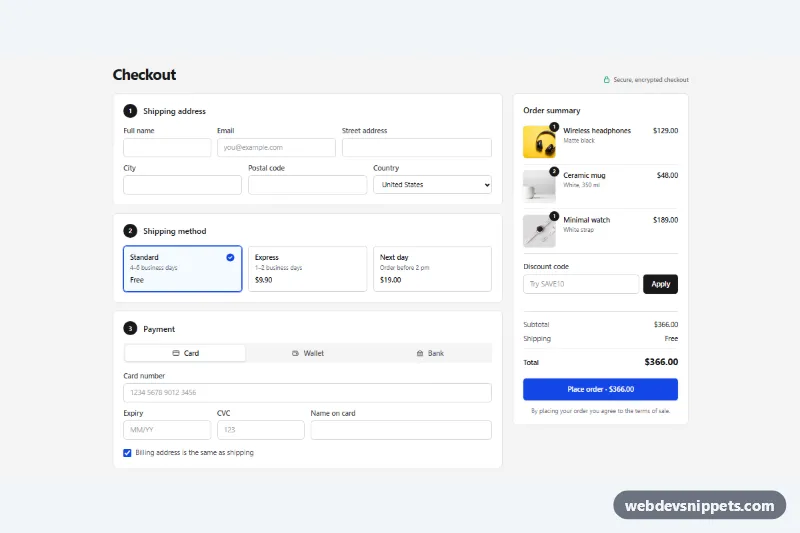
One-Page Checkout with Payment Options
Tailwind CSS one-page checkout with shipping address, shipping method cards, card / wallet / bank payment tabs, discount code and a live order summary.
Checkout forms and order summaries.
3 components
Tailwind CSS one-page checkout with shipping address, shipping method cards, card / wallet / bank payment tabs, discount code and a live order summary.
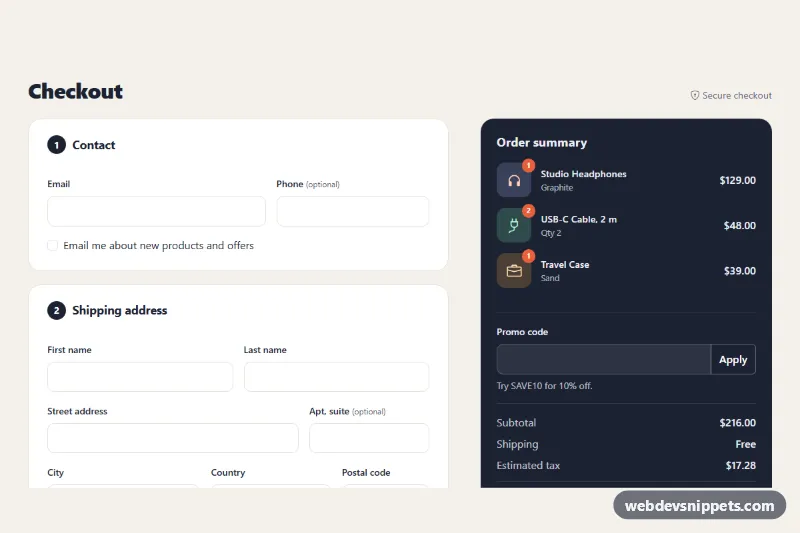
Bootstrap 5 one-page checkout with contact, shipping, delivery and payment sections, card input masks, validation, promo code and a live order summary.
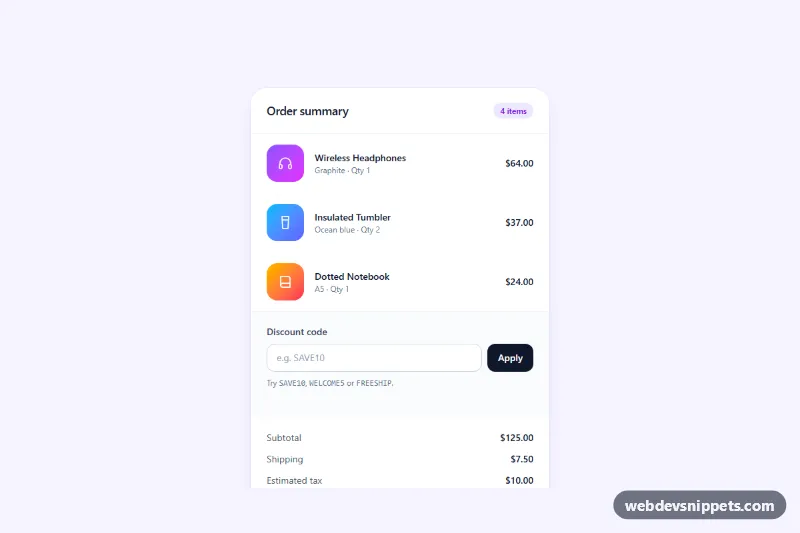
Tailwind CSS checkout order summary card with a discount code field, live totals, tax and a free shipping progress bar.
A checkout component collects everything needed to complete an order: contact details, shipping address, delivery method, payment details and a final review. It is usually paired with an order summary that lists the items, discounts, shipping costs and total. Checkouts come as single-page layouts, multi-step flows with a progress indicator, or compact express checkouts with wallet buttons.
autocomplete values such as shipping street-address, email and cc-number so browsers can fill the form.inputmode for phone numbers and postal codes.Group related fields with <fieldset> and <legend> ("Shipping address", "Payment method") and give every input a visible <label>. Validate on submit or on blur, show errors next to the field, link them with aria-describedby and move focus to the first error or an error summary. For multi-step checkouts, indicate the current step with aria-current="step" and move focus to the step heading when it changes. Never rely on colour alone to show selected shipping or payment options.
These checkout page HTML CSS templates and bootstrap checkout form examples come in Bootstrap 6, Bootstrap 5, Tailwind CSS and pure CSS. They are front-end layouts only: payment fields are placeholders to be replaced by your payment provider's secure fields, and no data is processed. Bootstrap 6 versions use the theme-* colour roles. Explore them in the live preview, then copy the code from the code tabs or download it.