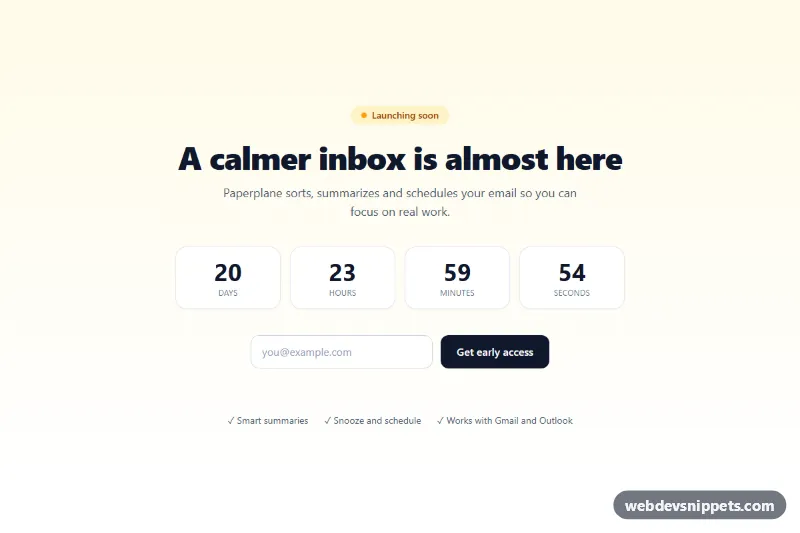
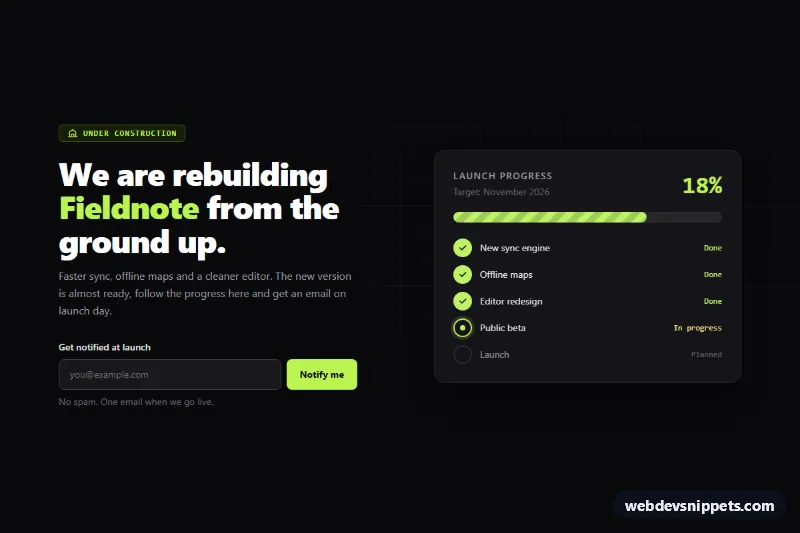
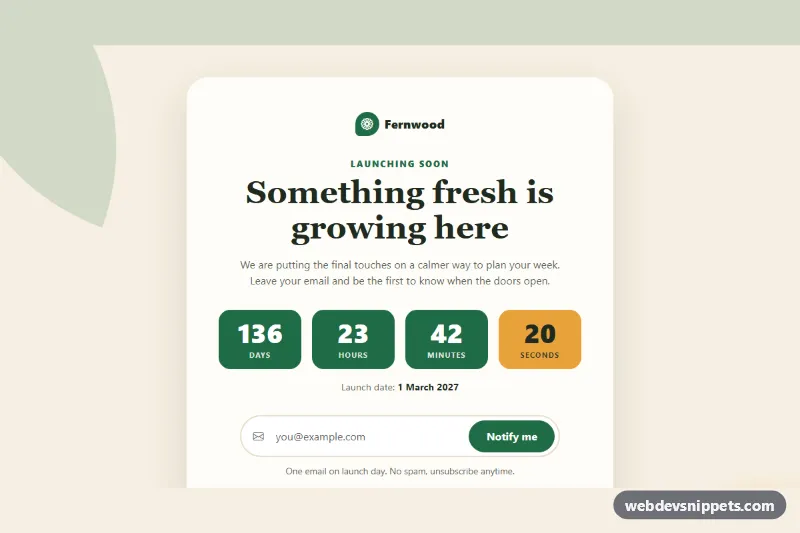
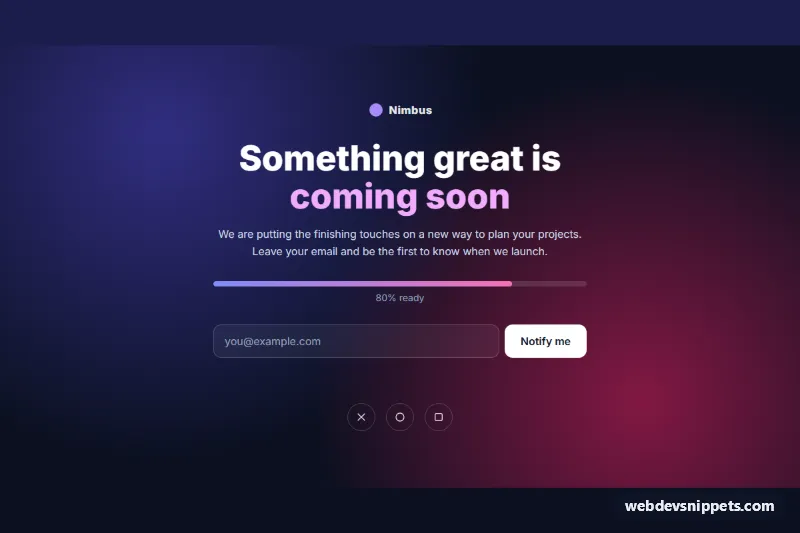
A full-screen coming soon page made with Tailwind CSS that combines a live launch countdown, an early-access email form and a short feature list. It works well as a waitlist page for a new SaaS product, app or service before launch.
How it works
The root main.tcs-page uses min-h-screen, flexbox centering and a soft bg-gradient-to-b from-amber-50 to-white background. A centered max-w-2xl column contains a "Launching soon" pill with a pulsing dot, the main heading, a description, a four-column grid of countdown tiles, the .tcs-form signup form, the #tcs-msg feedback paragraph and a checklist of features. Each tile holds a number with a data-part attribute (d, h, m or s) styled with tabular-nums.
On DOMContentLoaded the script initializes every .tcs-page. It reads data-launch as an absolute date and, if that is missing or invalid, counts data-launch-days from the moment the page loads, defaulting to 14 days. A tick() function runs every second, writes zero-padded values into the tiles and clears the interval at zero. The form's submit handler prevents the reload, validates the email with checkValidity(), sets aria-invalid, and writes either a green success text (text-emerald-700) or a red error (text-red-600) into #tcs-msg. Valid submissions reset the form; invalid ones move focus back to the input.
Customization
data-launchon.tcs-page: add your launch time in ISO 8601, e.g.2026-11-20T12:00:00Z, so every visitor sees the same deadline.data-launch-days="21"on.tcs-page: change the demo countdown length, or remove it oncedata-launchis set.from-amber-50and theamberclasses on the pill, input focus ring and button ring: swap to another Tailwind color likeskyfor a different accent.bg-slate-900 hover:bg-slate-700on the submit button: change the button colors.grid-cols-4on the countdown grid: usegrid-cols-2 sm:grid-cols-4to stack tiles in two rows on small phones.- The success and error strings in the
submithandler inscript.js: edit the messages, and add your own request to save the address. animate-pulseon the status dot: remove it for a static indicator.
Accessibility
The email input has an sr-only label, autocomplete="email" and aria-describedby="tcs-msg", and #tcs-msg is an aria-live="polite" region so validation results are announced. aria-invalid is set on errors and focus returns to the field. The countdown grid is aria-hidden="true", while a separate sr-only paragraph with data-part="summary" is updated once per minute with text like "21 days, 0 hours and 0 minutes until launch." The pulsing dot uses motion-reduce:animate-none to respect reduced motion. The button shows a focus-visible:ring-4 ring.
Usage notes
Needs the Tailwind browser build (added automatically); there is no style.css. The form uses novalidate so the script controls messages; no data is sent until you connect it to your own backend.