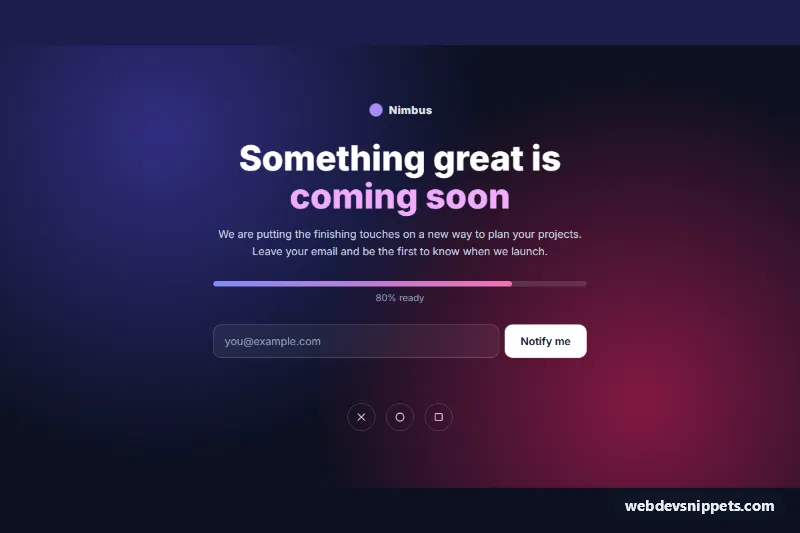
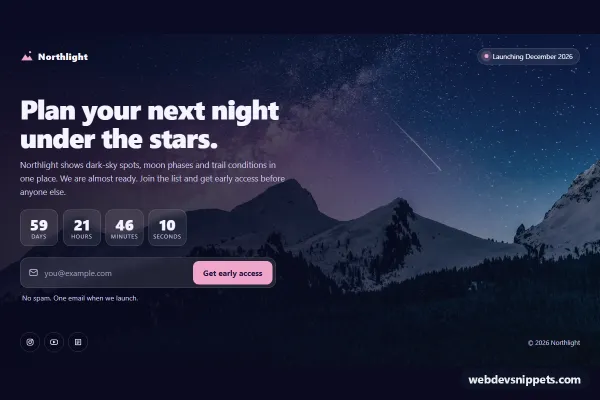
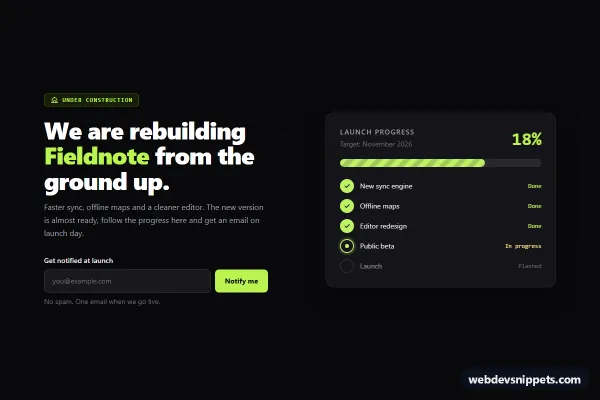
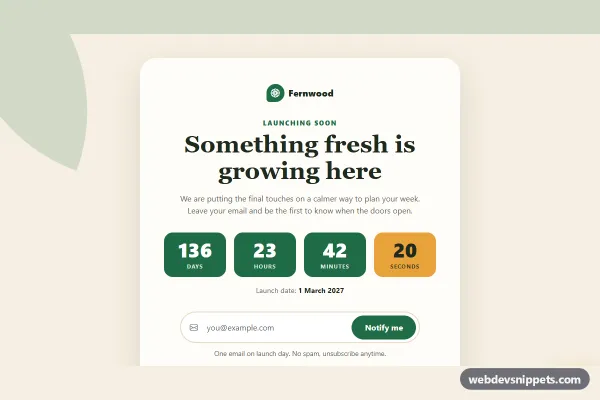
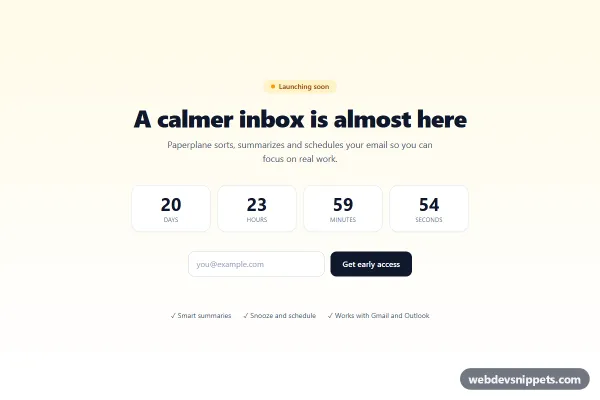
A full-page coming soon template in pure CSS with a gradient background, launch progress bar, email signup form and social links. It is a quick placeholder for a product that is not live yet, a pre-launch waitlist or a site under construction.
How it works
The root main.cs-page fills the viewport with min-height: 100vh and centers its content with display: grid and place-items: center. The background layers two radial gradients (indigo and magenta) over a near-black base. Inside, .cs-card holds the brand line .cs-brand, the .cs-title heading with a highlighted span, a short .cs-text paragraph, the .cs-progress track with its .cs-progress-bar fill and a .cs-progress-label, the .cs-form, a .cs-message area and the .cs-social icon list. The heading scales with clamp(), and the form uses flex-wrap so the button drops under the input on narrow screens.
The script runs on DOMContentLoaded for every .cs-form. It listens to the submit event, prevents the default page reload and checks the email field with checkValidity(). An invalid address sets aria-invalid="true" on .cs-input, which turns its border red, adds is-error to .cs-message with an error text and moves focus back to the field. A valid address adds is-success, shows a thank-you message and resets the form. A comment in script.js marks the place where you send the address to your own API or email service.
Customization
.cs-progress-barwidth: 80%instyle.css, plusaria-valuenow="80"and the.cs-progress-labeltext inindex.html: update all three together to show real progress.backgroundon.cs-page: replace the radial gradient colors#312e81and#831843to match your brand..cs-title spancolor#f0abfc: changes the highlighted "coming soon" words..cs-progress-barlinear-gradient(90deg, #818cf8, #f472b6): changes the progress fill colors..cs-message.is-errorand.cs-message.is-success: adjust the feedback colors of the form message..cs-brand svgfill#a78bfa: recolor the logo mark, or swap the SVG for your own logo.max-width: 560pxon.cs-card: make the content column wider or narrower.
Use cases
- Pre-launch products: collect email signups before the site goes live
- Sites under construction: a clean placeholder with launch progress
- Waitlists: a simple page that builds a list for launch day
Accessibility
The email field has a real label hidden with .cs-sr, autocomplete="email" and aria-describedby="cs-message", so the feedback text is linked to the input. .cs-message is an aria-live="polite" region that announces errors and success. The progress bar uses role="progressbar" with aria-label, aria-valuemin, aria-valuemax and aria-valuenow. Social icon links carry aria-label names while their SVGs are aria-hidden. The input, button and social links share a visible violet :focus-visible outline.
Usage notes
This is a full-page template, so style.css resets the body margin. The form is novalidate so the script shows its own message instead of the browser tooltip; no data is sent until you add your own request.