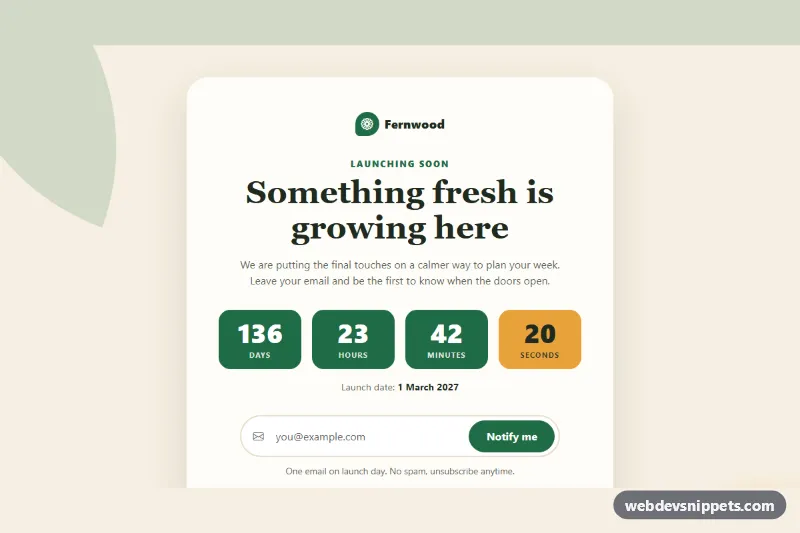
Bootstrap Coming Soon Page
Bootstrap 5 coming soon page with a live countdown from a data attribute, an email notify form with validation and social links in a centered card.
Launch and under-construction pages.
3 component(s)
Bootstrap 5 coming soon page with a live countdown from a data attribute, an email notify form with validation and social links in a centered card.
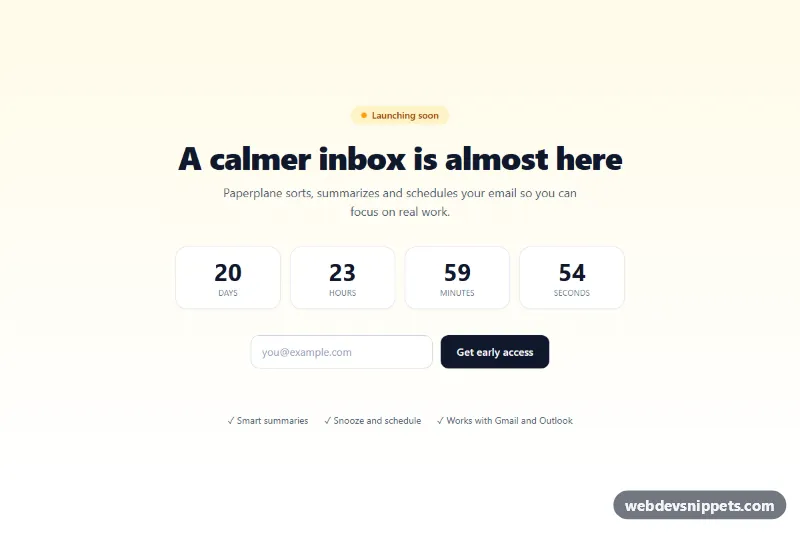
Full-page Tailwind CSS coming soon template with live countdown and email signup.
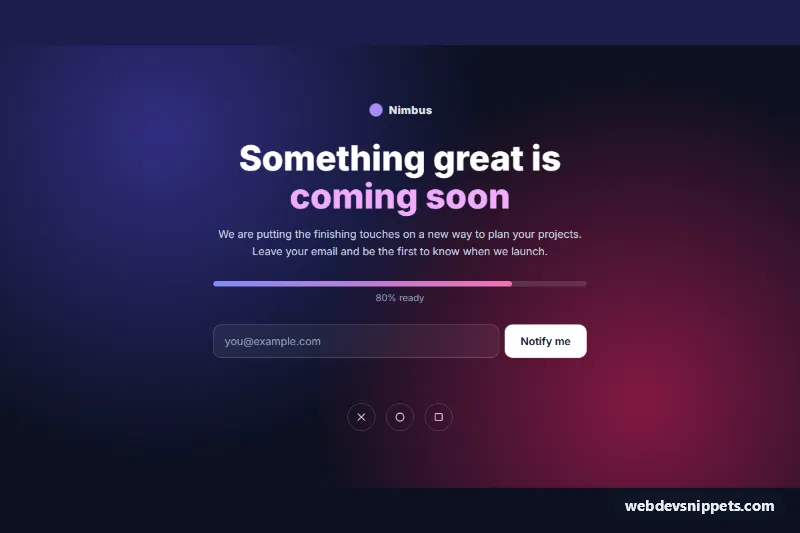
Full-page coming soon layout with progress bar and newsletter form.
A coming soon page is a placeholder shown while a website, product or feature is not yet launched. It tells visitors that something is on the way, often with a short description, a launch date or countdown and an email signup so interested people can be notified. Under-construction pages follow the same idea for a site that is being rebuilt. A good coming soon page template collects early interest instead of losing it.
The signup field needs a visible label or a properly associated label, plus clear success and error messages announced with role="status" or aria-live. Countdown digits should not be announced every second; provide a static text date as well. Check contrast when text sits on photos or gradients.
Each coming soon template includes a live preview, code tabs, a copy button and a download. Bootstrap 6 versions use the new alpha with theme-* colour roles, Bootstrap 5 versions use the grid and form controls, and Tailwind CSS and pure CSS versions stay minimal. Choose your stack with the framework filter, copy the files and connect the form to your mailing list provider.