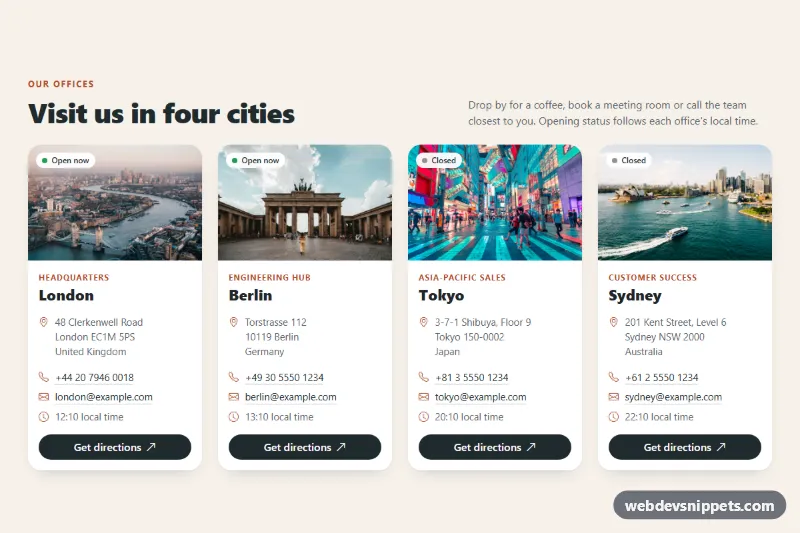
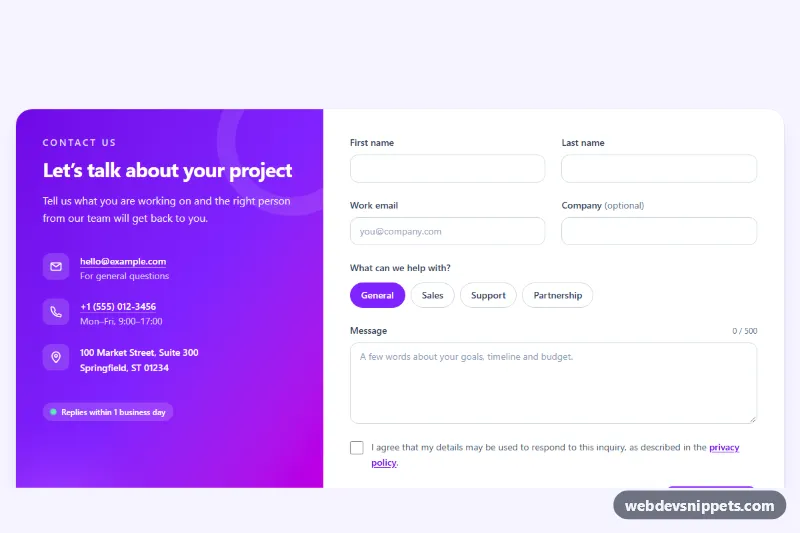
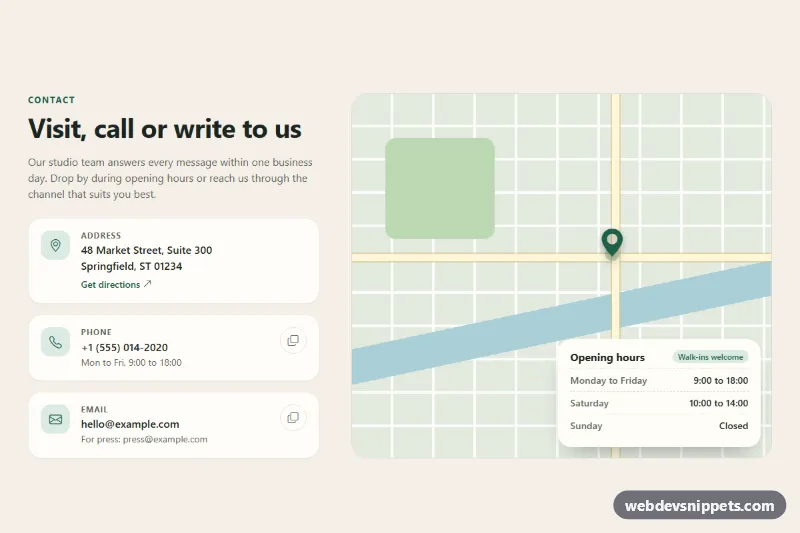
A Bootstrap 5 contact section that lists your offices as photo cards, each with a city image, address, phone number, email, live local time, an open or closed badge and a directions link. Use it on contact or about pages for companies with several locations.
How it works
The root is a section.ol-offices with a heading row and a Bootstrap grid of four columns (col-sm-6 col-lg-3), so the cards stack on phones, sit two by two on tablets and line up in one row on desktops. Each card is an article.ol-card with h-100, so all cards share the same height and the .ol-btn directions button is pushed to the bottom with mt-auto.
The top of each card is .ol-media, a 3:2 box holding the .ol-photo image with object-fit: cover and an empty .ol-status badge. The body contains the .ol-role label, the city name, a semantic address element and the .ol-contact list with tel: and mailto: links.
The script finds every .ol-offices root on DOMContentLoaded and reads data-tz, data-open and data-close from each card. It uses Intl.DateTimeFormat with the card's time zone to get the local weekday and time, writes the time into [data-ol-time], reveals the hidden .ol-clock row and sets the badge text to "Open now" or "Closed". The ol-status--open class turns the badge dot green. It repeats every 30 seconds. Without JavaScript, the badge stays hidden through :empty and the clock row keeps its hidden attribute, so the card still shows address, phone and directions.
Customization
data-tzon.ol-card: any IANA time zone such asAmerica/New_York; the local time and badge follow it.data-openanddata-closeon.ol-card: opening hours in whole hours (24-hour clock). Saturdays and Sundays always count as closed inscript.js.--ol-accentin.ol-offices: changes the eyebrow, role labels, icons, link underline on hover and the button hover color.--ol-bgand--ol-card: set the section background and card color.--ol-radius: rounds the card corners; set it to.5remfor a sharper look.aspect-ratio: 3 / 2in.ol-media: use16 / 9for a shorter photo band.col-lg-3on the card columns: change tocol-lg-4for three offices per row.- The
hrefof each.ol-btn: replace the map search query with your exact address or a place link.
The city photos come from Unsplash; replace them with photos of your own offices or cities.
Use cases
- Contact pages: four office cards show city photo, address, phone and email
- Multi-location companies: live local time and an Open now or Closed badge for each office
- About pages: a directions link on every card opens the map
- International teams: each office uses its own time zone and opening hours
- Mobile visitors: cards stack on phones and sit two by two on tablets
Accessibility
Each card is an article labelled by its city heading through aria-labelledby. Addresses use the address element, and decorative Bootstrap Icons have aria-hidden="true". The directions buttons contain visually hidden text naming the office and warning that the map opens in a new tab. All links show a 3 px outline with :focus-visible, and :focus-within lifts the active card. Photos have descriptive alt text. Under prefers-reduced-motion: reduce the card lift and photo zoom are switched off.
Usage notes
Requires Bootstrap 5 (added automatically) and Bootstrap Icons. Several .ol-offices sections can share one page because each root is handled separately.