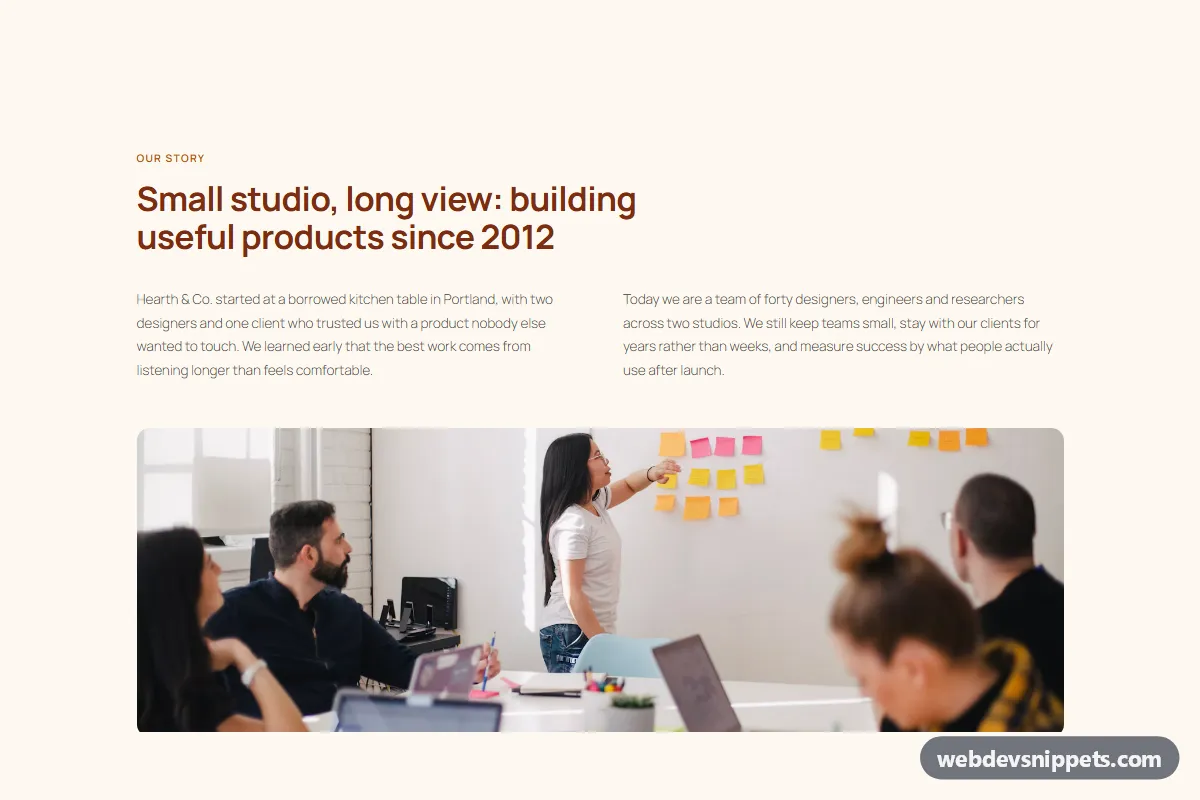
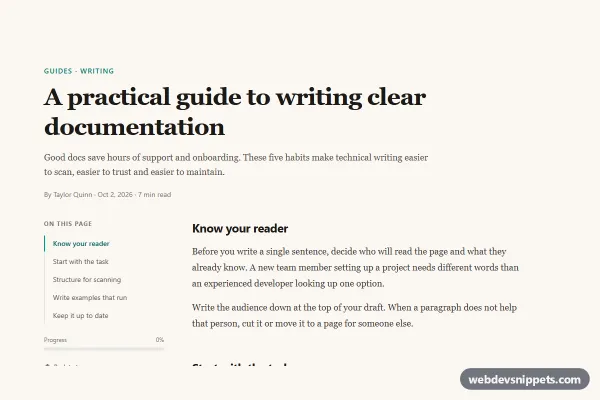
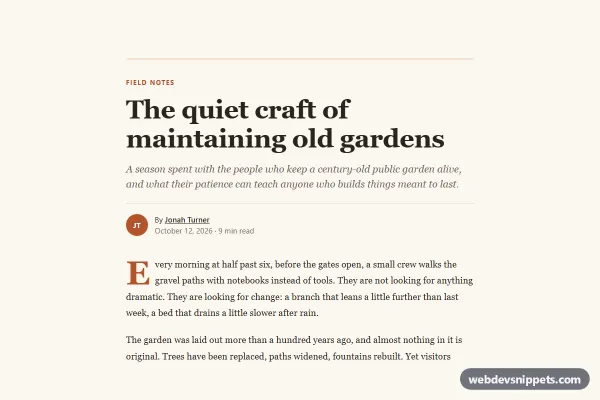
An about us section with a company story in two columns, a wide team photo and four milestone years, a warm company history layout for any business site.
Also known as: about us section, company history timeline, our story section, about page layout, company milestones block
An about us section that tells a company story in two columns, shows a wide team photo and ends with four milestone years, built as a WordPress block pattern with core blocks. It works as an "Our story" section on an about page or as a short company history timeline on the homepage of a studio, agency or small business.
How it works
The outer Group is full width with a warm cream #fdf8f0 background, 104px top and bottom padding and a constrained 1160px inner layout. At the top, a small uppercase "Our story" label and a 42px brown (#7c2d12) Heading sit in a Group limited to 720px, so the headline stays readable. A Columns block places the story in two Paragraphs side by side; on phones they stack. Below, an Image block shows the team in a 3:1 crop with 16px rounded corners. The milestone row is a Group with the Grid layout (4 columns, minimum width 9rem): each milestone is a Group with a 2px brown top border, a year Heading, a bold title and a short line of text. On phones the milestones form a tidy two-by-two grid.
Use cases
About pages of agencies and design studios: founding story plus key years
Small business and craft brands: a personal history that builds trust
Startup websites: from founding to funding rounds and team growth
Nonprofits: where the organization started and what it has achieved since
How to use it
Copy the block markup with the copy button.
In the block editor, click into an empty paragraph and paste.
Replace the headline, the story text, the photo and the four milestones with your own.
Customization
Background: select the outer Group, Color > Background, #fdf8f0.
Heading color: select the Heading and the year Headings, Color > Text, #7c2d12. The label above uses #b45309.
Photo: select the Image block and click Replace to upload your own team or workshop photo; the crop is set under Aspect ratio 3:1 with Scale "Cover", and the corners under Border > Radius 16px. The sample photo comes from Unsplash and should be replaced with your own image.
Story columns: the two Paragraphs use Typography > Size 17px and line height 1.75 in #57534e. Remove one Column for a single-column story.
Milestone line: select a milestone Group, Border > Top, 2px solid #7c2d12, with Dimensions > Padding top 24px.
Number of milestones: select the milestone Group row, Layout > Grid, 4 columns. Duplicate a milestone Group and set 5 columns, or remove one and set 3.
Accessibility
Brown #7c2d12 headings on cream reach about 9:1 contrast and the body text #57534e about 7:1. The photo has a descriptive alt text; update it when you replace the image. Years are headings, so the milestones can be reached with heading navigation.
About Us Story Section with Milestones at a glance
Can I use the About Us Story Section with Milestones code for free?
Yes. You can copy or download the block markup and use it in personal and commercial projects, including client work. No sign-up is needed. Reselling it as part of a component library or template collection is not allowed; see the license.
How do I add it to my WordPress site?
Copy the block markup, open a page in the block editor, click into an empty paragraph and paste. WordPress turns it into regular blocks that you can edit like any other content. You can also paste it in the Code editor view (Options menu > Code editor).
Does it need a page builder or plugin?
No. The pattern is built only from core blocks such as Group, Columns, Heading, Image and Buttons, so it works without Elementor, Spectra, Kadence or any other plugin. Colors and spacing are set on the blocks themselves; headings and text use your theme's fonts.
Will it look the same in my theme?
The layout, colors and spacing come with the blocks, so they carry over. Fonts, link styles and the content width follow your theme, so small differences are normal. The live demo shows the pattern in the default Twenty Twenty-Five theme. It works best with block themes; in classic themes the block editor still renders it, with your theme's styles.
Does it work on mobile?
Yes. The layout adapts to small screens. Use the Mobile and Tablet buttons above the live demo to check it at phone and tablet width.
How to install
Copy the block markup above.
Open a page or post in the WordPress block editor, click into an empty paragraph and paste. The editor turns the markup into blocks.
Replace the sample text and images. To reuse it, select the blocks and choose Create pattern from the block toolbar menu.
Uses only core WordPress blocks, so no plugin is needed. Tested with WordPress 6.8 and later. Fonts come from your theme; the live demo uses the default Twenty Twenty-Five theme. WebDevSnippets is not affiliated with or endorsed by the WordPress Foundation.
About Us Story Section with Milestones · free WordPress content section template