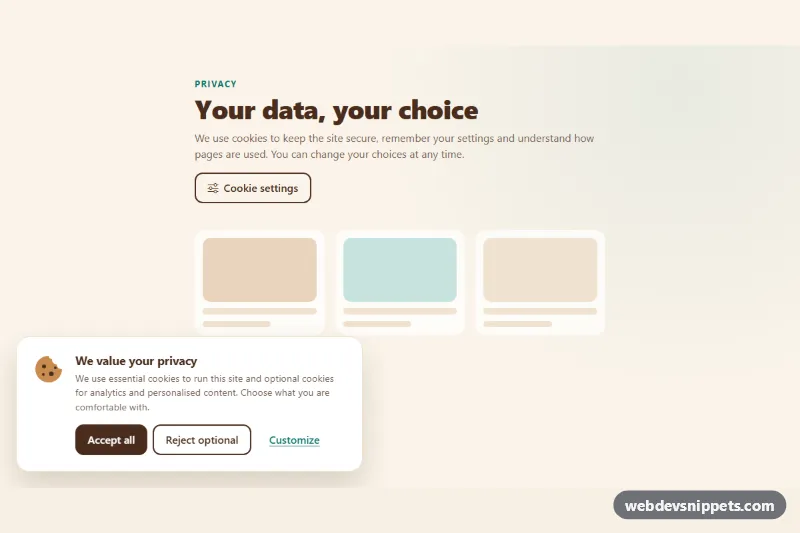
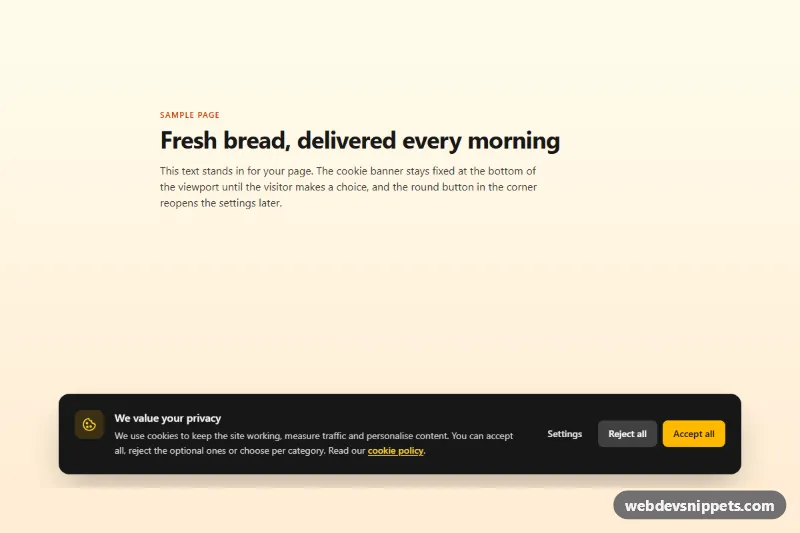
A Bootstrap 5 cookie consent pattern made of a floating banner and a full preferences modal. Visitors can accept everything, reject optional cookies in one click or open a dialog with per-category switches and cookie tables, which is the layout most privacy regulations expect.
How it works
The root .ckp-consent contains a short demo page with a Cookie settings button, the fixed .ckp-banner in the bottom-left corner and the #ckp-modal Bootstrap modal. Inside the modal each .ckp-cat row has an icon, a description and a form-switch whose input carries data-ckp-category. The "Strictly necessary" switch is checked and disabled. Each optional category has a .ckp-more toggle that opens a Bootstrap collapse with a .ckp-table listing cookie names, purposes and lifetimes.
Every button with data-ckp-action calls apply(): accept turns all categories on, reject turns them off and save reads the current switches. The result is stored as JSON under the key from data-ckp-key, the banner is hidden, .ckp-status shows a summary and a ckp:change event is dispatched with the choices in event.detail. When the modal opens (show.bs.modal), the switches are reset to the saved state so unsaved toggles are discarded. On the next visit a stored choice hides the banner straight away. Storage access is wrapped in try/catch, so the component still works where localStorage is blocked.
Customization
--ckp-cocoaand--ckp-creamon.ckp-consentinstyle.css: change the button color and the modal and page background.--ckp-accentand--ckp-accent-rgb: recolor the active switches, links and focus rings.data-ckp-keyon.ckp-consent: change the storage key, for example to reset consent after you update your policy.- Add a category by copying a
.ckp-catitem with a newdata-ckp-categoryvalue and adding a label for it toLABELSinscript.js. max-width: 520pxin.ckp-banner: widen the banner, or setright: 1.5remin themin-width: 576pxmedia query to stretch it into a full-width bar.- Listen for
ckp:changeon the page and load analytics or marketing scripts only whenevent.detail.analyticsorevent.detail.marketingistrue. - Remove the
.ckp-mockplaceholder block when you drop the component into a real page.
Accessibility
The banner is a labelled role="region". The modal uses aria-labelledby and aria-describedby, and Bootstrap traps focus and restores it on close; if the banner trigger has disappeared, focus moves to the Cookie settings button. Switches use role="switch", real labels and aria-describedby pointing to their descriptions. The .ckp-more toggles expose aria-expanded and aria-controls, and the tables have hidden captions and scope="col" headers. .ckp-status is a live region. The banner slide-in and chevron rotation are disabled under prefers-reduced-motion.
Usage notes
Requires Bootstrap 5 with its JS bundle (added automatically) and Bootstrap Icons. If you use more than one instance, give each modal a unique id and update the matching data-bs-target values.