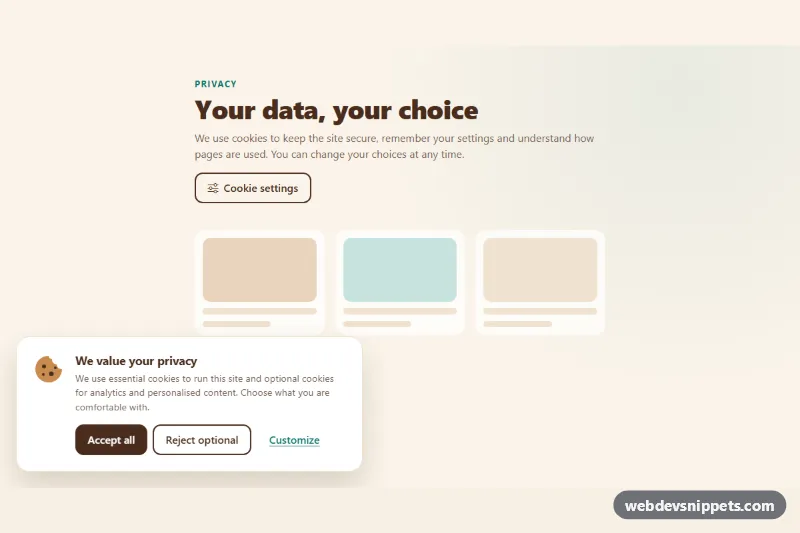
Cookie Preferences Modal
Bootstrap 5 cookie consent banner with a preferences modal: category switches, collapsible cookie tables, accept, reject and save actions, stored safely in localStorage.
Cookie consent bars and dialogs.
2 component(s)
Bootstrap 5 cookie consent banner with a preferences modal: category switches, collapsible cookie tables, accept, reject and save actions, stored safely in localStorage.
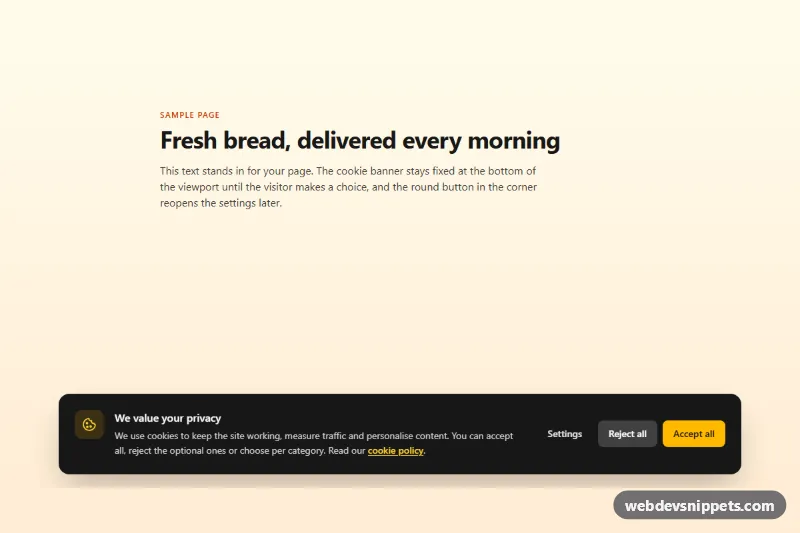
Tailwind CSS cookie consent banner with accept, reject and a settings dialog with category switches, saved to localStorage with a consent event.
A cookie banner, or cookie consent bar, informs visitors that a website uses cookies or similar technologies and lets them accept, reject or customise their choices. Depending on the laws that apply to a site, such as the GDPR and ePrivacy rules in the EU, consent may be required before non-essential cookies for analytics or advertising are set. Banners appear as bars along the bottom or top of the screen, as corner boxes, or as dialogs with detailed category settings.
Give the banner a landmark or dialog role with a clear label, such as role="region" with aria-label="Cookie consent", or a <dialog> if it blocks the page. Buttons must be reachable by keyboard and have visible focus. If the banner is modal, move focus into it and keep it there until a choice is made. Check contrast for both buttons and the body text.
These cookie consent banner HTML CSS examples are available in Bootstrap 6, Bootstrap 5, Tailwind CSS and pure CSS. They provide the interface and a small script that stores the choice; you still connect the categories to your own scripts and check the wording against the rules that apply to you. Bootstrap 6 dialog versions use the native <dialog> element. Preview them live, then copy the code from the code tabs or download it.