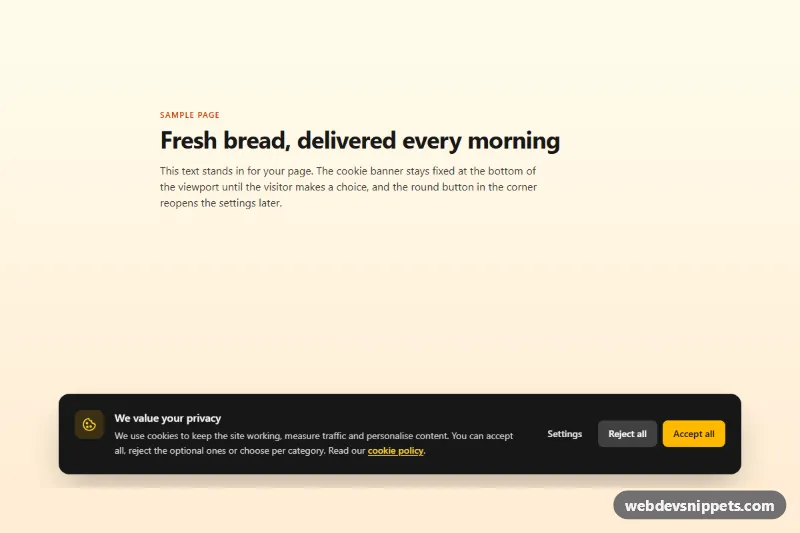
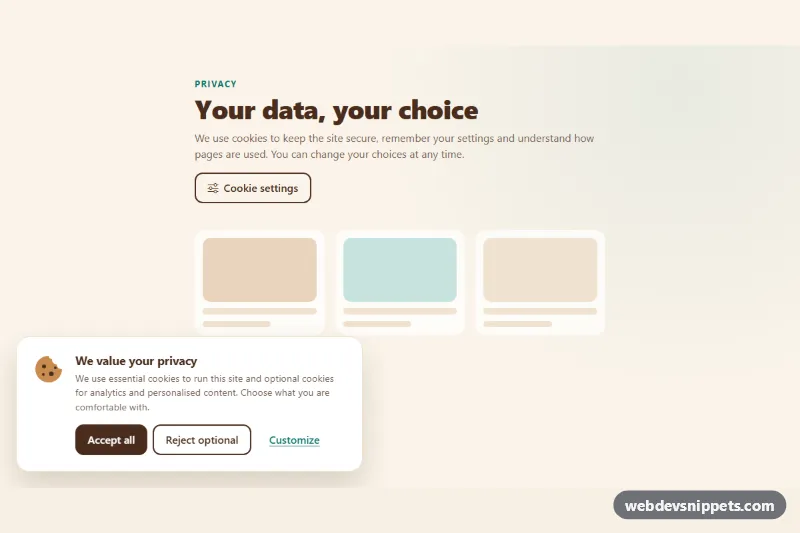
A GDPR-style cookie consent banner built with Tailwind CSS and vanilla JavaScript. A dark card slides up from the bottom of the screen with Accept all, Reject all and Settings buttons; Settings opens a dialog with per-category switches. The choice is saved in localStorage, and a small round button lets visitors change it later. Use it on marketing sites, shops and blogs that load analytics or advertising scripts.
How it works
The root is .tcb-root. It contains the .tcb-banner section (data-tcb-banner), the .tcb-dialog overlay (data-tcb-dialog) with the #tcb-dialog panel, and the floating data-tcb-reopen button. All three start hidden.
On DOMContentLoaded the script reads the stored record under data-tcb-storage-key. If no record exists, or its version differs from data-tcb-version, the banner is shown; otherwise the saved switches are restored and only the reopen button appears. One delegated click listener on the root handles every action: data-tcb-accept turns every category on, data-tcb-reject turns optional ones off, and data-tcb-save stores the current state of the data-tcb-category switches. Saving writes { version, date, categories }, hides the banner and dialog and dispatches a bubbling tcb:consent event whose detail holds the categories, so you can load scripts only after consent.
The dialog locks page scrolling, traps Tab inside the panel, closes on Escape, on the backdrop and on the close icon (data-tcb-close), and returns focus to the button that opened it.
Customization
data-tcb-storage-keyon.tcb-root: thelocalStoragekey, useful when several sites share a domain.data-tcb-versionon.tcb-root: increase it when your cookie policy changes to ask every visitor again.- Add a category by copying a list item in the dialog and giving its switch a new
data-tcb-categoryvalue, for examplesocial. bg-neutral-900on the banner card and#tcb-dialog: usebg-whitewith dark text for a light theme.bg-amber-400andpeer-checked:bg-amber-400: swapamberfor your brand color on buttons and switches.max-w-5xlon the banner card: usemax-w-mdand addsm:left-autoto.tcb-bannerfor a compact corner popup.- Listen for
tcb:consentondocumentand checkevent.detail.analyticsbefore injecting a tracking script.
Accessibility
The banner is a labelled section and does not steal focus. The settings panel uses role="dialog", aria-modal="true", aria-labelledby and aria-describedby; the Settings and reopen buttons expose aria-haspopup="dialog" and aria-controls. Each switch is a native checkbox with role="switch", labelled and described by its category text, with a visible focus ring drawn on the track. The reopen icon has an aria-label, and a role="status" region confirms that preferences were saved. Accept and Reject have equal visual weight, and animations are disabled under prefers-reduced-motion: reduce.
Usage notes
Without JavaScript the banner stays hidden, which is safe as long as optional scripts are only loaded from the tcb:consent handler. To test the banner again, delete the tcb-consent entry from local storage in your browser's developer tools.